ThumbnailCreator vs ThinkDiffusion
In the clash of ThumbnailCreator vs ThinkDiffusion, which AI Image Generation tool emerges victorious? We assess reviews, pricing, alternatives, features, upvotes, and more.
When we put ThumbnailCreator and ThinkDiffusion head to head, which one emerges as the victor?
Let's take a closer look at ThumbnailCreator and ThinkDiffusion, both of which are AI-driven image generation tools, and see what sets them apart. The users have made their preference clear, ThumbnailCreator leads in upvotes. ThumbnailCreator has attracted 100 upvotes from aitools.fyi users, and ThinkDiffusion has attracted 21 upvotes.
Feeling rebellious? Cast your vote and shake things up!
ThumbnailCreator


What is ThumbnailCreator?
ThumbnailCreator turns a YouTube video link or text prompt into click-ready thumbnail images in about 30 seconds. Paste a URL and the tool reads the transcript, scans key frames, and returns multiple layout concepts tuned to your video topic. YouTube creators use it when they need fresh cover art without opening Photoshop or hiring a designer for every upload.
Unlike template editors like Canva, ThumbnailCreator starts from your actual video content rather than blank canvases. It also bundles face swap, expression morphing, and an AI Viral Clips workflow that cuts long uploads into Shorts and Reels hooks, features most general design tools do not ship in one subscription.
Solo creators posting one or two videos a week can stay on the Starter plan at $17 per month, while agencies managing multiple channels move to Teams for batch variations and API access. The site lists 15,000+ active creators and a 7-day trial with 10 free credits, no credit card required on signup.
ThinkDiffusion
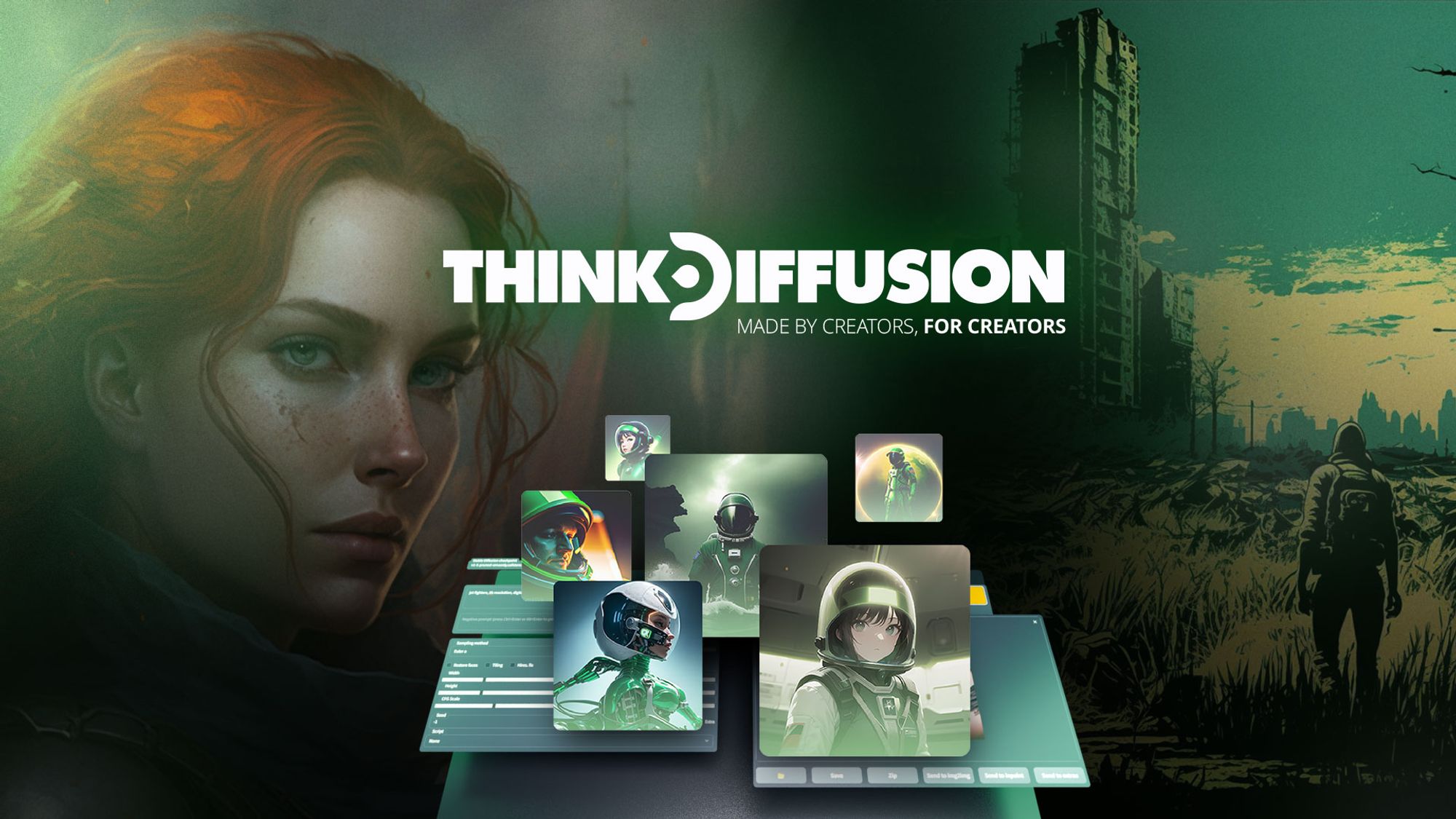
What is ThinkDiffusion?
ThinkDiffusion is a cloud image generation workspace that runs open source tools like Automatic1111, ComfyUI, Fooocus, Forge, and Kohya in your browser. You get a dedicated GPU machine with private storage, so you can generate images, train LoRAs, and build video workflows without installing Python, CUDA drivers, or buying local hardware.
Unlike closed tools such as Midjourney or DALL-E, ThinkDiffusion gives you the full open source stack with no restrictions on models, extensions, or custom nodes. You can upload checkpoints from Civitai, install any Automatic1111 extension, load ComfyUI workflows from JSON, and launch multiple machines at once, even from a phone.
It fits digital artists, fashion designers, creative agencies, and university programs that need pro-level Stable Diffusion, Flux, Hunyuan, and Wan video tools without maintaining their own GPU rig. Hobby users pay hourly GPU rates, while TD-PRO subscribers get 200 GB persistent storage and discounted machine pricing.
ThumbnailCreator Upvotes
ThinkDiffusion Upvotes
ThumbnailCreator Top Features
Paste a YouTube URL and get multiple thumbnail concepts in about 30 seconds
1 credit equals 1 AI thumbnail; Lite plan starts at $8 per month after a 7-day trial
Creator plan at $33 per month includes Advanced Face Training and person swap
Auto-Optimize and variation generator on Starter ($17/mo) and higher tiers
Export at YouTube-optimized resolution or upload directly to your channel
AI Viral Clips finds hook moments in long videos for Shorts, TikTok, and Reels
ThinkDiffusion Top Features
Five open source UIs in one workspace: Automatic1111, ComfyUI, Fooocus, Forge, and Kohya
Dedicated GPU tiers from 16GB VRAM at $0.99/hr up to 48GB VRAM at $2.50/hr
Upload models from Civitai or Hugging Face with one click, no subscription required
200 GB persistent storage on TD-PRO ($19.99/mo yearly) with files accessible 24/7
Launch unlimited machines simultaneously across browser tabs, including mobile
50+ preloaded models plus extensions like ControlNet, AnimateDiff, and ReActor
ThumbnailCreator Category
- Image Generation
ThinkDiffusion Category
- Image Generation
ThumbnailCreator Pricing Type
- Freemium
ThinkDiffusion Pricing Type
- Freemium