TinaMind vs Cmd J – ChatGPT for Chrome
In the clash of TinaMind vs Cmd J – ChatGPT for Chrome, which AI Writing Assistant tool emerges victorious? We assess reviews, pricing, alternatives, features, upvotes, and more.
When we put TinaMind and Cmd J – ChatGPT for Chrome head to head, which one emerges as the victor?
Let's take a closer look at TinaMind and Cmd J – ChatGPT for Chrome, both of which are AI-driven writing assistant tools, and see what sets them apart. Cmd J – ChatGPT for Chrome is the clear winner in terms of upvotes. Cmd J – ChatGPT for Chrome has 46 upvotes, and TinaMind has 6 upvotes.
Disagree with the result? Upvote your favorite tool and help it win!
TinaMind
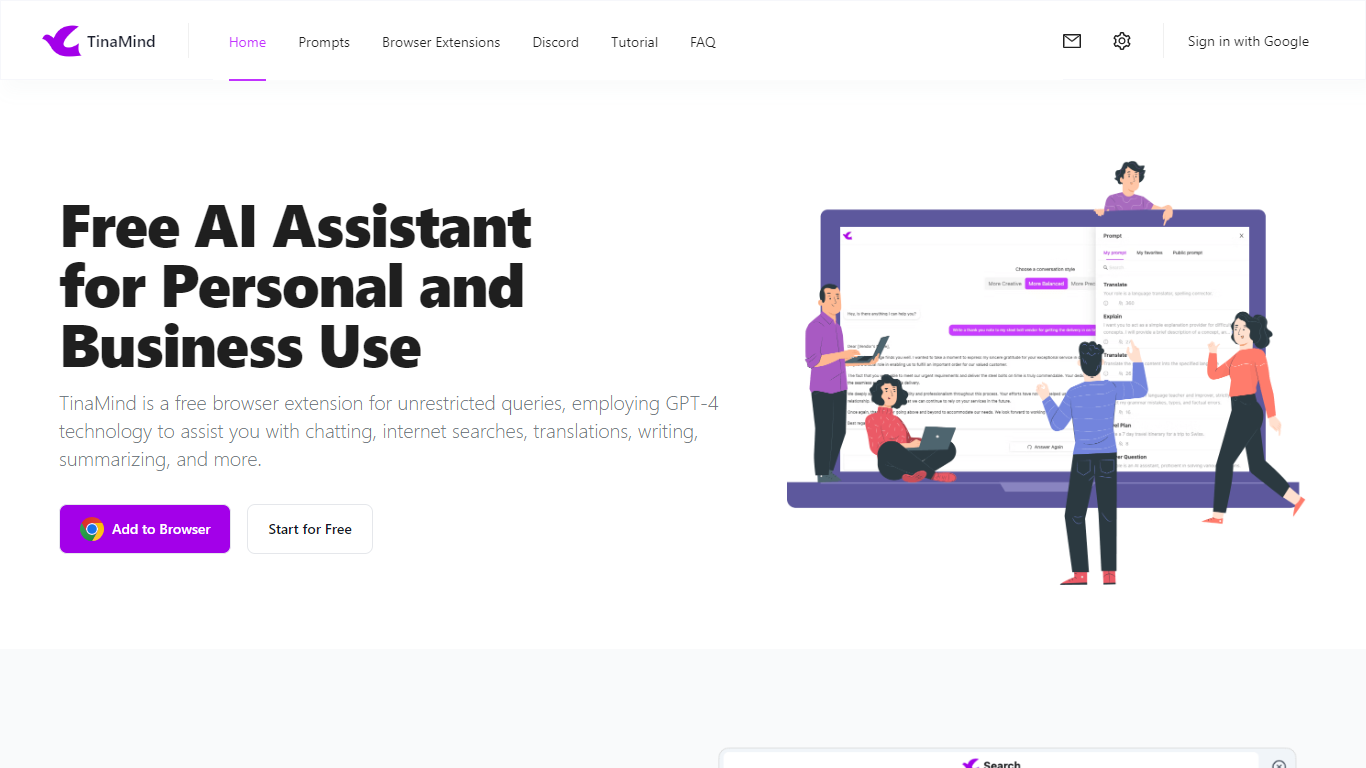

What is TinaMind?
TinaMind is an all-in-one workspace for thinking, writing, and collaborating. The platform centers on WiseInks, a unified app for chat, mind maps, whiteboards, and documents, plus Chrome extensions and TubeLens, a YouTube learning assistant that keeps research and creation in one ecosystem.
WiseInks combines four modules you can switch between without losing context: conversational AI that remembers your files, XMind-compatible mind maps, infinite whiteboards for real-time collaboration, and smart documents with collaborative editing. The idea is to move from brainstorm to visual plan to finished output in one place.
The TinaMind browser extension turns any webpage into a working surface. It summarizes articles, builds mind maps from page content, translates text, drafts emails, analyzes PDF and Office documents, and connects to GPT, Gemini, and Claude through a library of 800+ prompts.
TubeLens extends that workflow to YouTube with structured video summaries, mind maps from video content, comment sentiment analysis, and natural-language video search. Videos of any length or language are supported.
TinaMind, Inc. built the platform for professionals, creators, students, and teams who want research, brainstorming, and content output together rather than across separate chat, notes, and design tools.
Cmd J – ChatGPT for Chrome
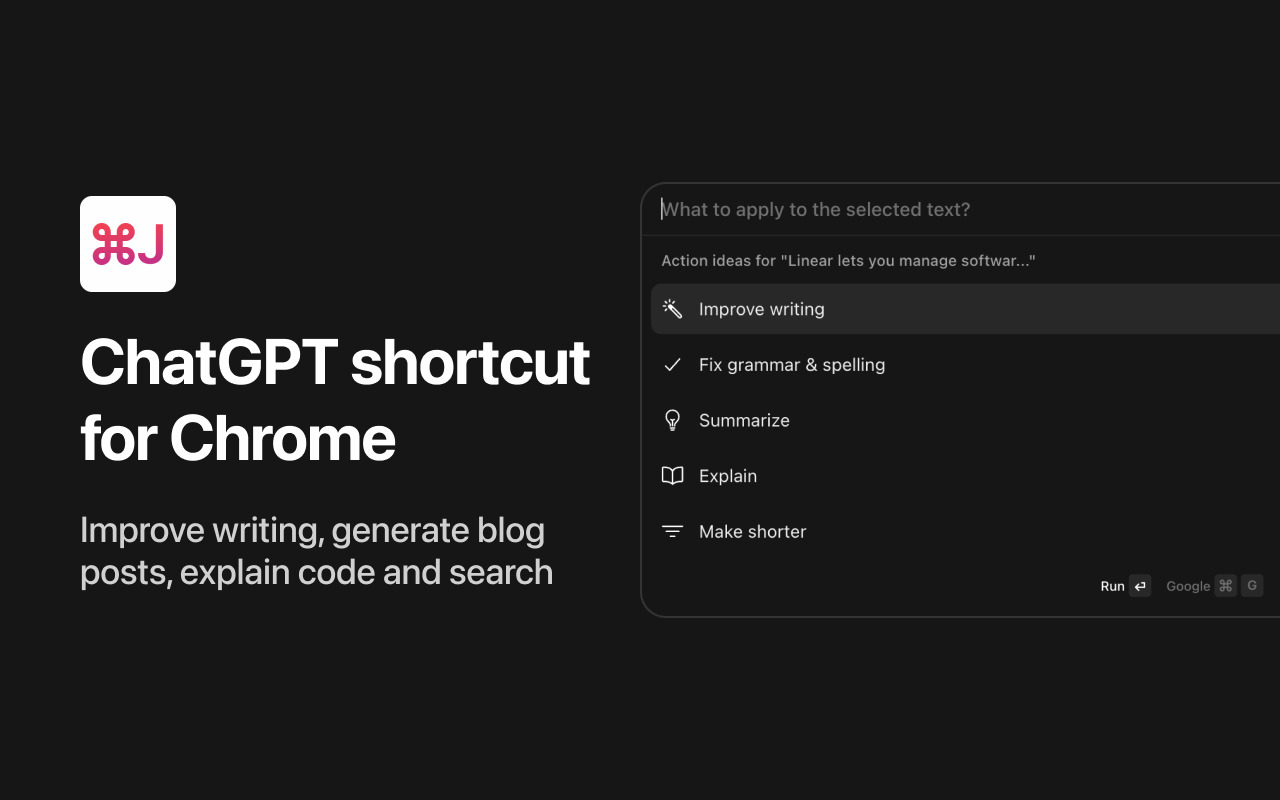
What is Cmd J – ChatGPT for Chrome?
The CmdJ app allows you to use ChatGPT on any tab without the hassle of copy-pasting. It's like Notion AI, but for any product.
TinaMind Upvotes
Cmd J – ChatGPT for Chrome Upvotes
TinaMind Top Features
Four WiseInks modules in one workspace: chat, mind maps, whiteboards, and documents
XMind-compatible mind maps with export and import across your workflow
Chrome extension summarizes webpages, analyzes documents, and transcribes audio up to 20MB
TubeLens pulls structured summaries and mind maps from any YouTube video
800+ prompt library with one-click hooks into ChatGPT, Gemini, and Claude
Personal knowledge base links conversations, documents, and web research
Paid tiers unlock GPT-5, Gemini 3.1 Pro, and Claude 4.6 Sonnet for advanced queries
Cmd J – ChatGPT for Chrome Top Features
No top features listedTinaMind Category
- Writing Assistant
Cmd J – ChatGPT for Chrome Category
- Writing Assistant
TinaMind Pricing Type
- Freemium
Cmd J – ChatGPT for Chrome Pricing Type
- Free