TinaMind vs JotBot AI
In the contest of TinaMind vs JotBot AI, which AI Writing Assistant tool is the champion? We evaluate pricing, alternatives, upvotes, features, reviews, and more.
If you had to choose between TinaMind and JotBot AI, which one would you go for?
When we examine TinaMind and JotBot AI, both of which are AI-enabled writing assistant tools, what unique characteristics do we discover? The upvote count reveals a draw, with both tools earning the same number of upvotes. Every vote counts! Cast yours and contribute to the decision of the winner.
Does the result make you go "hmm"? Cast your vote and turn that frown upside down!
TinaMind
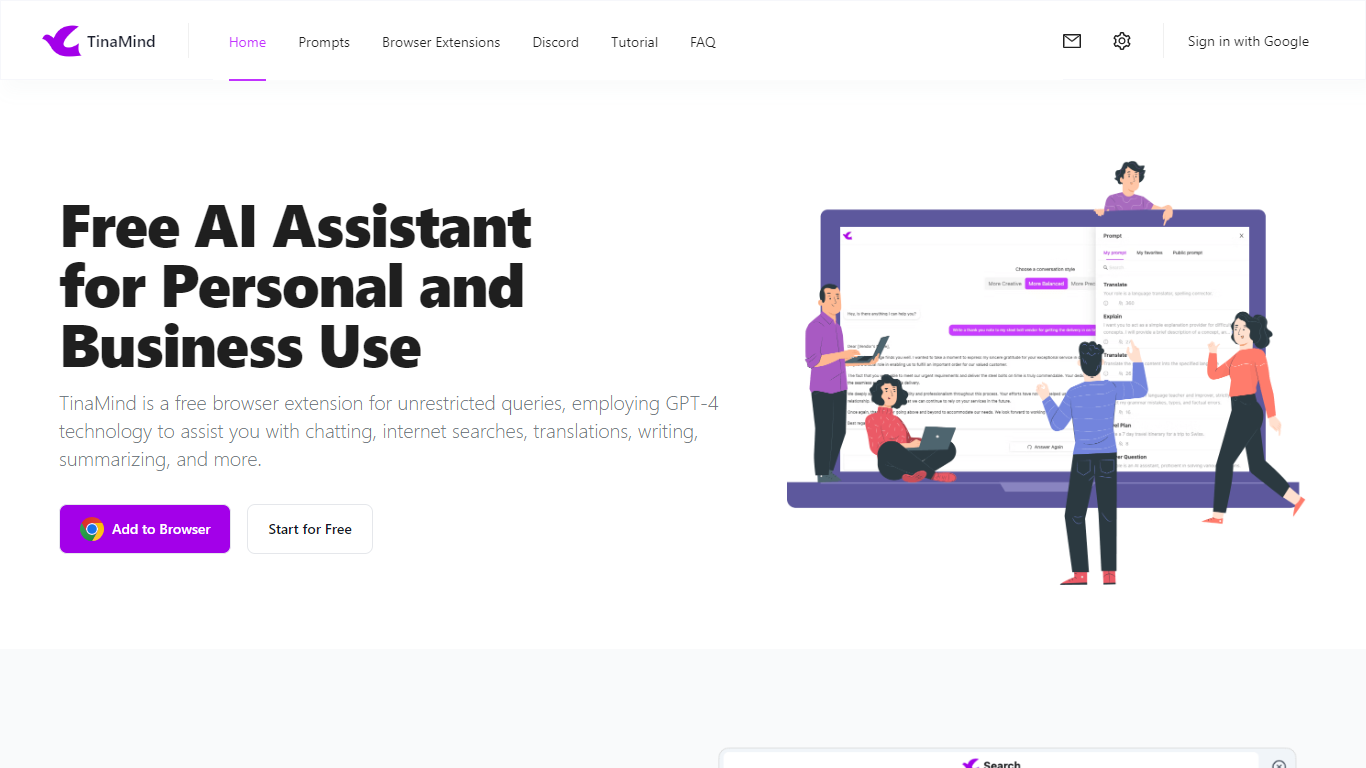

What is TinaMind?
TinaMind is an all-in-one workspace for thinking, writing, and collaborating. The platform centers on WiseInks, a unified app for chat, mind maps, whiteboards, and documents, plus Chrome extensions and TubeLens, a YouTube learning assistant that keeps research and creation in one ecosystem.
WiseInks combines four modules you can switch between without losing context: conversational AI that remembers your files, XMind-compatible mind maps, infinite whiteboards for real-time collaboration, and smart documents with collaborative editing. The idea is to move from brainstorm to visual plan to finished output in one place.
The TinaMind browser extension turns any webpage into a working surface. It summarizes articles, builds mind maps from page content, translates text, drafts emails, analyzes PDF and Office documents, and connects to GPT, Gemini, and Claude through a library of 800+ prompts.
TubeLens extends that workflow to YouTube with structured video summaries, mind maps from video content, comment sentiment analysis, and natural-language video search. Videos of any length or language are supported.
TinaMind, Inc. built the platform for professionals, creators, students, and teams who want research, brainstorming, and content output together rather than across separate chat, notes, and design tools.
JotBot AI
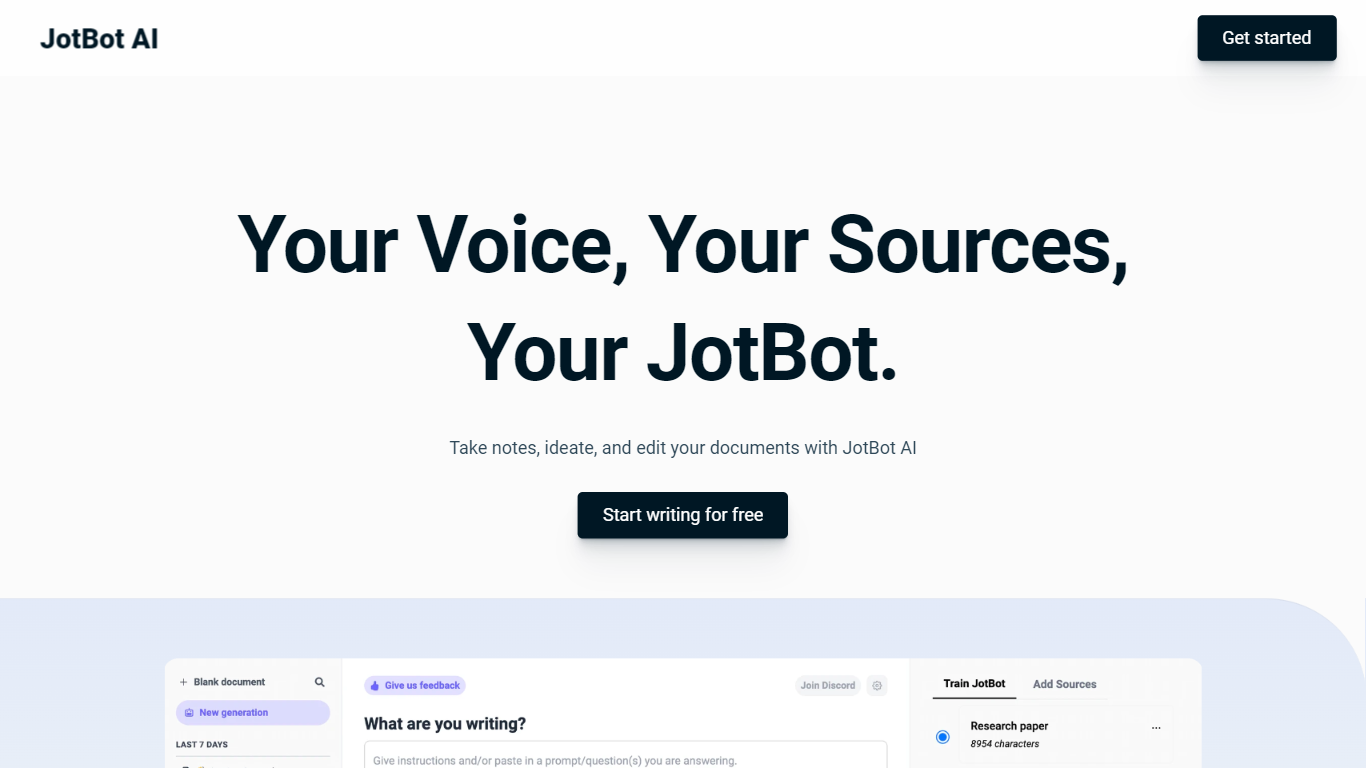
What is JotBot AI?
JotBot AI is an AI-powered writing assistant designed to enhanse your writing experience by emulating your unique style. Using Language Style Matching (LSM) technology, JotBot AI analyzes and replicates your tone, sentence structure, and preferences. For a detailed jotbot ai review, this tool goes beyond style matching; it also offers real-time note-taking, allowing you to transcribe lectures, meetings, and conversations instantly, or receive summary notes from video uploads in seconds.
JotBot AI includes advanced editing tools for instant rewording, summarizing, and style adjustments of any highlighted text. Its integration capabilities allow it to understand documents, incorporate source material, and even scrape online information, citing sources in any required format. This makes it a powerful ally for students and professionals alike.
Additionally, JotBot AI can help overcome writer's block. Simply typing "++" promps JotBot AI to continue writing from where you paused. It's a comprehensive tool for anyone wanting to write efficiently and effectively while maintaining their personal voice.
TinaMind Upvotes
JotBot AI Upvotes
TinaMind Top Features
Four WiseInks modules in one workspace: chat, mind maps, whiteboards, and documents
XMind-compatible mind maps with export and import across your workflow
Chrome extension summarizes webpages, analyzes documents, and transcribes audio up to 20MB
TubeLens pulls structured summaries and mind maps from any YouTube video
800+ prompt library with one-click hooks into ChatGPT, Gemini, and Claude
Personal knowledge base links conversations, documents, and web research
Paid tiers unlock GPT-5, Gemini 3.1 Pro, and Claude 4.6 Sonnet for advanced queries
JotBot AI Top Features
Personal Writing Style Mimicry: Analyzes your writing style and emulates it closely using Language Style Matching (LSM).
Real-Time Note-Taking: Automatically generates transcripts and descriptive notes from live or recorded speech.
Source Integration and Citation: Reads texts, understands documents, and includes information from various sources, citing them appropriately.
Advanced Editing Tools: Offers immediate editing options like rewording, summarizing, and changing text style based on user inputs.
Writer's Block Solution: Allows JotBot to continue writing for you when you're stuck, ensuring a smooth writing process.
TinaMind Category
- Writing Assistant
JotBot AI Category
- Writing Assistant
TinaMind Pricing Type
- Freemium
JotBot AI Pricing Type
- Freemium