TinaMind vs Notion AI
In the face-off between TinaMind vs Notion AI, which AI Writing Assistant tool takes the crown? We scrutinize features, alternatives, upvotes, reviews, pricing, and more.
In a face-off between TinaMind and Notion AI, which one takes the crown?
If we were to analyze TinaMind and Notion AI, both of which are AI-powered writing assistant tools, what would we find? The upvote count favors Notion AI, making it the clear winner. Notion AI has attracted 9 upvotes from aitools.fyi users, and TinaMind has attracted 6 upvotes.
Think we got it wrong? Cast your vote and show us who's boss!
TinaMind
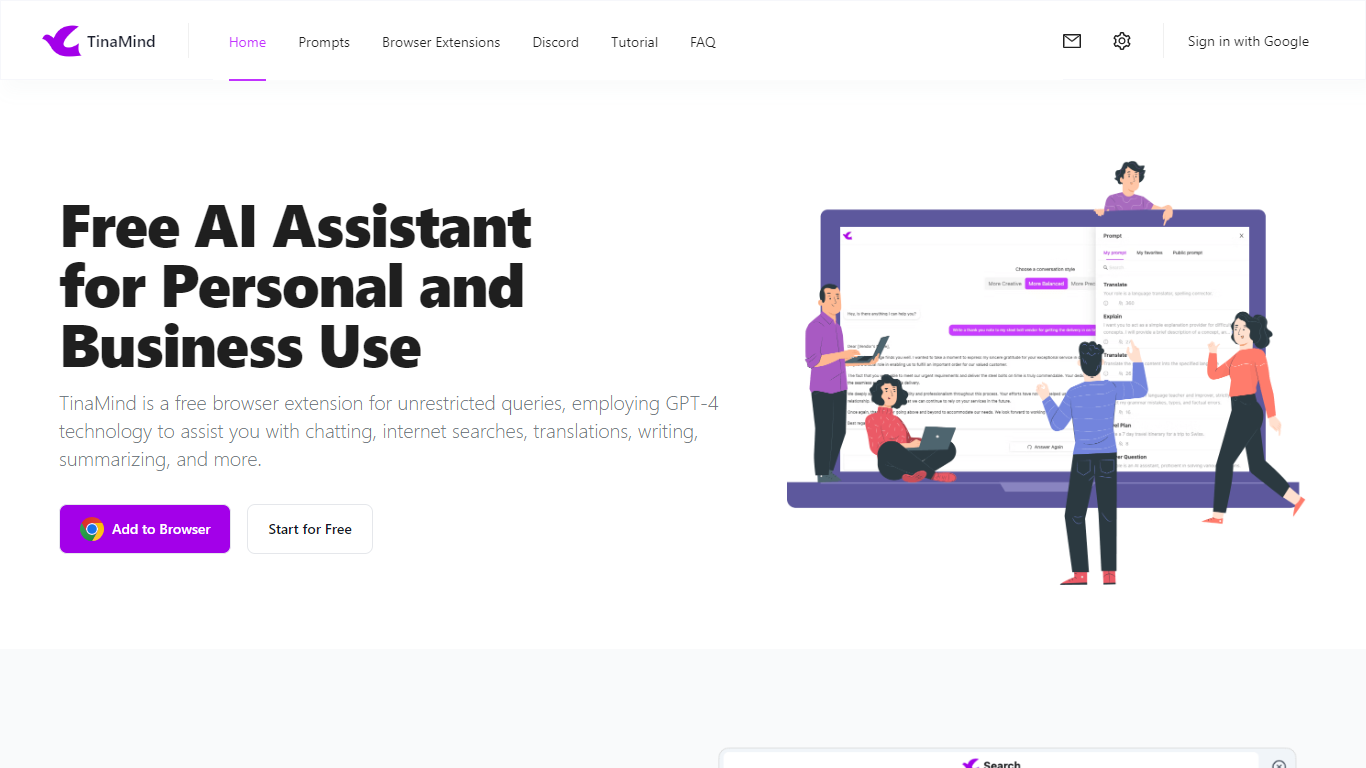

What is TinaMind?
TinaMind is an all-in-one workspace for thinking, writing, and collaborating. The platform centers on WiseInks, a unified app for chat, mind maps, whiteboards, and documents, plus Chrome extensions and TubeLens, a YouTube learning assistant that keeps research and creation in one ecosystem.
WiseInks combines four modules you can switch between without losing context: conversational AI that remembers your files, XMind-compatible mind maps, infinite whiteboards for real-time collaboration, and smart documents with collaborative editing. The idea is to move from brainstorm to visual plan to finished output in one place.
The TinaMind browser extension turns any webpage into a working surface. It summarizes articles, builds mind maps from page content, translates text, drafts emails, analyzes PDF and Office documents, and connects to GPT, Gemini, and Claude through a library of 800+ prompts.
TubeLens extends that workflow to YouTube with structured video summaries, mind maps from video content, comment sentiment analysis, and natural-language video search. Videos of any length or language are supported.
TinaMind, Inc. built the platform for professionals, creators, students, and teams who want research, brainstorming, and content output together rather than across separate chat, notes, and design tools.
Notion AI
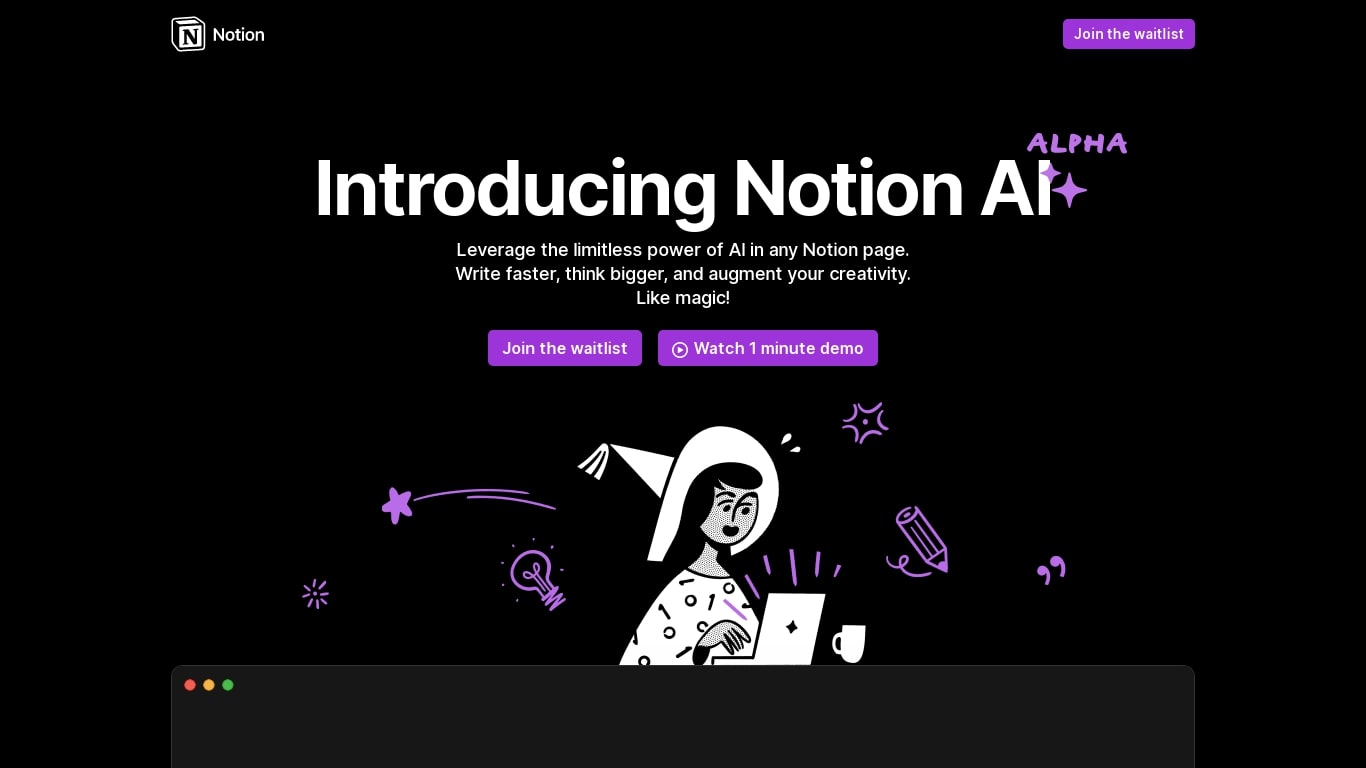
What is Notion AI?
Notion AI is a writing and workflow assistant built into Notion workspaces. It runs inside pages, docs, tasks, and databases so teams can draft content, search connected apps, and automate recurring work without leaving Notion.
Compared with standalone chat tools, Notion AI is tied to your workspace context. Notion Agent can build and edit pages, Custom Agents run on schedules or triggers across Slack and other connectors, and Enterprise Search pulls answers from Slack, Google Drive, and GitHub in seconds.
Business and Enterprise plans include core AI features like AI Meeting Notes and Enterprise Search. Custom Agents are free on those plans through May 3, 2026, then bill at $10 per 1,000 Notion credits. Free workspaces get trial AI usage for doc generation and database autofill.
TinaMind Upvotes
Notion AI Upvotes
TinaMind Top Features
Four WiseInks modules in one workspace: chat, mind maps, whiteboards, and documents
XMind-compatible mind maps with export and import across your workflow
Chrome extension summarizes webpages, analyzes documents, and transcribes audio up to 20MB
TubeLens pulls structured summaries and mind maps from any YouTube video
800+ prompt library with one-click hooks into ChatGPT, Gemini, and Claude
Personal knowledge base links conversations, documents, and web research
Paid tiers unlock GPT-5, Gemini 3.1 Pro, and Claude 4.6 Sonnet for advanced queries
Notion AI Top Features
Notion Agent completes multi-step tasks using workspace and connected app context
Custom Agents automate Slack Q&A, task routing, and project updates on schedules
Enterprise Search queries Slack, Google Drive, GitHub, and other connected apps
AI Meeting Notes transcribe conversations and summarize follow-ups without a bot
Business plan at $20 per member per month includes Notion Agent and core AI features
Custom Agents priced at $10 per 1,000 credits starting May 4, 2026 on Business plans
TinaMind Category
- Writing Assistant
Notion AI Category
- Writing Assistant
TinaMind Pricing Type
- Freemium
Notion AI Pricing Type
- Freemium