Tome vs Beautiful AI
Compare Tome vs Beautiful AI and see which AI Presentation tool is better when we compare features, reviews, pricing, alternatives, upvotes, etc.
Which one is better? Tome or Beautiful AI?
When we compare Tome with Beautiful AI, which are both AI-powered presentation tools, The users have made their preference clear, Tome leads in upvotes. The number of upvotes for Tome stands at 6, and for Beautiful AI it's 4.
Not your cup of tea? Upvote your preferred tool and stir things up!
Tome


What is Tome?
Tome is a revolutionary platform designed to reshape and share ideas in a more streamlined and efficient manner. It offers a unique medium that stands apart from traditional decks, documents, or splash pages. Instead, Tome provides a fluid, multimedia canvas that is optimized for today's web-based communication, ensuring that it looks impeccable on any screen.
Use Cases:
Tome is versatile and caters to a wide range of users, from founders and entrepreneurs to educators and creatives. It offers templates for various purposes, such as fundraising pitches, product design reviews, sales pitches, and more.
Testimonials from users highlight Tome's ability to make sharing ideas more fluid and interactive, its intuitive design capabilities, and its time-saving features.
Beautiful AI
What is Beautiful AI?
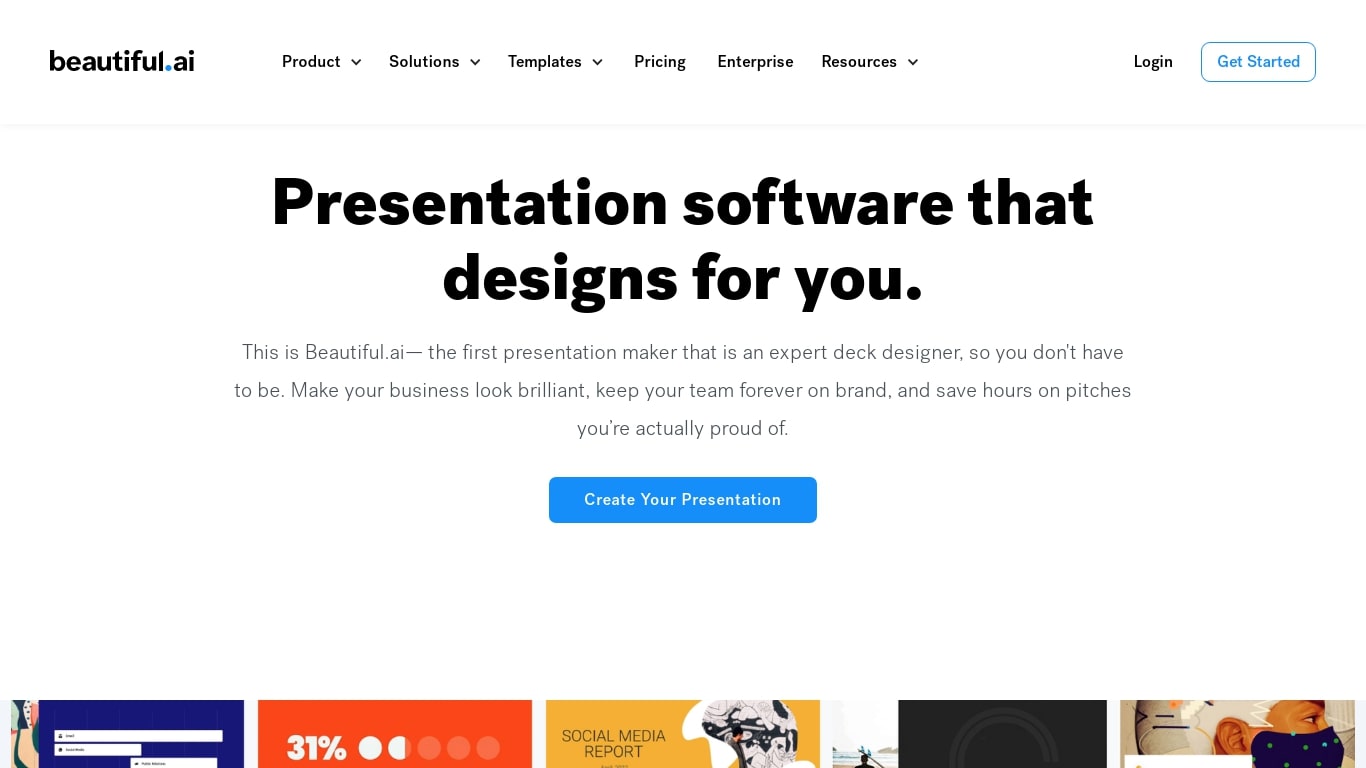
Beautiful AI helps teams turn outlines into polished presentation decks in the browser, without manual slide formatting. Smart Slides are the core building block: layouts that resize, realign, and animate your content as you edit. You can start from a prompt, a pasted outline, or pick from 300+ layout templates.
One-shot AI deck tools often dump a rough first draft and leave you fixing spacing by hand. Beautiful AI puts outline review first in its Create with AI workflow, so you refine story flow before slides get designed. When you swap layouts or rewrite copy later, Smart Slides keep hierarchy intact, which matters more for recurring sales decks than one-off experiments.
The product targets individuals, agencies, and departments that need every deck to match brand colors, fonts, and logos. Customer stories cite teams at Cvent, IDC, and Paciolan cutting build time by 75 percent. Shared themes, slide libraries, and viewer analytics are built for orgs where many people present the same narrative.
Tome Upvotes
Beautiful AI Upvotes
Tome Top Features
Expresión impulsada por IA: las herramientas de IA de Tome están diseñadas para ayudar a los usuarios a articular sus ideas sin esfuerzo. Ya sea que esté comenzando con una página en blanco o con un mensaje específico, Tome proporciona esquemas y opciones, lo que le permite encontrar la manera más efectiva de transmitir sus pensamientos.
Escritura y diseño mejorados: la plataforma utiliza inteligencia artificial para refinar el tono y la redacción de su contenido, crear las imágenes de acompañamiento perfectas e incluso buscar referencias en la web para enriquecer su narrativa.
Estructura y pulido: al pegar un documento en Tome, los usuarios pueden presenciar una transformación automática de su contenido. La plataforma construye una narrativa coherente a partir del texto y la combina con imágenes coincidentes para enfatizar los puntos principales.
Interactivo y dinámico: Tome no se trata sólo de páginas estáticas. Da vida a las ideas convirtiéndolas en experiencias ricas e interactivas. Esto incluye modelos 3D, animaciones y superposiciones audiovisuales.
Temas y diseños inteligentes: Diseñar con Tome es intuitivo, gracias a sus temas inteligentes y diseños responsivos que se ajustan automáticamente para verse geniales en cualquier dispositivo.
Integraciones: Tome admite la incorporación de simulacros de productos interactivos, prototipos 3D, datos, páginas web y más, con integraciones de plataformas como Figma, Spline, Twitter, YouTube, Framer y Miro.
Visualización inmersiva: Tome ofrece un modo de presentación inmersivo en pantalla completa, lo que garantiza que su contenido capte la atención que merece. Además, proporciona análisis para realizar un seguimiento de la participación de los espectadores.
Beautiful AI Top Features
300+ Smart Slide layouts that auto-align spacing and hierarchy as you edit
Create with AI workflow lets you refine a slide outline before generating designs
Data-linked charts and graphs from uploaded spreadsheets or pasted data
Locked brand themes with colors, fonts, logos, and footers applied across every deck
Export to PDF and editable PowerPoint, plus voice-over recording on slides
Viewer analytics and secure sharing on Team plans for 2 to 20 seats
Tome Category
- Presentation
Beautiful AI Category
- Presentation
Tome Pricing Type
- Paid
Beautiful AI Pricing Type
- Paid