ToonApp Avatar Cartoon Photo vs IMI Prompt
In the clash of ToonApp Avatar Cartoon Photo vs IMI Prompt, which AI Avatar Generation tool emerges victorious? We assess reviews, pricing, alternatives, features, upvotes, and more.
When we put ToonApp Avatar Cartoon Photo and IMI Prompt head to head, which one emerges as the victor?
Let's take a closer look at ToonApp Avatar Cartoon Photo and IMI Prompt, both of which are AI-driven avatar generation tools, and see what sets them apart. Both tools are equally favored, as indicated by the identical upvote count. Join the aitools.fyi users in deciding the winner by casting your vote.
Does the result make you go "hmm"? Cast your vote and turn that frown upside down!
ToonApp Avatar Cartoon Photo
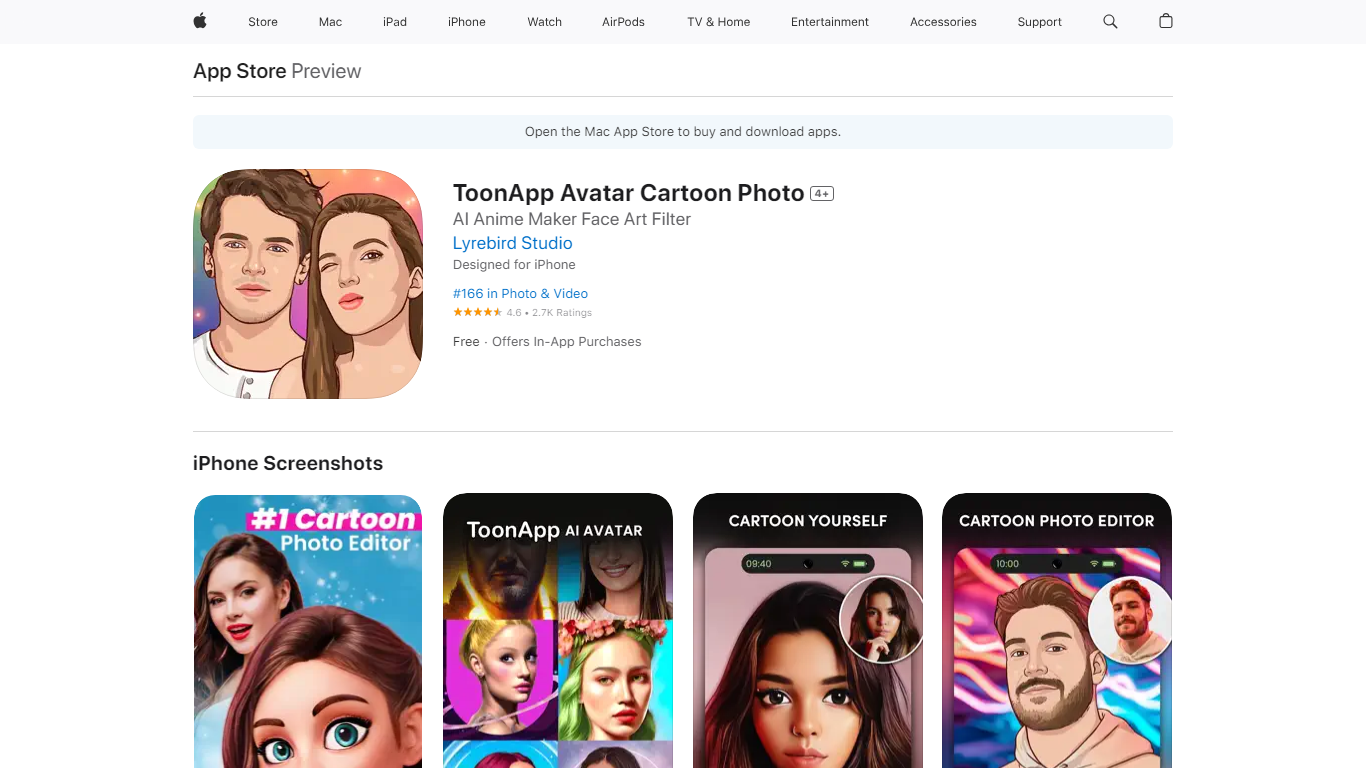

What is ToonApp Avatar Cartoon Photo?
ToonApp turns iPhone selfies into cartoon portraits, anime-style avatars, and short social videos through one-tap filters and trending templates. The app adds image-to-video effects, AI action figure avatars, Polaroid-style frames, and stadium fan cam scenes so clips are ready for TikTok, Instagram, and WhatsApp without opening a desktop editor. Lyrebird Studio ships weekly template drops aimed at viral meme formats rather than manual layer editing.
Cartoon apps like ToonMe focus on still portraits, while ToonApp pushes harder into animated templates, baby dance clips, and video exports for Reels. Most premium filters sit behind ToonApp PRO weekly subscriptions and $17.99 in-app purchases, with only a handful of effects free. That paywall frustrates casual users but matches how the App Store listing markets constant new trends over a fully open toolkit.
Teens and young adults use ToonApp for profile pictures and story posts. Parents try the baby dance and action figure generators for shareable family clips. Social creators who chase filter trends on iPhone reach for ToonApp when they want a new cartoon or video template without learning CapCut timelines.
IMI Prompt
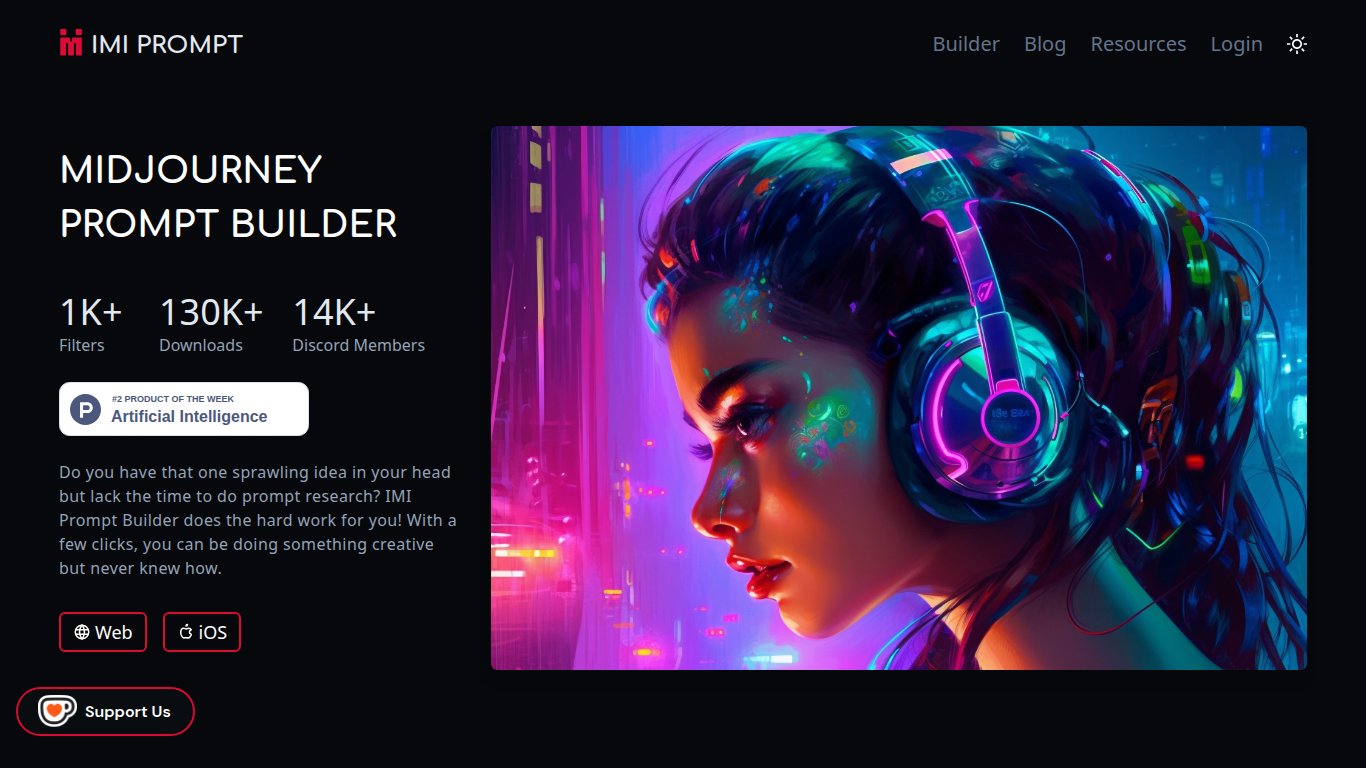
What is IMI Prompt?
IMI Prompt is a Midjourney prompt builder that turns art style, color, and subject picks into ready-to-paste prompts for avatar and image generation. It runs on the web plus iOS and Android apps, with 1,000+ filter options and templates kept current for Midjourney v5. Pick combinations without memorizing prompt syntax, then copy the result into Discord.
Most Midjourney users stitch prompts together from cheat sheets and community threads. IMI Prompt packages thousands of style, color, and object combinations behind a visual picker, which cuts research time but still needs a separate Midjourney subscription to render images.
Digital artists, hobbyists, and avatar creators who want faster Midjourney experiments without learning every parameter are the core users. The 14,000+ member Discord community and YouTube tutorials cover version updates like v5 features and Midjourney /describe workflows.
ToonApp Avatar Cartoon Photo Upvotes
IMI Prompt Upvotes
ToonApp Avatar Cartoon Photo Top Features
Turns selfies into cartoon, anime, and caricature avatars with one-tap ToonApp filters
Image-to-video templates animate still photos into clips for TikTok and Instagram Reels
AI Action Figure generator builds 3D-style figurine avatars from a single selfie
Stadium Cam and fan templates place you in crowd or broadcast-style scenes
Free download with ToonApp PRO weekly subscription unlocking ad-free access to all filters
4.6 App Store rating across 4,000+ reviews on iOS 16.0 and later
IMI Prompt Top Features
1,000+ art style, color, and object filters in the visual prompt builder
130,000+ downloads across web, iOS App Store, and Google Play apps
Prompt templates updated for Midjourney v5 compatibility
Web builder plus native iOS and Android apps for on-the-go editing
14,000+ member Discord community for Midjourney tips and updates
Tutorial videos covering Midjourney basics and v5 feature walkthroughs
ToonApp Avatar Cartoon Photo Category
- Avatar Generation
IMI Prompt Category
- Avatar Generation
ToonApp Avatar Cartoon Photo Pricing Type
- Freemium
IMI Prompt Pricing Type
- Freemium