Track AI Answers vs Namecheap Logo Maker
Dive into the comparison of Track AI Answers vs Namecheap Logo Maker and discover which AI Branding tool stands out. We examine alternatives, upvotes, features, reviews, pricing, and beyond.
When comparing Track AI Answers and Namecheap Logo Maker, which one rises above the other?
When we compare Track AI Answers and Namecheap Logo Maker, two exceptional branding tools powered by artificial intelligence, and place them side by side, several key similarities and differences come to light. In the race for upvotes, Namecheap Logo Maker takes the trophy. Namecheap Logo Maker has attracted 52 upvotes from aitools.fyi users, and Track AI Answers has attracted 6 upvotes.
Want to flip the script? Upvote your favorite tool and change the game!
Track AI Answers
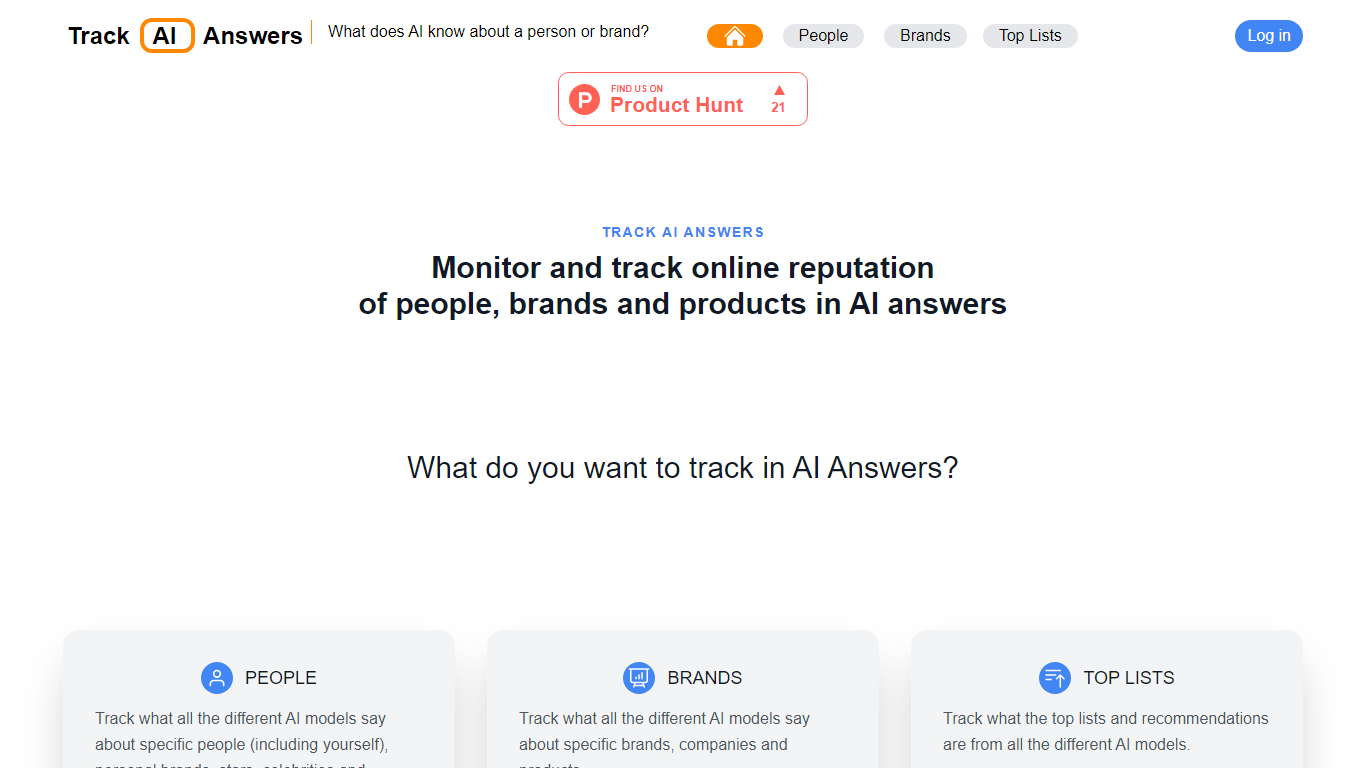

What is Track AI Answers?
Track AI Answers monitors what major AI chatbots tell users about a person, brand, or product. You search for a subject, and the site queries competing models such as ChatGPT, Microsoft Bing AI, and Google Bard, then displays every response on a single comparison page.
Traditional reputation tools watch search rankings and social mentions, but they miss what chatbots say when someone asks directly. Track AI Answers fills that gap by polling multiple AI platforms in one step and emailing you when any answer changes, which matters because chatbot responses can carry errors that affect how millions of people perceive a name or company.
Marketing teams, founders, and public figures use it to catch hallucinated facts before they spread. The service also covers AI-generated top lists and product recommendations, so you can see whether your brand appears where buyers ask chatbots for suggestions.
Namecheap Logo Maker
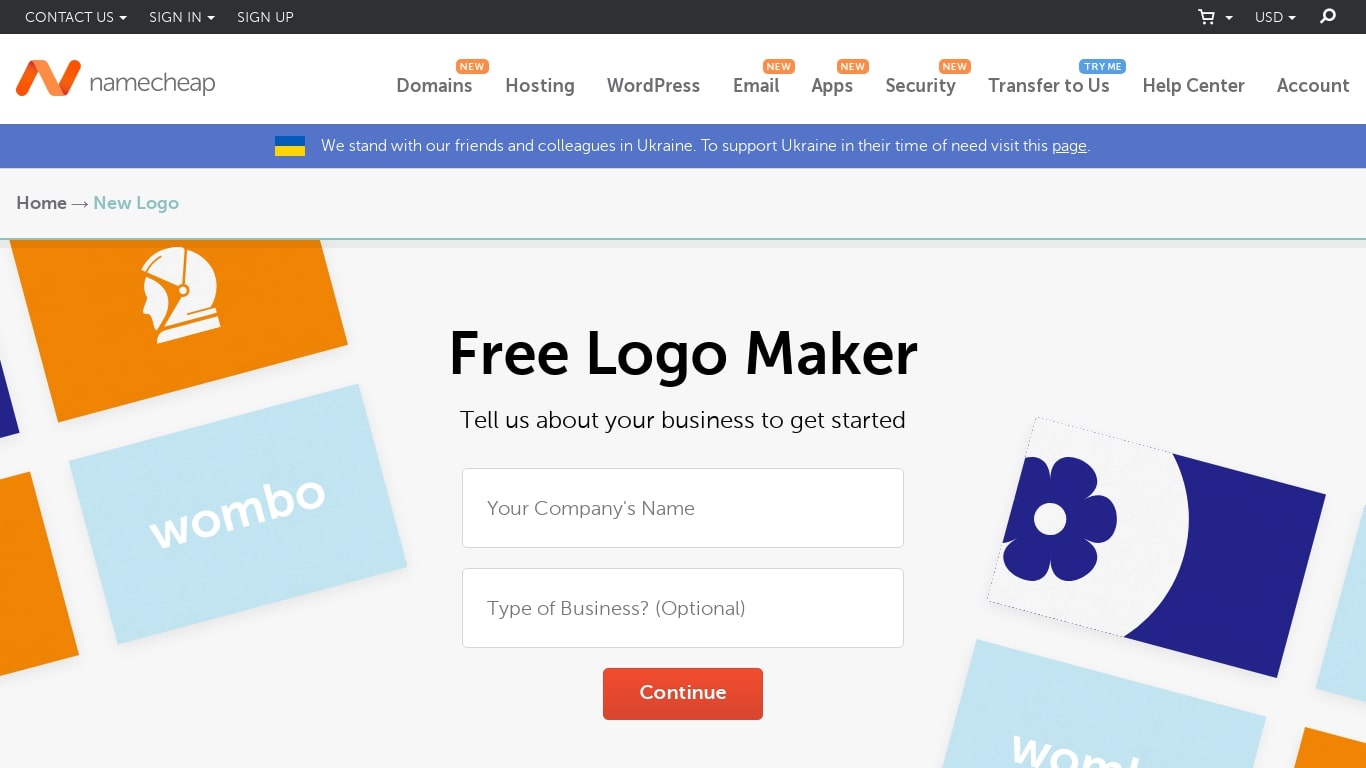
What is Namecheap Logo Maker?
Namecheap Logo Maker generates custom logo designs from your business name, font picks, and icon choices in under five minutes. Pick style preferences in the design wizard, and the tool produces thousands of layout variations you can browse, tweak, and download as PNG or SVG files with no watermark.
Freemium logo tools like Looka or Hatchful often charge for high-resolution files or vector exports after the design step. Namecheap Logo Maker keeps PNG and SVG downloads free with unlimited logo creation and no hidden upsell for file formats. The trade-off is fewer advanced brand management features than a full design suite like Canva or Adobe Express.
Small business owners, freelancers, side-project founders, and affiliate marketers use it when they need a respectable mark before launching a site or social profile. The tool includes template libraries for gaming, restaurant, real estate, education, and other industries, plus previews on t-shirts, business cards, and websites.
Logo Maker is part of Namecheap Visual, a suite that also includes Site Maker, Card Maker, Font Maker, and a Business Name Generator. You need a free Namecheap account to download or share logos, but you can design and experiment without signing in.
Track AI Answers Upvotes
Namecheap Logo Maker Upvotes
Track AI Answers Top Features
Queries ChatGPT, Microsoft Bing AI, Google Bard, and other AI chatbots on one page
Sends email alerts when any AI answer about your tracked subject changes
Three tracking modes: people, brands, and AI top-list recommendations
Continuous monitoring after signup so you learn about answer shifts first
Tips and tools section to help correct inaccurate AI-generated responses
Featured coverage on American Public Media Marketplace Tech
Namecheap Logo Maker Top Features
100% free logo creation with unlimited designs and no watermark on PNG or SVG exports
Design wizard generates thousands of layout variations in under 5 minutes from your name, fonts, icons, and colors
Download logos in PNG and SVG formats suitable for websites, business cards, and merchandise
Browse professionally designed template libraries across gaming, restaurant, real estate, and other industries
Preview logos on t-shirts, business cards, and websites before downloading
Works in the browser on any device with quick share links for social media or colleagues
Track AI Answers Category
- Branding
Namecheap Logo Maker Category
- Branding
Track AI Answers Pricing Type
- Free
Namecheap Logo Maker Pricing Type
- Free