TrAIn vs AI Doc GPT
Dive into the comparison of TrAIn vs AI Doc GPT and discover which AI Content Creation tool stands out. We examine alternatives, upvotes, features, reviews, pricing, and beyond.
In a comparison between TrAIn and AI Doc GPT, which one comes out on top?
When we compare TrAIn and AI Doc GPT, two exceptional content creation tools powered by artificial intelligence, and place them side by side, several key similarities and differences come to light. TrAIn stands out as the clear frontrunner in terms of upvotes. TrAIn has attracted 6 upvotes from aitools.fyi users, and AI Doc GPT has attracted 4 upvotes.
Disagree with the result? Upvote your favorite tool and help it win!
TrAIn

What is TrAIn?
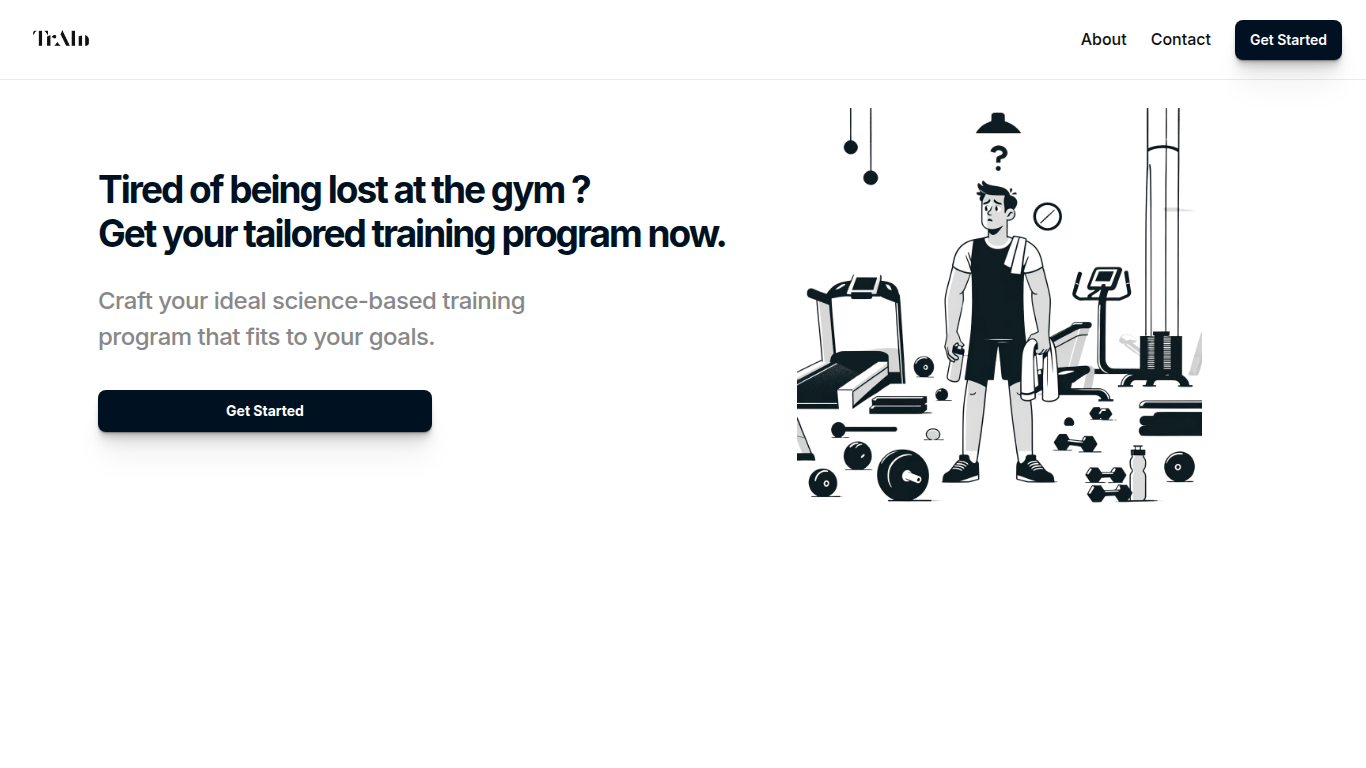
TrAIn delivers personalized sport training programs designed to fit your unique fitness goals. It uses science-based methods to create plans that evolve with your progress, helping you avoid plateaus and reduce injury risks. The service offers fast delivery of your custom program and flexible payment options, including a one-time fee or monthly subscription.
TrAIn emphasizes motivation and safety by steering clear of generic workout plans that can cause frustration or injury. Its approach ensures your training adapts as you develop, keeping your fitness journey aligned with your personal needs.
AI Doc GPT

What is AI Doc GPT?
AI Doc GPT (DocGPT.ai) plugs GPT, Claude, Gemini, Mistral, and Perplexity into Google Sheets, Docs, Slides, Forms, and Gmail as native add-ons. The flagship GPT for Sheets exposes spreadsheet functions like =GPT(), =CLAUDE(), and =GEMINI() so you can run bulk translation, classification, lead enrichment, and web search across thousands of rows without leaving a spreadsheet. Models are built in, so you do not need your own API keys to start.
Where chat sidebar tools handle one prompt at a time, DocGPT.ai targets spreadsheet-scale content work: the site claims up to 10,000 results per hour and ships 40+ templates for product descriptions, programmatic SEO, and sentiment tagging. Switching models is a formula change, not a new integration, which is a different workflow from BYOK sheet plugins that bill API usage separately.
E-commerce operators, SEO teams, and sales ops use GPT for Sheets for bulk copy and enrichment. Marketers reach for Google Slide AI and GPT for Docs when they need decks or long-form drafts inside Workspace. Gmail add-ons cover AI email replies and mail-merge campaigns fed from Sheet data.
TrAIn Upvotes
AI Doc GPT Upvotes
TrAIn Top Features
🎯 Tailored Training Programs: Build a workout plan that matches your specific fitness goals.
📈 Progress Adaptation: Your program updates as you improve to keep you moving forward.
🛡️ Injury Prevention: Designed to minimize risks and keep you safe during workouts.
⚡ Fast Delivery: Receive your customized training plan quickly after purchase.
💳 Flexible Payments: Choose between a one-time payment or a monthly subscription.
AI Doc GPT Top Features
Spreadsheet functions =GPT(), =CLAUDE(), =GEMINI(), =MISTRAL(), and =PERPLEXITY() run inside Google Sheets with no API keys
Bulk processing handles up to 10,000 results per hour across thousands of spreadsheet rows
40+ free templates cover product descriptions, programmatic SEO, Google Ads copy, and lead enrichment
Suite spans six Google Workspace add-ons for Sheets, Docs, Slides, Forms, Gmail, and mail merge
GPT for Sheets holds a 4.8 out of 5 rating on the Google Workspace Marketplace
=GROK() and =DEEPSEEK() formulas accept your own API keys when you want xAI or DeepSeek models
TrAIn Category
- Content Creation
AI Doc GPT Category
- Content Creation
TrAIn Pricing Type
- Freemium
AI Doc GPT Pricing Type
- Freemium