TrAIn vs Google Docs to Wordpress
Explore the showdown between TrAIn vs Google Docs to Wordpress and find out which AI Content Creation tool wins. We analyze upvotes, features, reviews, pricing, alternatives, and more.
In a face-off between TrAIn and Google Docs to Wordpress, which one takes the crown?
When we contrast TrAIn with Google Docs to Wordpress, both of which are exceptional AI-operated content creation tools, and place them side by side, we can spot several crucial similarities and divergences. The upvote count is neck and neck for both TrAIn and Google Docs to Wordpress. Join the aitools.fyi users in deciding the winner by casting your vote.
Want to flip the script? Upvote your favorite tool and change the game!
TrAIn

What is TrAIn?
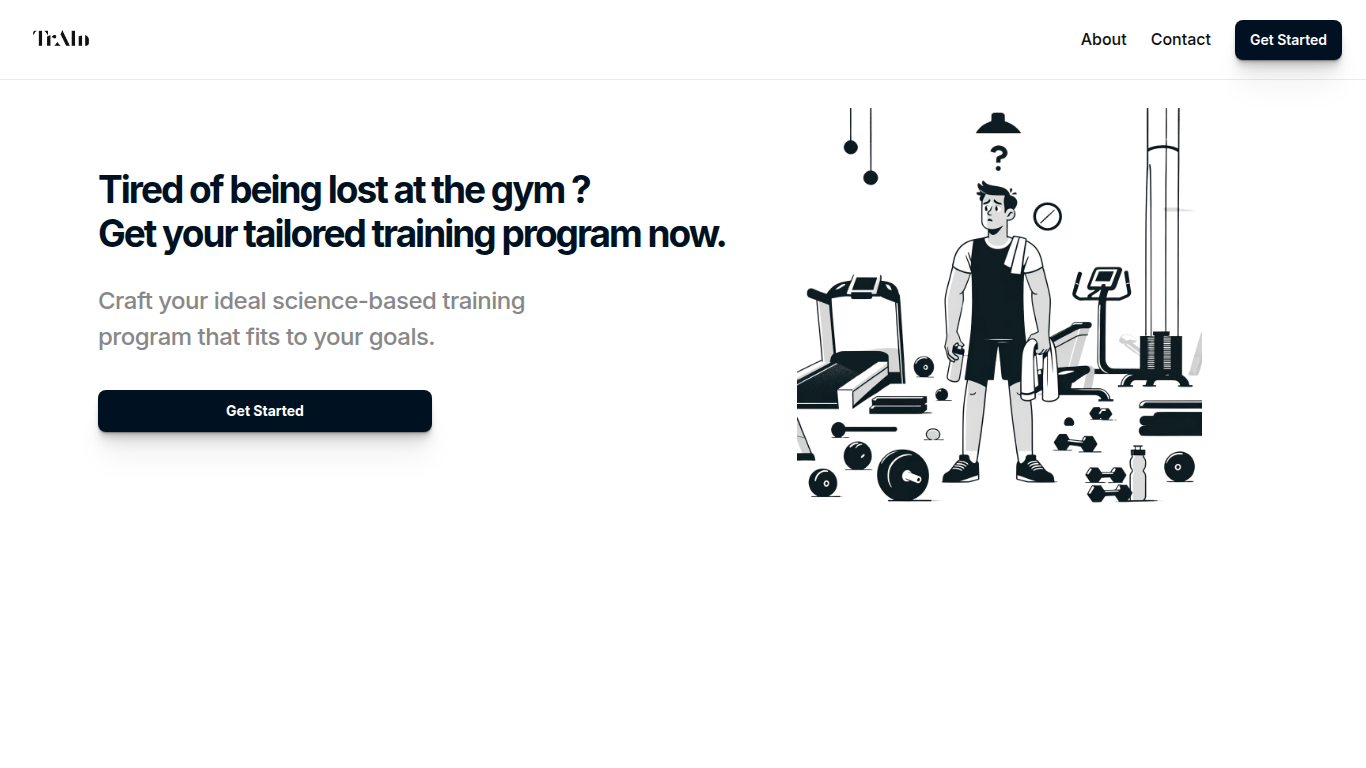
TrAIn delivers personalized sport training programs designed to fit your unique fitness goals. It uses science-based methods to create plans that evolve with your progress, helping you avoid plateaus and reduce injury risks. The service offers fast delivery of your custom program and flexible payment options, including a one-time fee or monthly subscription.
TrAIn emphasizes motivation and safety by steering clear of generic workout plans that can cause frustration or injury. Its approach ensures your training adapts as you develop, keeping your fitness journey aligned with your personal needs.
Google Docs to Wordpress
What is Google Docs to Wordpress?
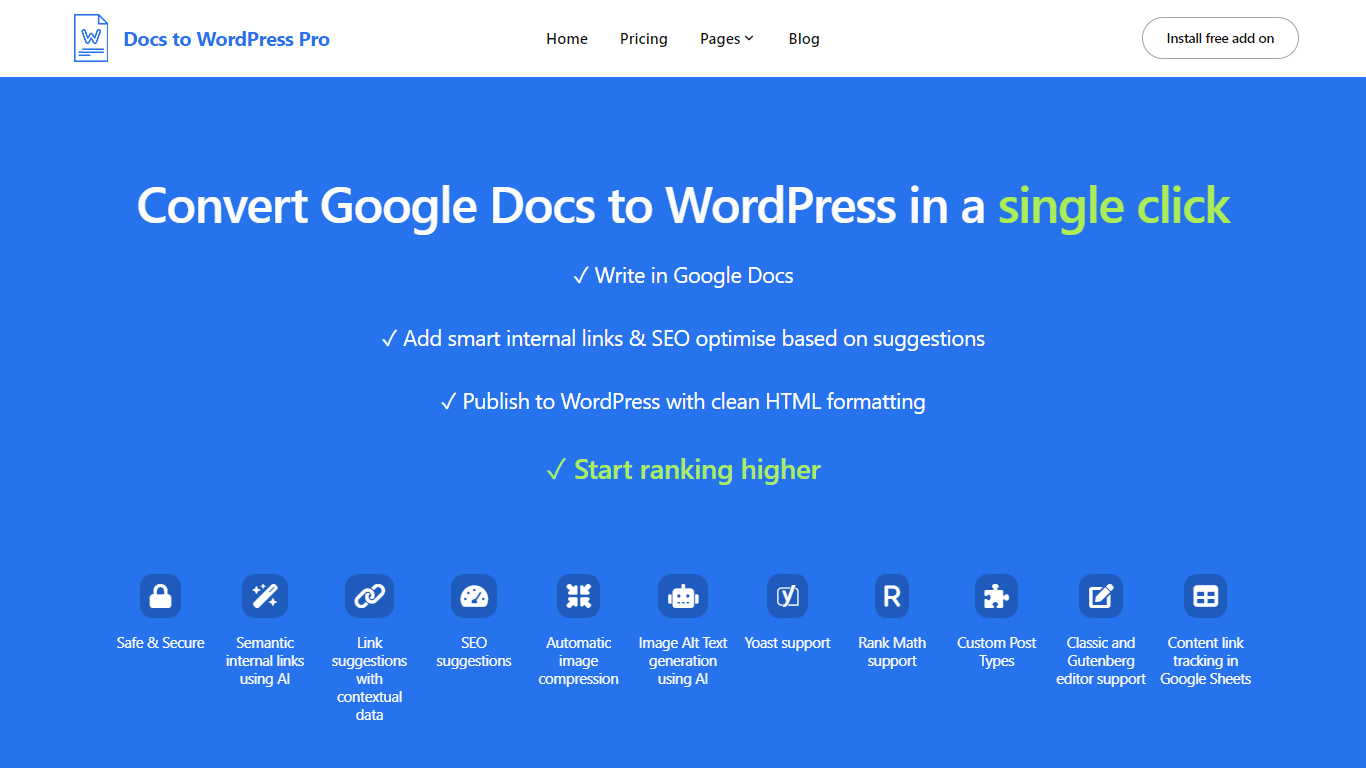
Docs to WordPress Pro is a Google Workspace add-on that publishes Google Docs content to WordPress from the Docs sidebar. You write in Google Docs, run SEO checks, add internal links, and push posts to WordPress with clean HTML or Gutenberg blocks.
The add-on covers image compression, AI alt text, semantic internal linking, related post suggestions, and Yoast or Rank Math metadata fields. It also logs published posts to a Google Sheet so you can track which Doc maps to which WordPress URL.
It fits bloggers, content teams, and publishers who want to draft in Docs but publish on WordPress without manual copy-paste or formatting fixes.
TrAIn Upvotes
Google Docs to Wordpress Upvotes
TrAIn Top Features
🎯 Tailored Training Programs: Build a workout plan that matches your specific fitness goals.
📈 Progress Adaptation: Your program updates as you improve to keep you moving forward.
🛡️ Injury Prevention: Designed to minimize risks and keep you safe during workouts.
⚡ Fast Delivery: Receive your customized training plan quickly after purchase.
💳 Flexible Payments: Choose between a one-time payment or a monthly subscription.
Google Docs to Wordpress Top Features
Publish Google Docs to WordPress from the Docs editor sidebar without a separate portal login
Generate semantic internal links and related post suggestions in one click using AI
Run SEO checks for focus keywords, readability, alt text, and meta descriptions before publishing
Compress images and generate AI alt text automatically during export
Set Yoast or Rank Math focus keywords and meta descriptions directly from Google Docs
Track published Docs and WordPress posts in a consolidated Google Sheet
TrAIn Category
- Content Creation
Google Docs to Wordpress Category
- Content Creation
TrAIn Pricing Type
- Freemium
Google Docs to Wordpress Pricing Type
- Freemium