TrAIn vs ImageColorizer
Explore the showdown between TrAIn vs ImageColorizer and find out which AI Content Creation tool wins. We analyze upvotes, features, reviews, pricing, alternatives, and more.
In a face-off between TrAIn and ImageColorizer, which one takes the crown?
When we contrast TrAIn with ImageColorizer, both of which are exceptional AI-operated content creation tools, and place them side by side, we can spot several crucial similarities and divergences. There's no clear winner in terms of upvotes, as both tools have received the same number. The power is in your hands! Cast your vote and have a say in deciding the winner.
Don't agree with the result? Cast your vote and be a part of the decision-making process!
TrAIn
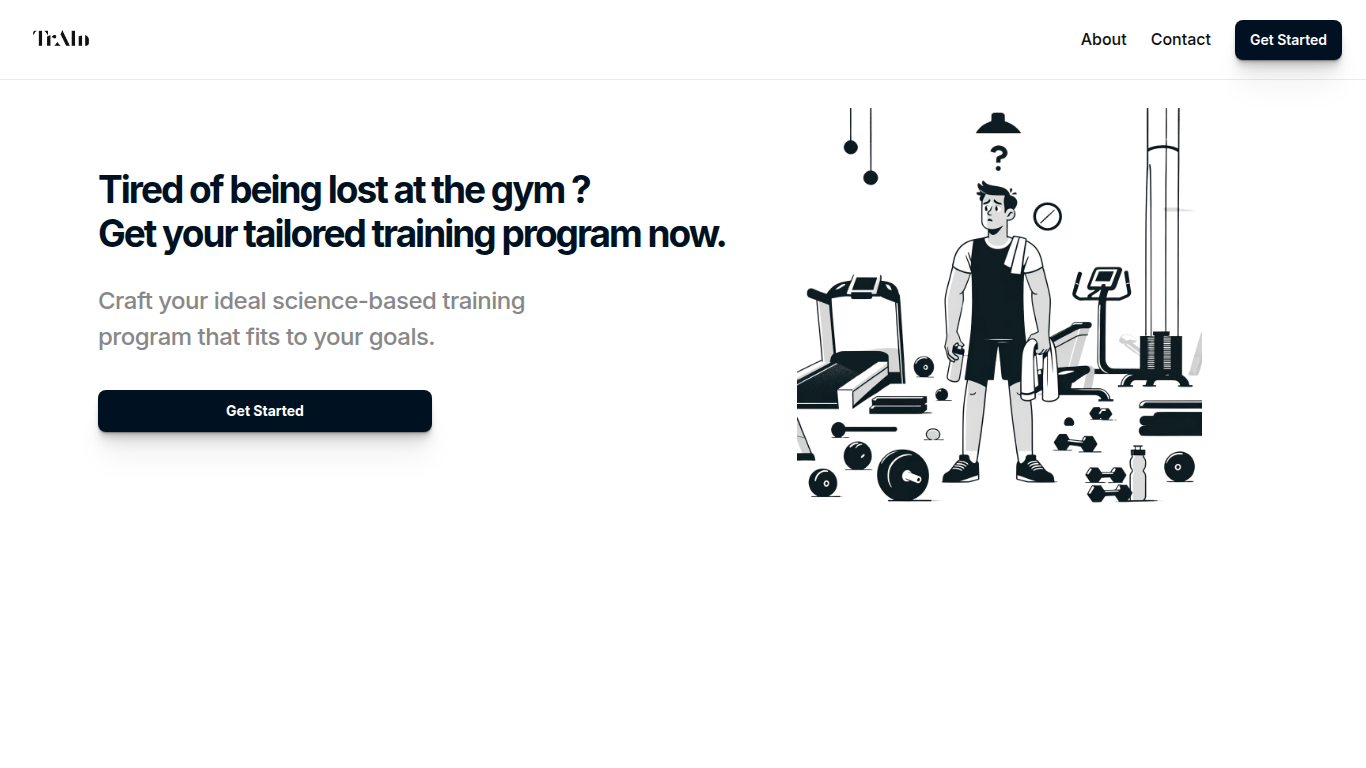

What is TrAIn?
TrAIn delivers personalized sport training programs designed to fit your unique fitness goals. It uses science-based methods to create plans that evolve with your progress, helping you avoid plateaus and reduce injury risks. The service offers fast delivery of your custom program and flexible payment options, including a one-time fee or monthly subscription.
TrAIn emphasizes motivation and safety by steering clear of generic workout plans that can cause frustration or injury. Its approach ensures your training adapts as you develop, keeping your fitness journey aligned with your personal needs.
ImageColorizer
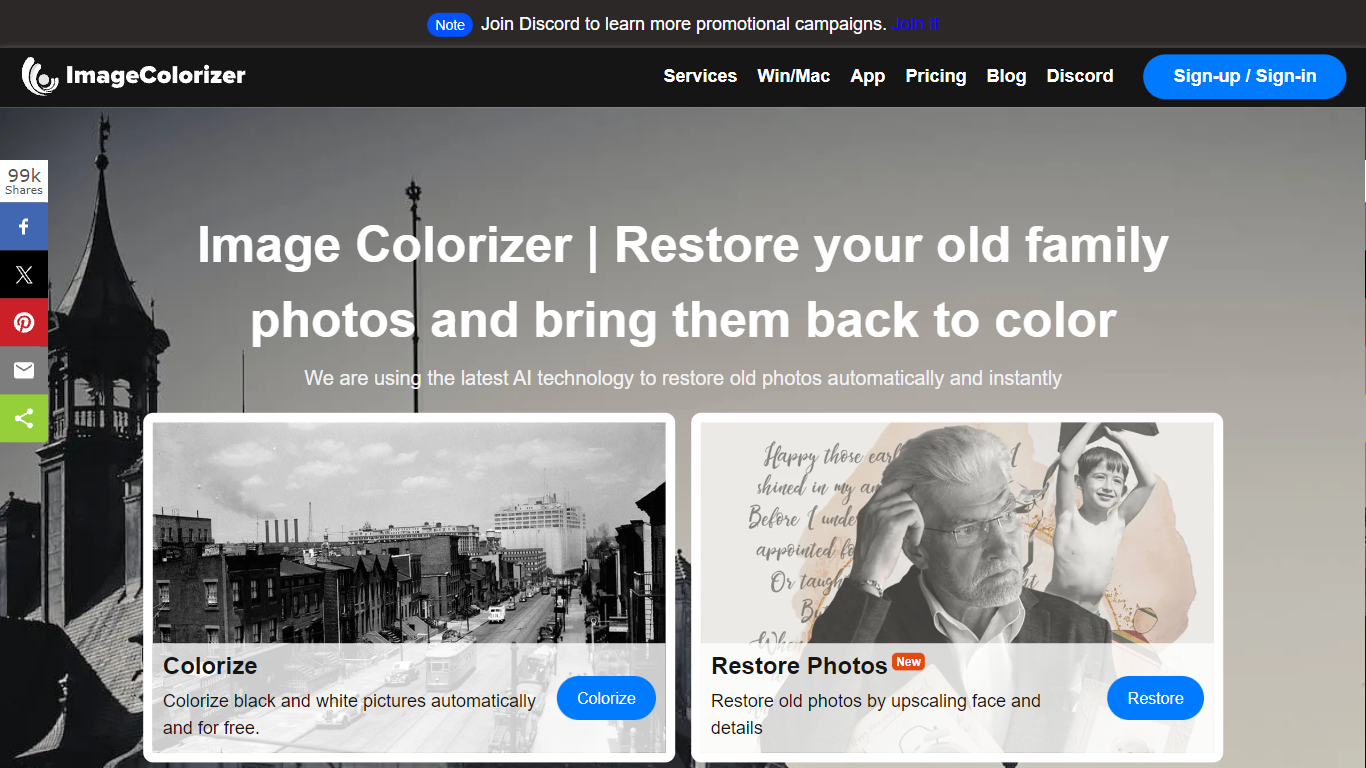
What is ImageColorizer?
ImageColorizer colorizes black-and-white photos, restores faded scans, and repairs scratches through a browser-based content creation workflow. Upload a vintage portrait or family snapshot and get realistic color, sharper detail, portrait retouching, or damage cleanup without desktop editing software.
Dedicated photo editors expect manual layer work for every scratch and fade mark. ImageColorizer bundles colorization, enhancement, face retouch, scratch removal, and object cleanup in one guided online flow with free monthly credits before you upgrade.
Family historians, photography hobbyists, and genealogy researchers use it to revive albums for sharing or printing. Free accounts get 50 credits per month; Starter at $6.90 adds 500 credits and removes ads.
TrAIn Upvotes
ImageColorizer Upvotes
TrAIn Top Features
🎯 Tailored Training Programs: Build a workout plan that matches your specific fitness goals.
📈 Progress Adaptation: Your program updates as you improve to keep you moving forward.
🛡️ Injury Prevention: Designed to minimize risks and keep you safe during workouts.
⚡ Fast Delivery: Receive your customized training plan quickly after purchase.
💳 Flexible Payments: Choose between a one-time payment or a monthly subscription.
ImageColorizer Top Features
Colorize black-and-white portraits and historical images with natural skin tones
Restore faded photos by improving contrast, clarity, and facial detail
Remove scratches, tears, stains, and creases from scanned vintage prints
Free plan includes 50 credits per month across all restoration tools
Starter plan at $6.90 per month includes 500 credits and no ads
Premium plan at $9.90 per month includes 1,000 credits and priority support
Business plan at $19.90 per month offers unlimited access to the V2 model
TrAIn Category
- Content Creation
ImageColorizer Category
- Content Creation
TrAIn Pricing Type
- Freemium
ImageColorizer Pricing Type
- Freemium