TrAIn vs MotionIt AI
Compare TrAIn vs MotionIt AI and see which AI Content Creation tool is better when we compare features, reviews, pricing, alternatives, upvotes, etc.
Which one is better? TrAIn or MotionIt AI?
When we compare TrAIn with MotionIt AI, which are both AI-powered content creation tools, In the race for upvotes, MotionIt AI takes the trophy. MotionIt AI has garnered 7 upvotes, and TrAIn has garnered 6 upvotes.
You don't agree with the result? Cast your vote to help us decide!
TrAIn
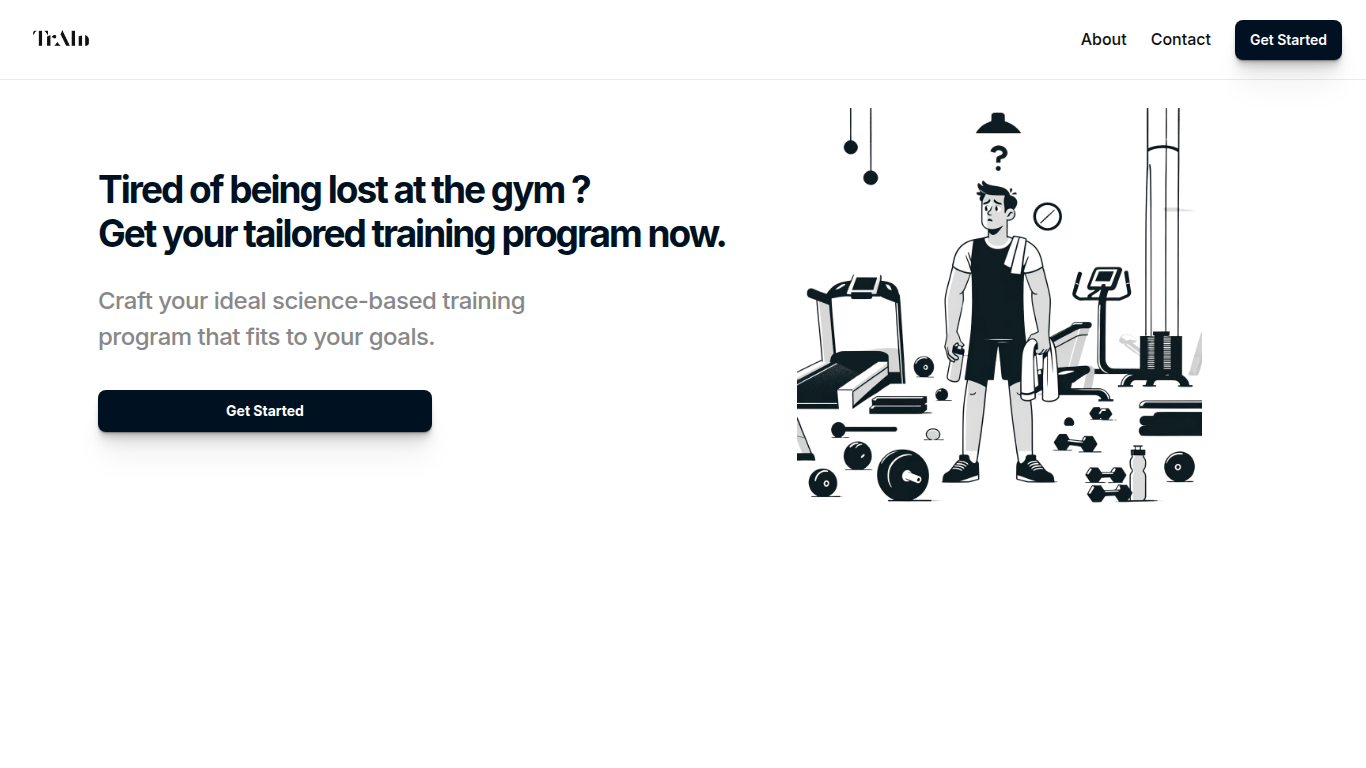

What is TrAIn?
TrAIn delivers personalized sport training programs designed to fit your unique fitness goals. It uses science-based methods to create plans that evolve with your progress, helping you avoid plateaus and reduce injury risks. The service offers fast delivery of your custom program and flexible payment options, including a one-time fee or monthly subscription.
TrAIn emphasizes motivation and safety by steering clear of generic workout plans that can cause frustration or injury. Its approach ensures your training adapts as you develop, keeping your fitness journey aligned with your personal needs.
MotionIt AI
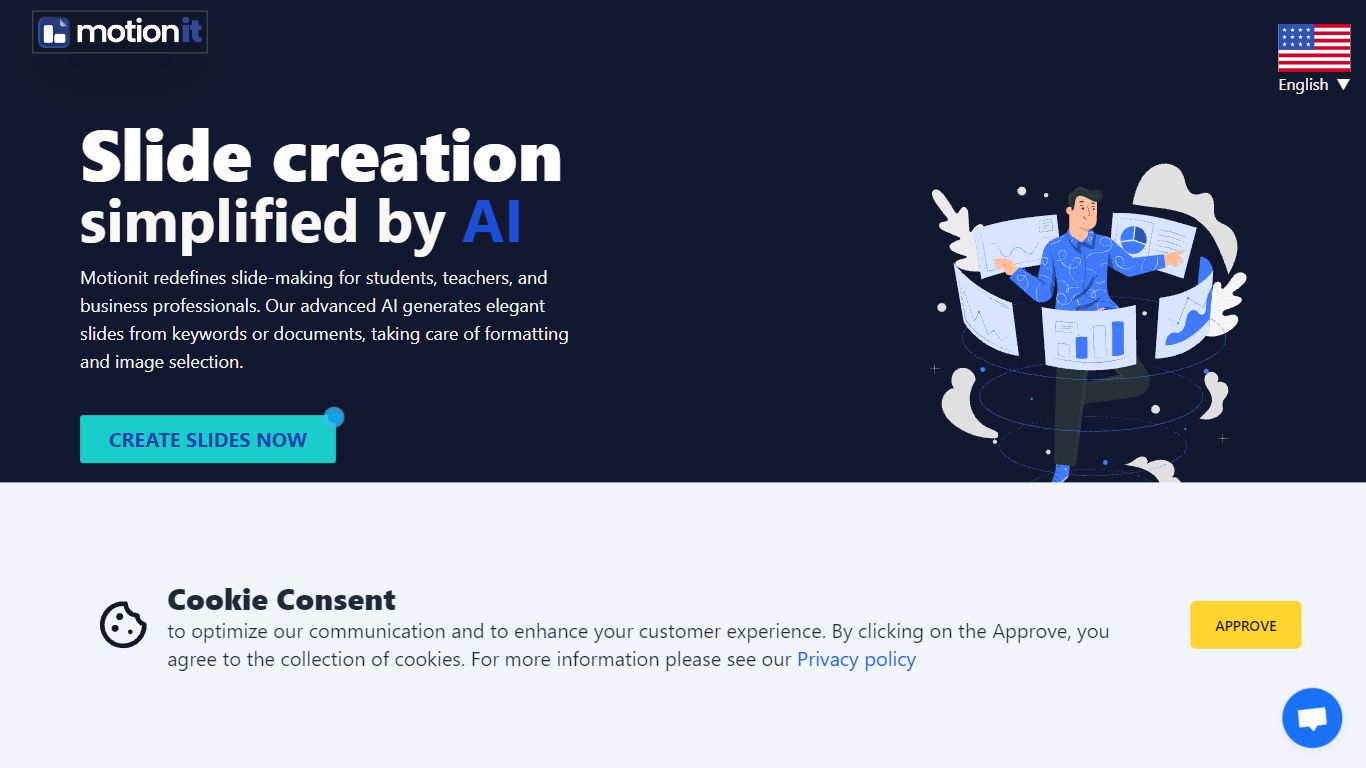
What is MotionIt AI?
MotionIt AI turns keywords or uploaded documents into formatted slide decks with auto-selected images and consistent layouts. It targets students, teachers, and business professionals who need pitch decks or conference presentations without spending hours on image search and slide formatting. Finished decks export to Google Slides, PowerPoint, or PDF for last-mile edits.
Compared with narrative-first presentation builders like Tome, MotionIt AI focuses on editable exports rather than a locked web viewer. User reviews on the homepage highlight PowerPoint and Google Slides export as the reason they picked it over similar tools. You still write the story, but MotionIt AI handles structure, visuals, and layout from a short prompt or document upload.
The homepage lists six named templates (Nebula, Lagoon, Sunset, Frost, Shadow, and Amethyst Grid) and shows testimonials from pitch-deck and conference use cases. MotionIt AI also advertises video generation alongside slides, though the site emphasizes slide export paths more than video details.
TrAIn Upvotes
MotionIt AI Upvotes
TrAIn Top Features
🎯 Tailored Training Programs: Build a workout plan that matches your specific fitness goals.
📈 Progress Adaptation: Your program updates as you improve to keep you moving forward.
🛡️ Injury Prevention: Designed to minimize risks and keep you safe during workouts.
⚡ Fast Delivery: Receive your customized training plan quickly after purchase.
💳 Flexible Payments: Choose between a one-time payment or a monthly subscription.
MotionIt AI Top Features
Builds full slide decks from keywords or uploaded documents with auto-generated images and consistent layout
Exports finished decks to Google Slides, PowerPoint (PPTX), and PDF for last-mile editing
Offers six named templates: Nebula, Lagoon, Sunset, Frost, Shadow, and Amethyst Grid
Homepage states the service is trusted by 5,000+ users and requires no design skills to start
Supports pitch decks, conference presentations, and classroom slides from one web workspace
TrAIn Category
- Content Creation
MotionIt AI Category
- Content Creation
TrAIn Pricing Type
- Freemium
MotionIt AI Pricing Type
- Freemium