TrAIn vs Video To Blog
In the clash of TrAIn vs Video To Blog, which AI Content Creation tool emerges victorious? We assess reviews, pricing, alternatives, features, upvotes, and more.
When we put TrAIn and Video To Blog head to head, which one emerges as the victor?
Let's take a closer look at TrAIn and Video To Blog, both of which are AI-driven content creation tools, and see what sets them apart. Both tools have received the same number of upvotes from aitools.fyi users. Join the aitools.fyi users in deciding the winner by casting your vote.
Want to flip the script? Upvote your favorite tool and change the game!
TrAIn

What is TrAIn?
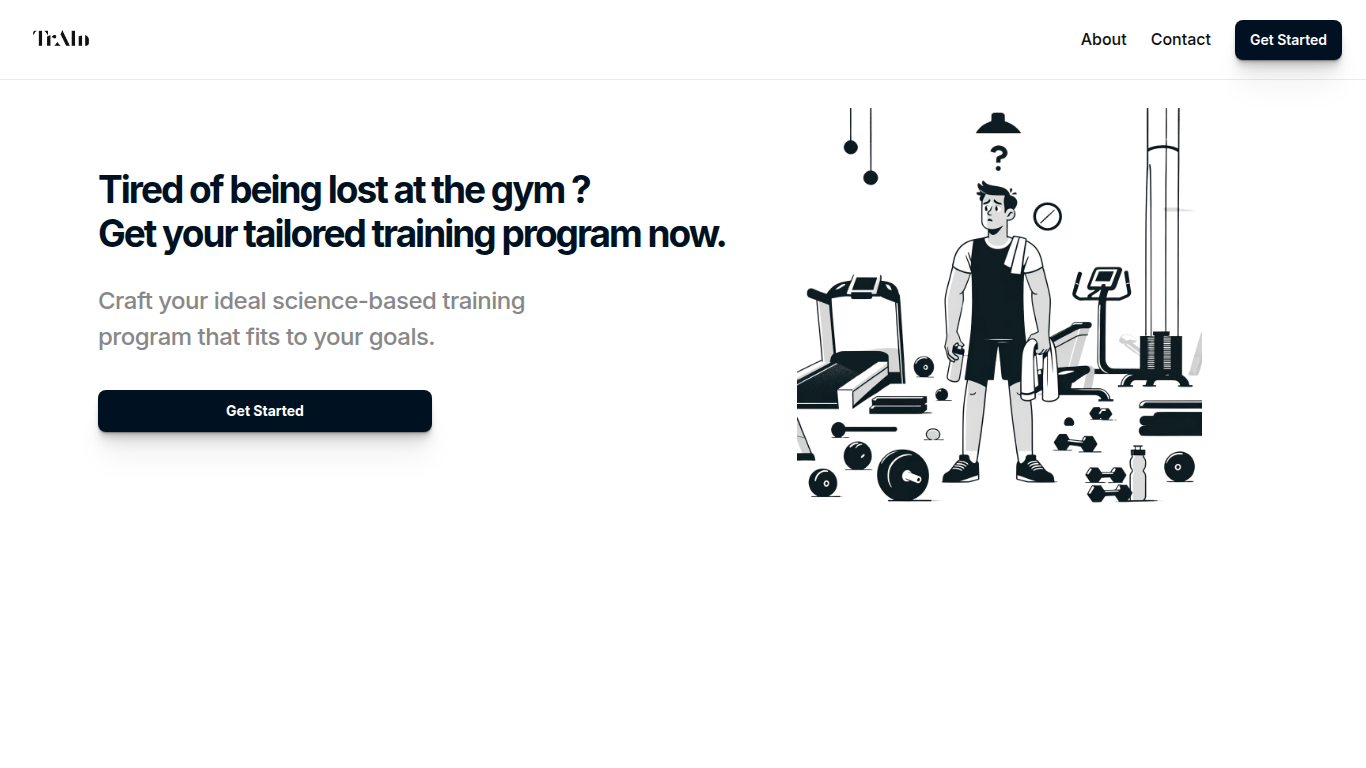
TrAIn delivers personalized sport training programs designed to fit your unique fitness goals. It uses science-based methods to create plans that evolve with your progress, helping you avoid plateaus and reduce injury risks. The service offers fast delivery of your custom program and flexible payment options, including a one-time fee or monthly subscription.
TrAIn emphasizes motivation and safety by steering clear of generic workout plans that can cause frustration or injury. Its approach ensures your training adapts as you develop, keeping your fitness journey aligned with your personal needs.
Video To Blog

What is Video To Blog?
Video To Blog turns spoken video and audio into publish-ready blog articles. Paste a YouTube link, upload a file, drop in a transcript, record audio, or connect a channel, and the service outputs structured posts with headings, screenshots, smart links, metadata, and calls to action you can send to a website, newsletter, or download as HTML, Markdown, PDF, or Word.
Transcript-to-ChatGPT workflows still leave you stitching screenshots, links, and publishing steps by hand. Video To Blog bundles those production tasks: auto screenshots from the source video, reusable CTA blocks, SEO and GEO formatting, YouTube upload automations, and a built-in Publications feature for hosting a blog plus email newsletter on a custom domain. The homepage cites 500,000+ articles created and a 4.8 average across 500+ reviews on Trustpilot, G2, and Capterra.
YouTube creators, podcasters, agencies, and teams publishing sermons or webinars are the target users. Pricing starts free with one monthly upload, scales to Business at $69 per month (yearly billing) for 50 videos, and every paid tier adds publications, website integrations, and longer runtime limits.
TrAIn Upvotes
Video To Blog Upvotes
TrAIn Top Features
🎯 Tailored Training Programs: Build a workout plan that matches your specific fitness goals.
📈 Progress Adaptation: Your program updates as you improve to keep you moving forward.
🛡️ Injury Prevention: Designed to minimize risks and keep you safe during workouts.
⚡ Fast Delivery: Receive your customized training plan quickly after purchase.
💳 Flexible Payments: Choose between a one-time payment or a monthly subscription.
Video To Blog Top Features
Imports YouTube links, uploaded video/audio, transcripts, Google Drive files, and channel automations
Auto screenshots pull key visual moments from source videos into each article
Smart links and reusable CTA blocks insert internal and external links automatically
Publications host a blog, email newsletter, and custom domain without extra services
Free plan includes 1 monthly upload for videos up to 30 minutes with no credit card
Pro plan ($39/mo yearly) allows 15 monthly uploads up to 1.5 hours with 3 team members
Exports finished posts as HTML, Markdown, PDF, or Word and publishes to connected websites
TrAIn Category
- Content Creation
Video To Blog Category
- Content Creation
TrAIn Pricing Type
- Freemium
Video To Blog Pricing Type
- Freemium