Transcript.LOL vs ChadView
In the contest of Transcript.LOL vs ChadView, which AI Meeting Assistant tool is the champion? We evaluate pricing, alternatives, upvotes, features, reviews, and more.
If you had to choose between Transcript.LOL and ChadView, which one would you go for?
When we examine Transcript.LOL and ChadView, both of which are AI-enabled meeting assistant tools, what unique characteristics do we discover? There's no clear winner in terms of upvotes, as both tools have received the same number. You can help us determine the winner by casting your vote and tipping the scales in favor of one of the tools.
Want to flip the script? Upvote your favorite tool and change the game!
Transcript.LOL

What is Transcript.LOL?
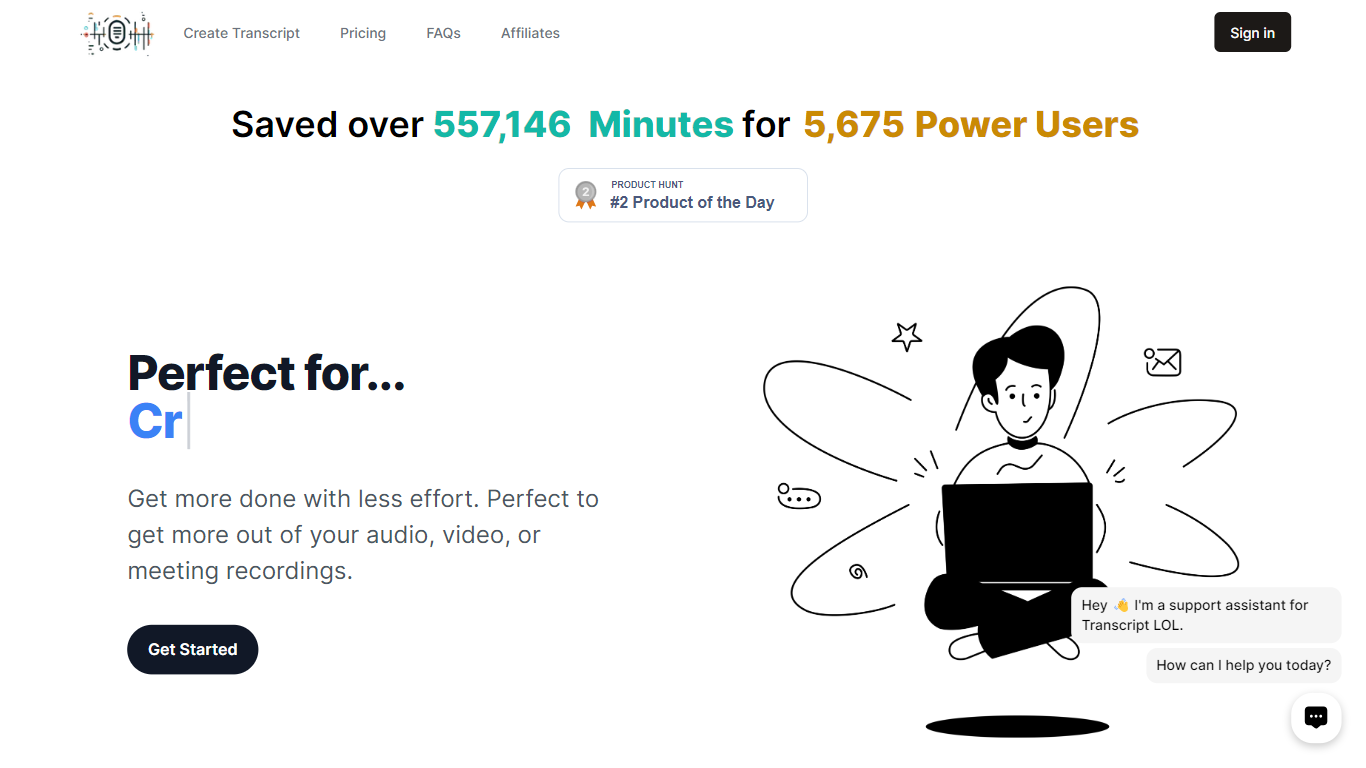
Transcript.LOL turns uploaded audio and video into searchable transcripts with speaker labels, timestamps, and export options. You can pull files from direct upload, Google Drive, Dropbox, Zoom, or a URL, then edit the text, generate summaries, and chat with the content inside the dashboard. It fits podcasters, journalists, students, and teams who need meeting notes without sitting through a recording twice.
Most meeting assistants join live calls and charge per seat or per minute. Transcript.LOL is upload-first: you bring the recording after the fact, and the Unlimited plan has no caps on how many files or hours you transcribe on one account. That flat pricing plus a large set of free browser tools for YouTube, TikTok, voice memos, and Zoom recordings makes it a better fit when volume matters more than real-time capture.
Beyond raw transcription, the platform runs on OpenAI Whisper and layers speaker detection, custom vocabulary, and AI summaries across GPT, Gemini, Claude, Llama, and Grok models. You can export to TXT, DOCX, PDF, SRT, or VTT, connect Zapier, Make, or n8n, and hit the REST API when you need transcripts inside another workflow.
ChadView
What is ChadView?
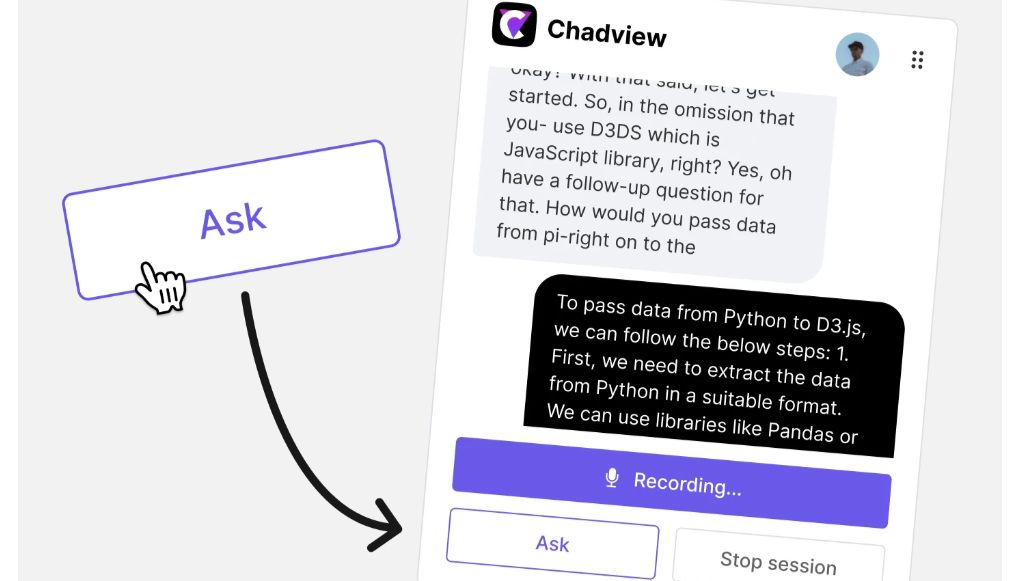
ChatGPT real-time meetings assistant for job interviews. Our extension listens to your Zoom, Google Meet and Teams call in real-time and answers any questions instantly.
Install Chrome extension
Use our Chrome extension for Zoom, Microsoft Teams, or Google Meet calls. It captures audio directly from your browser, so it's important to conduct your video conference within the browser. Buy a 39 USD subscription and unlimited monthly access to the service.
Transcript.LOL Upvotes
ChadView Upvotes
Transcript.LOL Top Features
Unlimited plan has no per-minute caps; customers regularly transcribe hundreds of hours monthly on one account
Accepts files up to 10 hours long and 5 GB, with 10 simultaneous uploads on the Unlimited tier
Powered by OpenAI Whisper with claimed 99.8% accuracy and automatic speaker detection
Exports transcripts as TXT, DOCX, PDF, SRT, or VTT with customizable formatting options
Imports from Google Drive, Dropbox, Zoom, URLs, plus WhatsApp and Telegram bots
Free tier includes 2 transcripts per day with 20-minute file limits and no credit card required
ChadView Top Features
Receive instant answers in real-time: During the video call, simply press the "Ask" button, and our extension will deliver answers to any questions asked. The extension continuously records the conversation. When you press the "Ask" button, it reviews the previous 30 seconds, identifies the question, and generates a suitable response for you in 3-4 seconds.
Power of OpenAI: Our extension is powered by the ChatGPT API, providing you with accurate answers to questions on programming, analytics, and math. Save time by not having to type out answers or research information—simply listen to the interviewer's question, and the answer will appear right before your eyes.
Transcript.LOL Category
- Meeting Assistant
ChadView Category
- Meeting Assistant
Transcript.LOL Pricing Type
- Freemium
ChadView Pricing Type
- Freemium