Translation Strings vs Behnevis
Explore the showdown between Translation Strings vs Behnevis and find out which AI Translation tool wins. We analyze upvotes, features, reviews, pricing, alternatives, and more.
In a face-off between Translation Strings and Behnevis, which one takes the crown?
When we contrast Translation Strings with Behnevis, both of which are exceptional AI-operated translation tools, and place them side by side, we can spot several crucial similarities and divergences. There's no clear winner in terms of upvotes, as both tools have received the same number. You can help us determine the winner by casting your vote and tipping the scales in favor of one of the tools.
Don't agree with the result? Cast your vote and be a part of the decision-making process!
Translation Strings

What is Translation Strings?
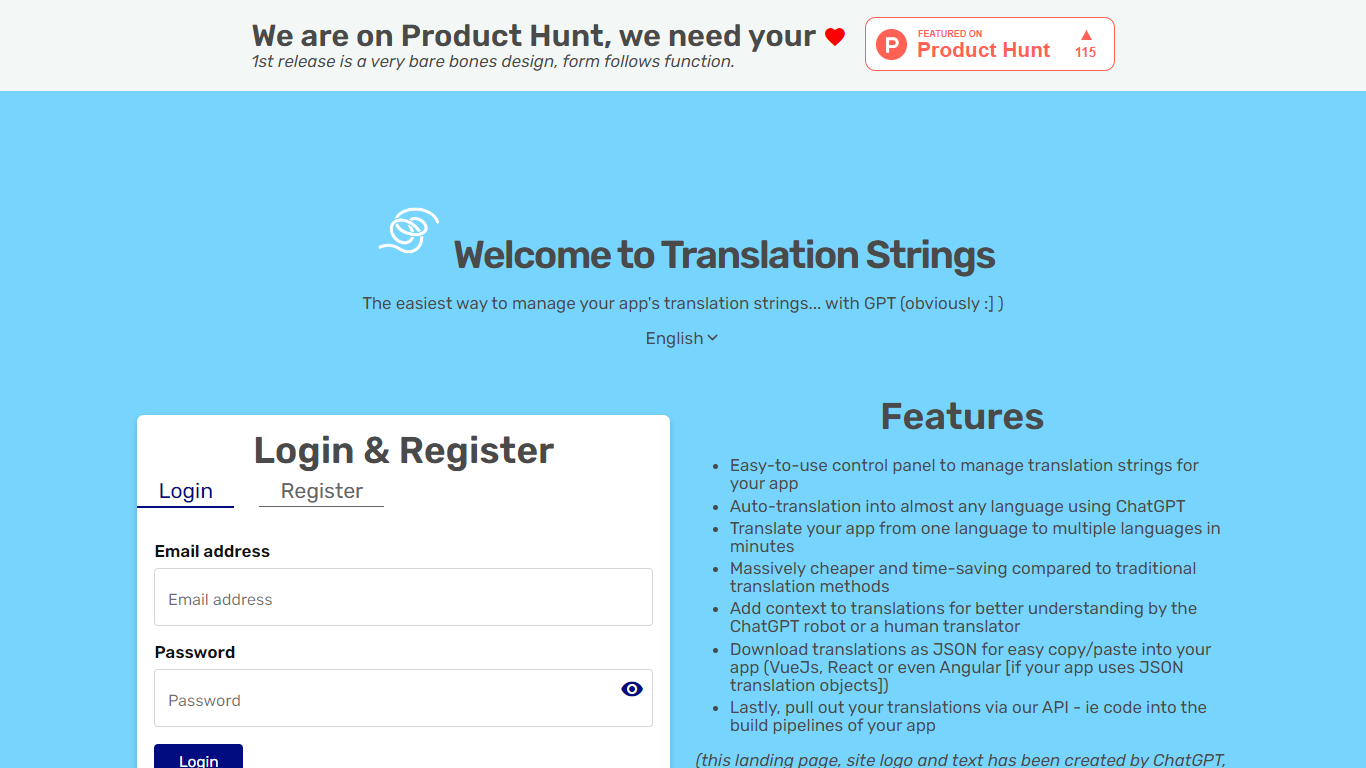
Translation Strings is a web platform for translating app strings into other languages. The site describes the product as translations for apps via AI, with human review available when needed.
The first public release keeps the interface intentionally minimal. The homepage notes that the design is bare bones and that form follows function.
Access runs through a browser login rather than a public marketing site. Users sign in to reach the translation workspace inside the Vue.js web app.
Translation Strings launched on Product Hunt as an early release aimed at developers who need a straightforward place to manage app localization work.
Behnevis
What is Behnevis?
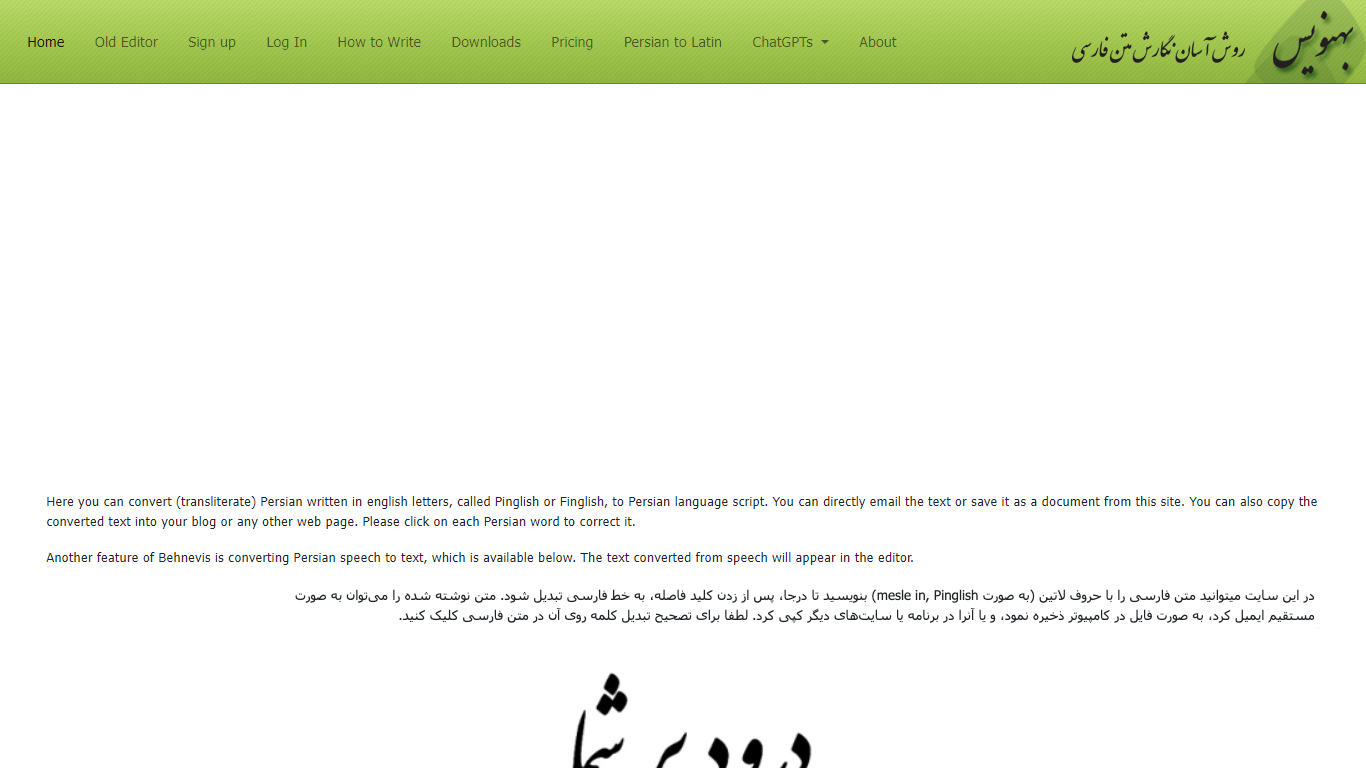
Behnevis is an online Persian writing tool that turns Pinglish or Finglish (Persian typed with Latin letters) into standard Persian script. You type in the editor, and the site converts words as you go. It has been running since 2009 and targets Persian speakers who prefer typing with an English keyboard.
The main site offers an in-place editor plus speech-to-text that supports Persian and more than 100 other languages. You can click any converted word to fix its spelling, and Behnevis remembers that correction for later. The legacy two-part editor remains available for free with no usage limits.
Paid plans unlock unlimited in-place editing, speech-to-text, an ad-free experience, and a Microsoft Word add-on for Windows. Behnevis also links to custom OpenAI GPT chatbots for Persian conversation practice.
Translation Strings Upvotes
Behnevis Upvotes
Translation Strings Top Features
Handles app translation strings with AI, and human help when you need it
Stripped-down admin UI built around getting translation work done, not flashy design
Sign in through the browser to reach your projects and strings
Installable progressive web app with manifest and home-screen icons
Vue.js frontend with Google Fonts and Material Design Icons styling
Behnevis Top Features
Type Persian in Latin letters and watch words convert to Persian script in the editor
Click any converted word to fix its transliteration; Behnevis saves your correction
Turn spoken Persian (and 100+ other languages) into text with the speech tool
Use the legacy two-part Pinglish editor for free with no usage caps
Run the MS Word add-on on Windows for offline Latin-to-Persian conversion inside Word
Translation Strings Category
- Translation
Behnevis Category
- Translation
Translation Strings Pricing Type
- Freemium
Behnevis Pricing Type
- Freemium