Translation Strings vs Bing Microsoft AI Translator
In the contest of Translation Strings vs Bing Microsoft AI Translator, which AI Translation tool is the champion? We evaluate pricing, alternatives, upvotes, features, reviews, and more.
If you had to choose between Translation Strings and Bing Microsoft AI Translator, which one would you go for?
When we examine Translation Strings and Bing Microsoft AI Translator, both of which are AI-enabled translation tools, what unique characteristics do we discover? In the race for upvotes, Bing Microsoft AI Translator takes the trophy. Bing Microsoft AI Translator has 10 upvotes, and Translation Strings has 6 upvotes.
Does the result make you go "hmm"? Cast your vote and turn that frown upside down!
Translation Strings

What is Translation Strings?
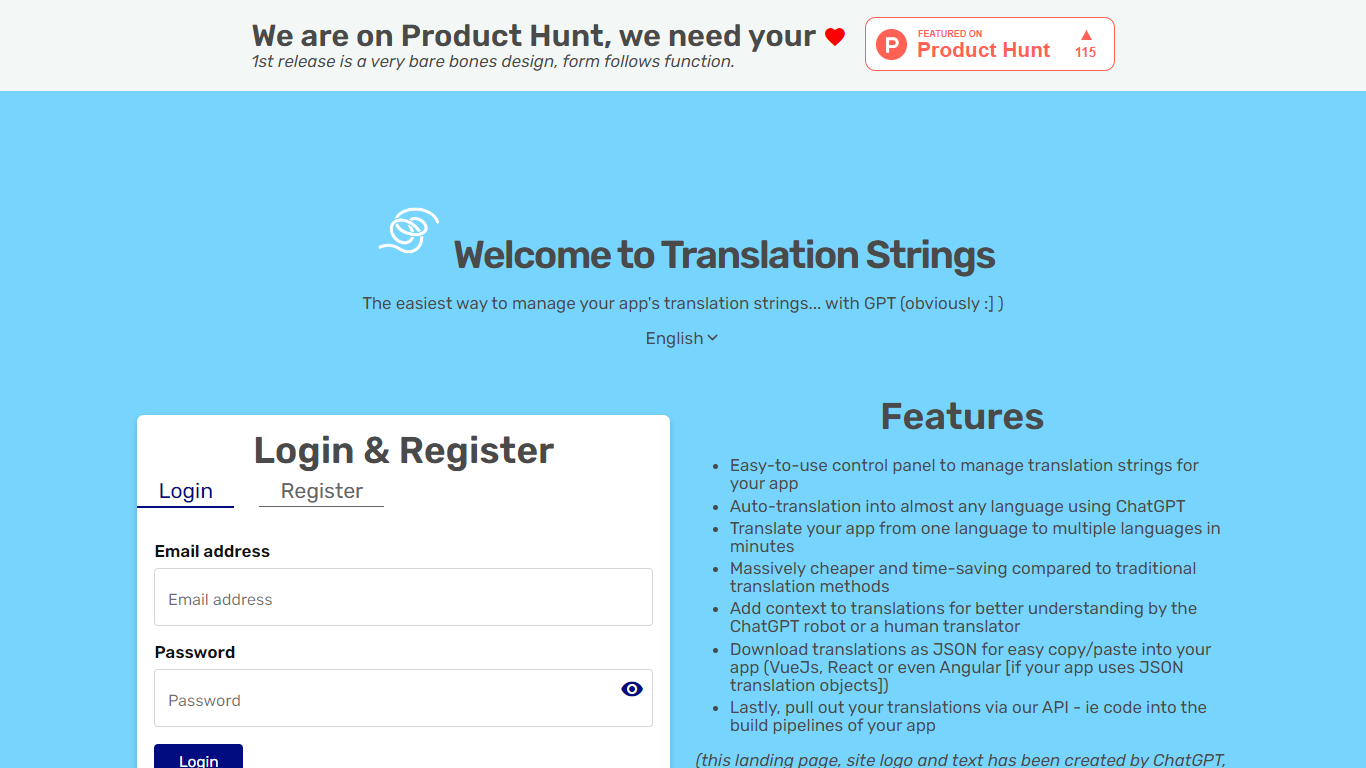
Translation Strings is a web platform for translating app strings into other languages. The site describes the product as translations for apps via AI, with human review available when needed.
The first public release keeps the interface intentionally minimal. The homepage notes that the design is bare bones and that form follows function.
Access runs through a browser login rather than a public marketing site. Users sign in to reach the translation workspace inside the Vue.js web app.
Translation Strings launched on Product Hunt as an early release aimed at developers who need a straightforward place to manage app localization work.
Bing Microsoft AI Translator

What is Bing Microsoft AI Translator?
Microsoft Translator on Bing is a free web translator for turning words and phrases between English and more than 100 languages. Paste text, pick languages from long dropdown lists, or let the page auto-detect the source language before you translate.
The Bing interface adds practical extras beyond basic text swap. You can listen to a translation, open an on-screen keyboard, capture or upload an image to translate text in photos, and regenerate results in Standard, Casual, or Formal tone. A phrase helper surfaces common expressions grouped by topics like travel, dining, and emergencies.
It fits travelers, students, and anyone who needs a quick translation in the browser without installing software. Navigation on the page also points to separate Microsoft Translator experiences for live conversation, mobile apps, and business use.
Translation Strings Upvotes
Bing Microsoft AI Translator Upvotes
Translation Strings Top Features
Handles app translation strings with AI, and human help when you need it
Stripped-down admin UI built around getting translation work done, not flashy design
Sign in through the browser to reach your projects and strings
Installable progressive web app with manifest and home-screen icons
Vue.js frontend with Google Fonts and Material Design Icons styling
Bing Microsoft AI Translator Top Features
Auto-detect source language across more than 100 listed language options
Each translation request accepts up to 1,000 characters of input text
Regenerate results in Standard, Casual, or Formal tone with one click
Capture or upload an image to translate text found in photos
Speak to translate when typing is awkward on mobile or desktop
Listen to translations read aloud from the results panel
Browse common phrase sets for travel, dining, and emergencies
Translation Strings Category
- Translation
Bing Microsoft AI Translator Category
- Translation
Translation Strings Pricing Type
- Freemium
Bing Microsoft AI Translator Pricing Type
- Free