Translation Strings vs slAItor
In the face-off between Translation Strings vs slAItor, which AI Translation tool takes the crown? We scrutinize features, alternatives, upvotes, reviews, pricing, and more.
In a face-off between Translation Strings and slAItor, which one takes the crown?
If we were to analyze Translation Strings and slAItor, both of which are AI-powered translation tools, what would we find? There's no clear winner in terms of upvotes, as both tools have received the same number. Your vote matters! Help us decide the winner among aitools.fyi users by casting your vote.
Does the result make you go "hmm"? Cast your vote and turn that frown upside down!
Translation Strings

What is Translation Strings?
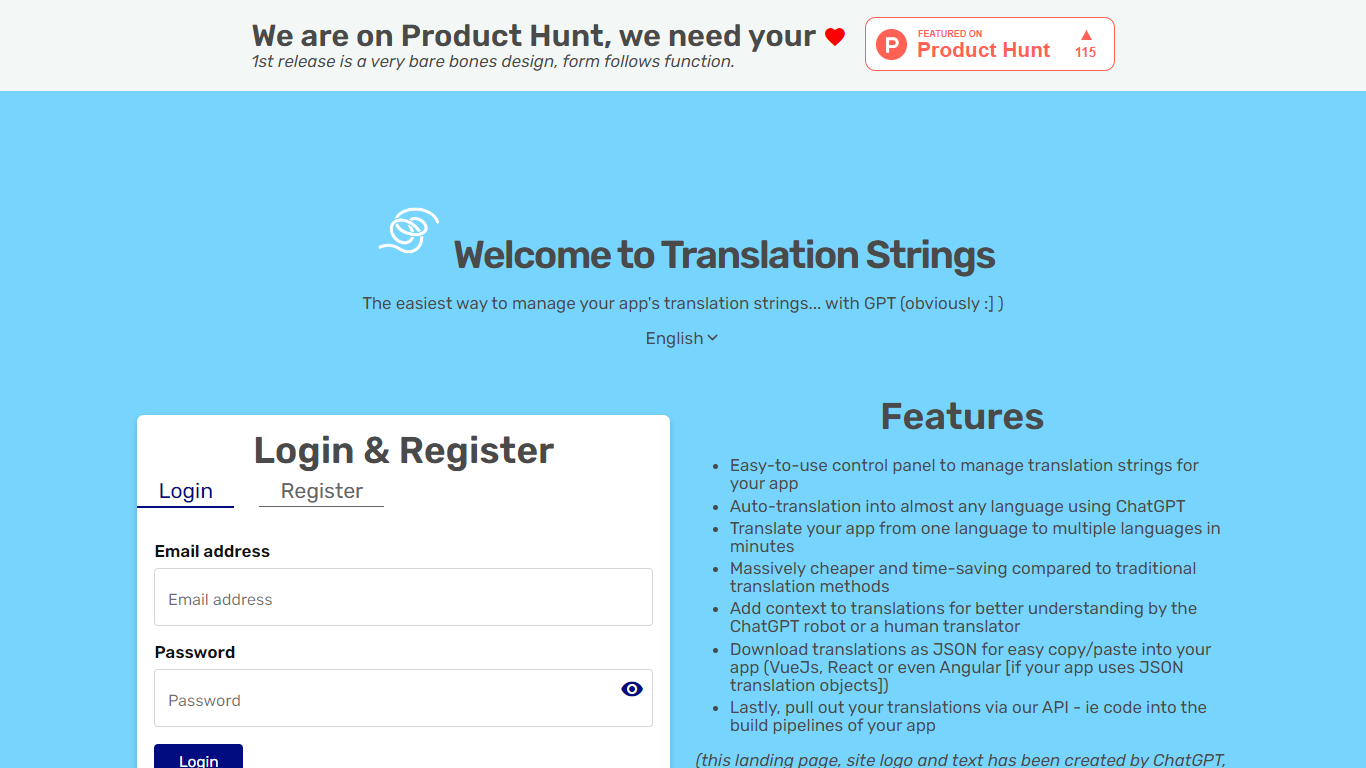
Translation Strings is a web platform for translating app strings into other languages. The site describes the product as translations for apps via AI, with human review available when needed.
The first public release keeps the interface intentionally minimal. The homepage notes that the design is bare bones and that form follows function.
Access runs through a browser login rather than a public marketing site. Users sign in to reach the translation workspace inside the Vue.js web app.
Translation Strings launched on Product Hunt as an early release aimed at developers who need a straightforward place to manage app localization work.
slAItor
What is slAItor?
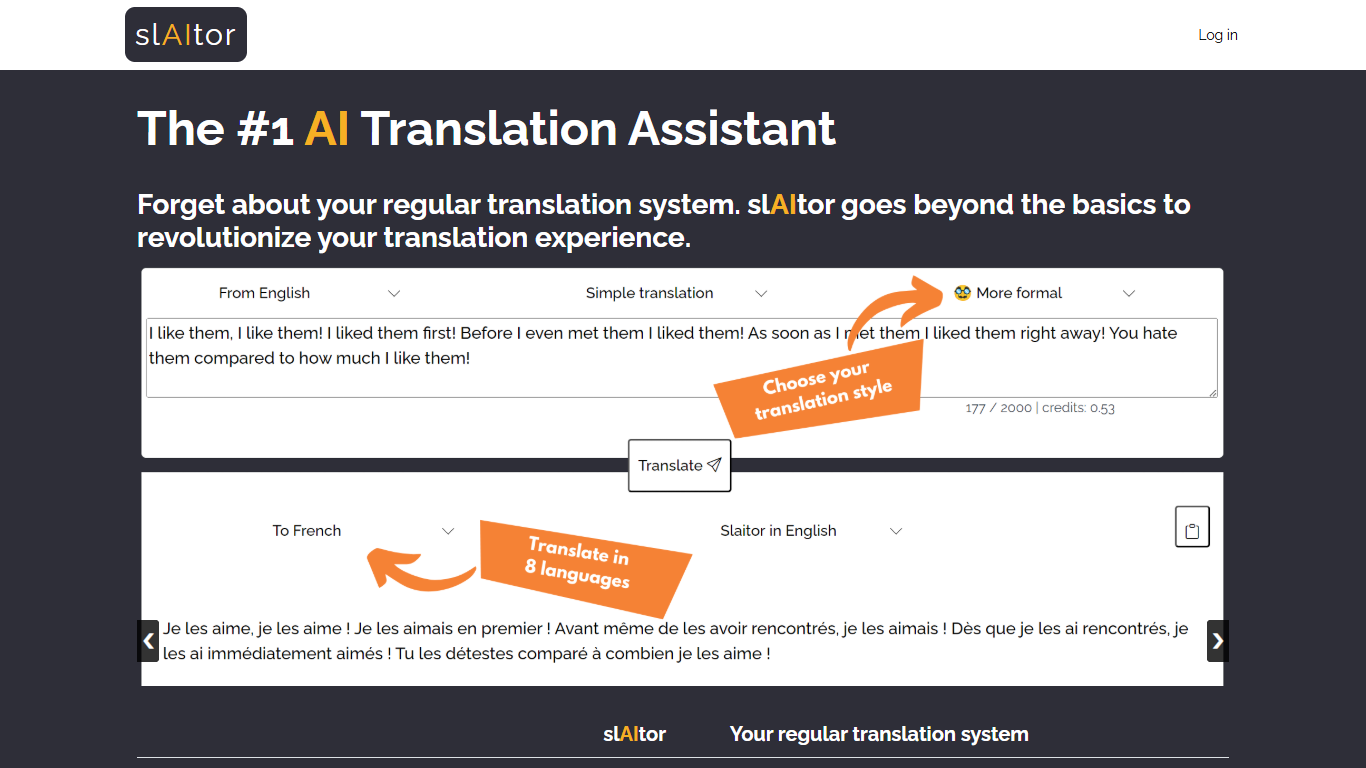
slAItor is an online translation assistant built around large language models from the GPT family, combined with standard machine translation pipelines. Instead of returning a single translated string, it is designed for people who want more context around a translation: explanations, alternatives, style adjustments, and error checking.
The product targets language learners, translators, and professionals who need more than a quick paste-and-go result. Benjamin Marie, who holds a Ph.D. in machine translation and has spent more than a decade in MT research, built slAItor to explore what becomes possible when GPT-style models sit at the center of a translation workflow.
slAItor supports 28 language pairs across Chinese, English, French, German, Italian, Japanese, Portuguese, and Spanish. The site is upfront that raw translation quality can trail established systems in some cases, but positions itself on price and on features like step-by-step explanations, paraphrasing, and a checker mode that reviews your own drafts.
Translation Strings Upvotes
slAItor Upvotes
Translation Strings Top Features
Handles app translation strings with AI, and human help when you need it
Stripped-down admin UI built around getting translation work done, not flashy design
Sign in through the browser to reach your projects and strings
Installable progressive web app with manifest and home-screen icons
Vue.js frontend with Google Fonts and Material Design Icons styling
slAItor Top Features
Translates across 28 language pairs spanning eight major languages
Step-by-step and checker modes cost 3 credits per 1,000 characters
Monthly plan lists at $25 for 800 credits with commercial-use rights
Paraphraser and style calibrator offer up to five alternative phrasings
Minimum query cost is 0.1 credit per translation request
Translation Strings Category
- Translation
slAItor Category
- Translation
Translation Strings Pricing Type
- Freemium
slAItor Pricing Type
- Paid