Transluto vs Bing Microsoft AI Translator
In the clash of Transluto vs Bing Microsoft AI Translator, which AI Translation tool emerges victorious? We assess reviews, pricing, alternatives, features, upvotes, and more.
When we put Transluto and Bing Microsoft AI Translator head to head, which one emerges as the victor?
Let's take a closer look at Transluto and Bing Microsoft AI Translator, both of which are AI-driven translation tools, and see what sets them apart. The community has spoken, Bing Microsoft AI Translator leads with more upvotes. Bing Microsoft AI Translator has attracted 10 upvotes from aitools.fyi users, and Transluto has attracted 6 upvotes.
Not your cup of tea? Upvote your preferred tool and stir things up!
Transluto

What is Transluto?
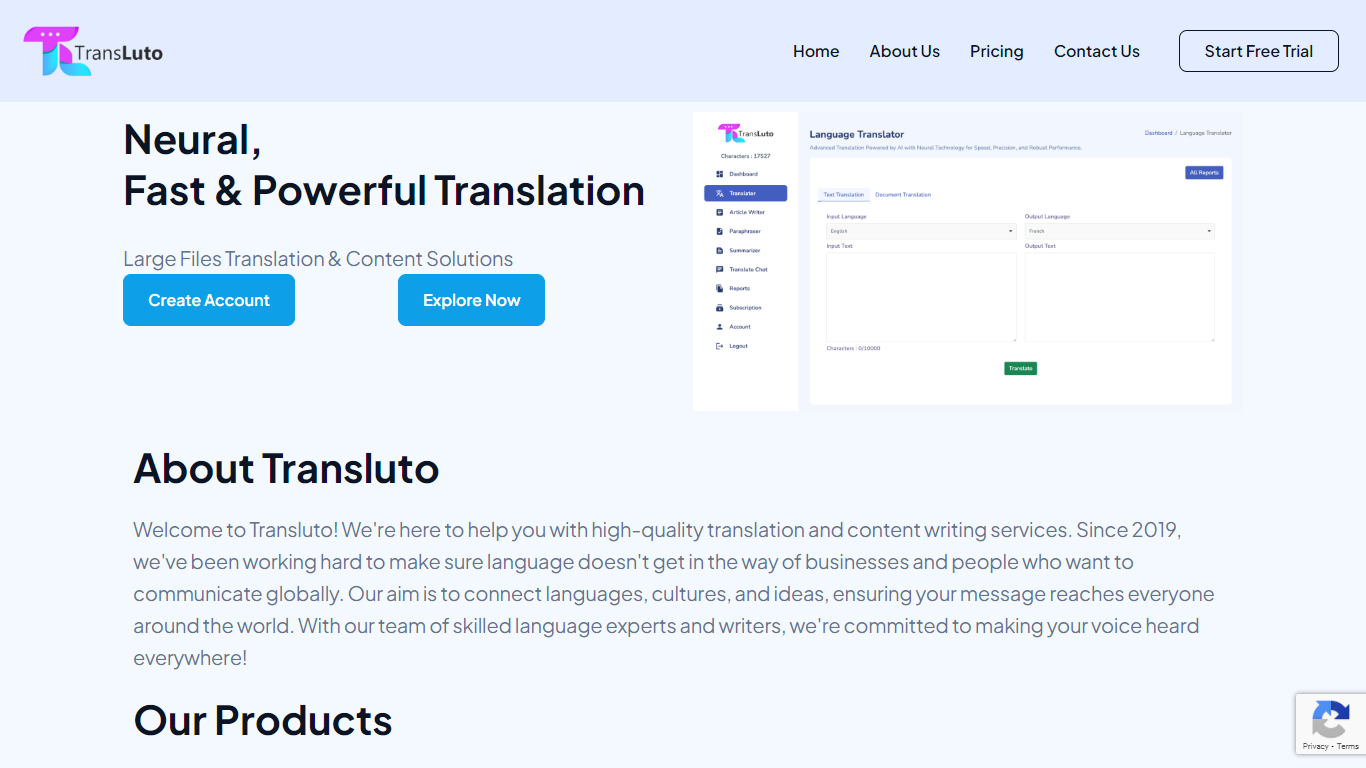
Transluto is a neural, fast, accurate, and powerful language translation system that revolutionizes communication across language barriers. Serving since 2019, it offers high-quality translation and content writing services to bridge the gap between languages, cultures, and ideas.
Their skilled language experts provide a range of tools suitable for text translation, document translation, content rewriting/paraphrasing, summarization, article generation, and smart chatbots, specifically engineered to connect globally and make your voice heard across the world.
Transluto caters to businesses, individuals, and various sectors by translating various document types and supporting over 120 languages while ensuring customer satisfaction.
Bing Microsoft AI Translator

What is Bing Microsoft AI Translator?
Microsoft Translator on Bing is a free web translator for turning words and phrases between English and more than 100 languages. Paste text, pick languages from long dropdown lists, or let the page auto-detect the source language before you translate.
The Bing interface adds practical extras beyond basic text swap. You can listen to a translation, open an on-screen keyboard, capture or upload an image to translate text in photos, and regenerate results in Standard, Casual, or Formal tone. A phrase helper surfaces common expressions grouped by topics like travel, dining, and emergencies.
It fits travelers, students, and anyone who needs a quick translation in the browser without installing software. Navigation on the page also points to separate Microsoft Translator experiences for live conversation, mobile apps, and business use.
Transluto Upvotes
Bing Microsoft AI Translator Upvotes
Transluto Top Features
Neural Translation Technology: Utilizes advanced AI for seamless language translation.
Wide Range of Tools: Offers tools for text translation, paraphrasing, document translation, summarizing, and more.
Multiple Languages Supported: Translates documents and content in over 120 languages.
Diverse Document Types: Accepts translations for numerous document formats like txt, pdf, docx, pptx, etc.
User-Friendly Platform: Provides an intuitive interface with easy-to-use features and a free trial option.
Bing Microsoft AI Translator Top Features
Auto-detect source language across more than 100 listed language options
Each translation request accepts up to 1,000 characters of input text
Regenerate results in Standard, Casual, or Formal tone with one click
Capture or upload an image to translate text found in photos
Speak to translate when typing is awkward on mobile or desktop
Listen to translations read aloud from the results panel
Browse common phrase sets for travel, dining, and emergencies
Transluto Category
- Translation
Bing Microsoft AI Translator Category
- Translation
Transluto Pricing Type
- Freemium
Bing Microsoft AI Translator Pricing Type
- Free