Try OC Maker vs Artflow AI
Dive into the comparison of Try OC Maker vs Artflow AI and discover which AI tool stands out. We examine alternatives, upvotes, features, reviews, pricing, and beyond.
In a comparison between Try OC Maker and Artflow AI, which one comes out on top?
When we compare Try OC Maker and Artflow AI, two exceptional tools powered by artificial intelligence, and place them side by side, several key similarities and differences come to light. Artflow AI is the clear winner in terms of upvotes. Artflow AI has garnered 12 upvotes, and Try OC Maker has garnered 6 upvotes.
Want to flip the script? Upvote your favorite tool and change the game!
Try OC Maker
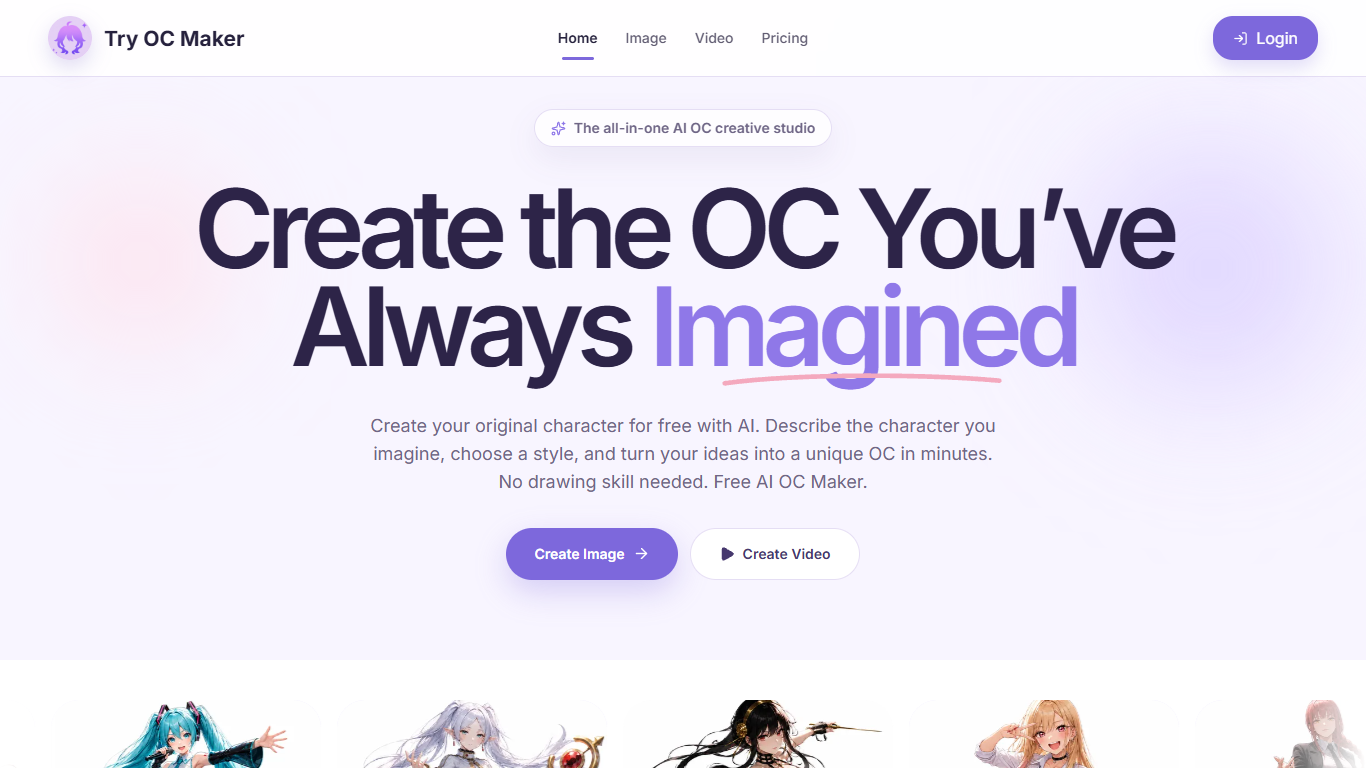

What is Try OC Maker?
Try OC Maker is a browser studio for designing anime-style original characters and turning them into short animated clips. You describe the look, upload a reference image, or use the guided builder, then iterate on face, outfit, pose, and full-body sheets without drawing by hand. It fits fans, roleplayers, and indie creators who already know the character in their head but need a visual they can keep refining.
Most anime generators stop at a one-off portrait. Try OC Maker is built as an OC pipeline: keep one character identity across outfits and scenes, then push the same still into image-to-video with first and last frame control. That continuity focus is the product, not just the art style.
Writers, VTuber creators, game concept teams, and roleplayers use it when they need a recognizable avatar, sheet, or social clip faster than commissioning art. The privacy policy also states prompts and uploads are not used to train third-party generative models, which matters if you are iterating on a private character for months.
Artflow AI
What is Artflow AI?
Artflow AI lets you train a persistent digital identity called an Actor from 10 to 20 photos of your face. Once trained, every photo or video you generate keeps your real expressions and features instead of a generic AI look.
Most image generators spit out one-off portraits that look like stock art. Artflow is built for people who need the same face across LinkedIn banners, reels, website photos, and print mockups. The Actor stays with you across formats, so you are not retraining or restyling from scratch every time you post.
It fits coaches, solopreneurs, content creators, and designers who want professional visuals without booking photographers or designers. The homepage highlights use cases from client walkthrough videos to holiday cards, all starring the same trained identity.
Try OC Maker Upvotes
Artflow AI Upvotes
Try OC Maker Top Features
Model picker includes Seedream 5.0 Pro, Flux 2 Pro, Kling 3.0, and Seedance 2.0
Seedance 1.5 Pro image-to-video runs about 5 seconds at 480P for 45 credits
Seedream 5.0 Pro text-to-image costs 14 credits at 1K or 2K resolution
Upload up to 10 reference images (10 MB each) to lock face and outfit details
First and last frame controls pin motion between two OC stills
Free plan includes 40 credits for prompt-based OC image generation
Artflow AI Top Features
Train an Actor from 10 to 20 face photos in 10 to 30 minutes
Export print-ready images up to 64 megapixels with logo and color matching
Four paid plans from $7.50 to $99 per month with 150 to 5,000 monthly credits
Background removal, inpainting, and upscaling on Creator plans and above
Hundreds of templates for portraits, reels, posters, and social posts
Dual Actor scenes combine two trained identities in one image
Try OC Maker Category
- Anime Generator
Artflow AI Category
- Image Generation
Try OC Maker Pricing Type
- Freemium
Artflow AI Pricing Type
- Freemium