Try OC Maker vs Photo to Anime
When comparing Try OC Maker vs Photo to Anime, which AI Anime Generator tool shines brighter? We look at pricing, alternatives, upvotes, features, reviews, and more.
Between Try OC Maker and Photo to Anime, which one is superior?
When we put Try OC Maker and Photo to Anime side by side, both being AI-powered anime generator tools, Neither tool takes the lead, as they both have the same upvote count. Be a part of the decision-making process. Your vote could determine the winner.
Think we got it wrong? Cast your vote and show us who's boss!
Try OC Maker
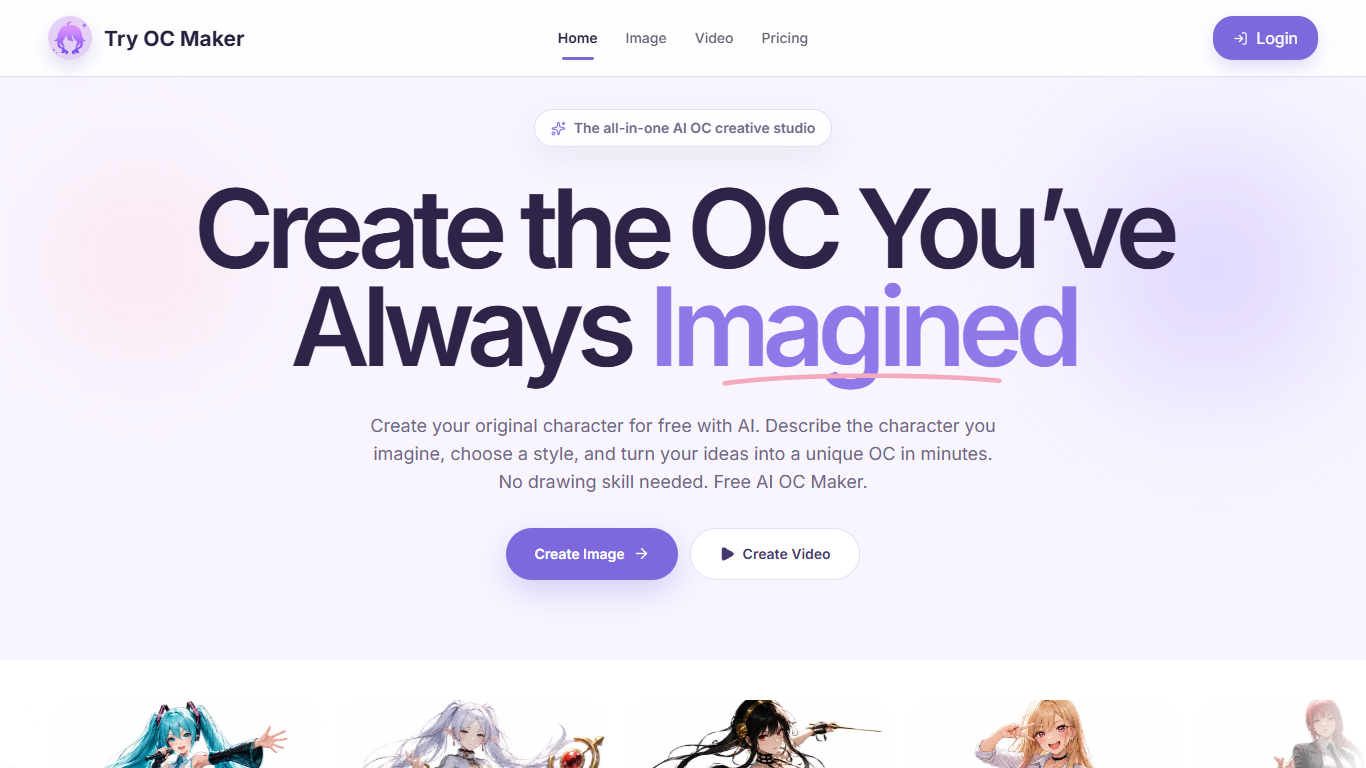

What is Try OC Maker?
Try OC Maker is a browser studio for designing anime-style original characters and turning them into short animated clips. You describe the look, upload a reference image, or use the guided builder, then iterate on face, outfit, pose, and full-body sheets without drawing by hand. It fits fans, roleplayers, and indie creators who already know the character in their head but need a visual they can keep refining.
Most anime generators stop at a one-off portrait. Try OC Maker is built as an OC pipeline: keep one character identity across outfits and scenes, then push the same still into image-to-video with first and last frame control. That continuity focus is the product, not just the art style.
Writers, VTuber creators, game concept teams, and roleplayers use it when they need a recognizable avatar, sheet, or social clip faster than commissioning art. The privacy policy also states prompts and uploads are not used to train third-party generative models, which matters if you are iterating on a private character for months.
Photo to Anime
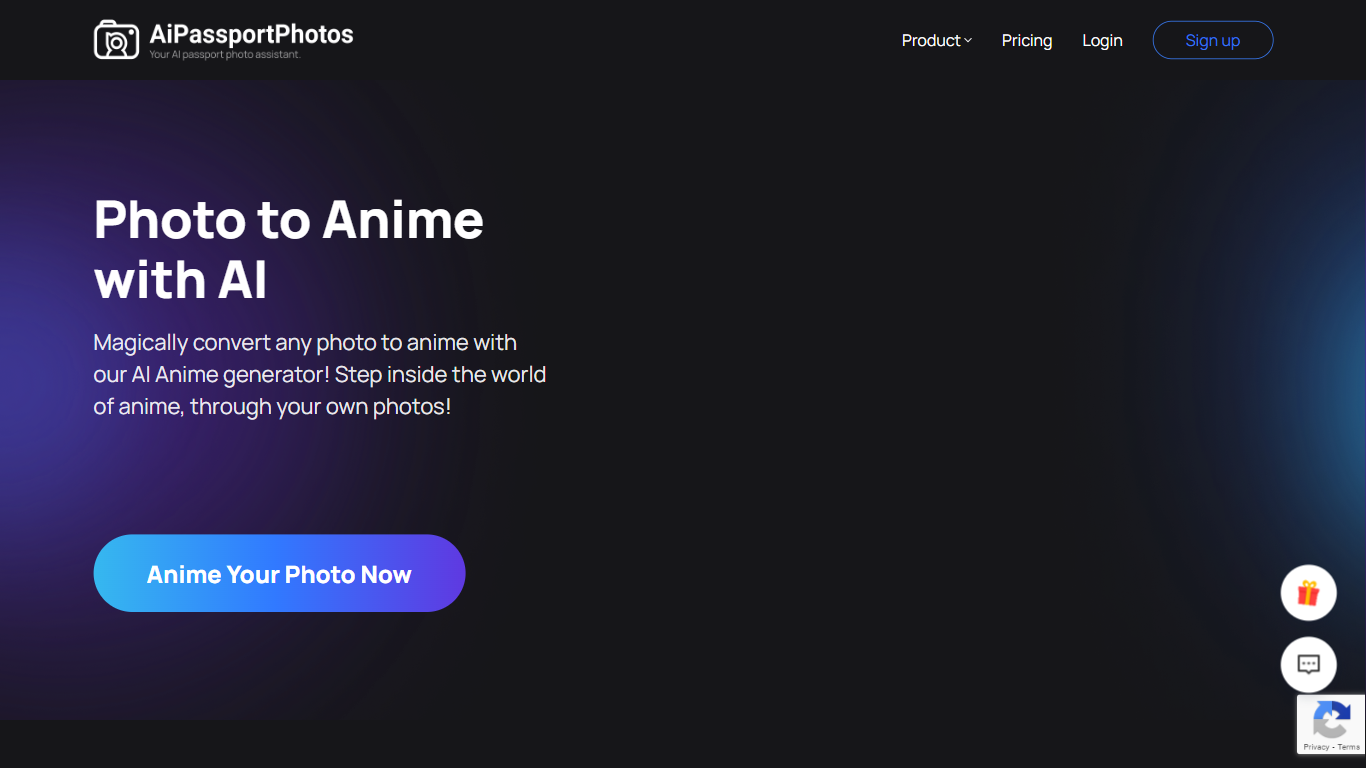
What is Photo to Anime?
Photo to Anime uses AI to transform your photos into anime-style images quickly and easily. It supports portraits, pets, group photos, and even landscapes, applying various anime filters like Watercolor, Sketch, and Pixel Art. The tool runs fully automatically online, requiring no downloads or installations. It enhances facial features and hair details to create high-quality anime art in under three seconds. Users can select from multiple filters to customize their anime look, making it ideal for social media avatars or creative projects. Privacy is respected, with all data deleted after processing. This tool appeals to anime fans, social media users, and anyone wanting a fun, artistic twist on their photos.
Try OC Maker Upvotes
Photo to Anime Upvotes
Try OC Maker Top Features
Model picker includes Seedream 5.0 Pro, Flux 2 Pro, Kling 3.0, and Seedance 2.0
Seedance 1.5 Pro image-to-video runs about 5 seconds at 480P for 45 credits
Seedream 5.0 Pro text-to-image costs 14 credits at 1K or 2K resolution
Upload up to 10 reference images (10 MB each) to lock face and outfit details
First and last frame controls pin motion between two OC stills
Free plan includes 40 credits for prompt-based OC image generation
Photo to Anime Top Features
🎨 Multiple anime filters like Watercolor and Sketch for varied styles
⚡ Fast processing converts photos to anime in under 3 seconds
🖼️ Supports portraits, pets, groups, and landscapes for versatile use
🔒 Automatic data deletion ensures user privacy and security
🌐 Fully online with no software download or installation required
Try OC Maker Category
- Anime Generator
Photo to Anime Category
- Anime Generator
Try OC Maker Pricing Type
- Freemium
Photo to Anime Pricing Type
- Freemium