TubeMagic vs Captions
In the face-off between TubeMagic vs Captions, which AI Video Editing tool takes the crown? We scrutinize features, alternatives, upvotes, reviews, pricing, and more.
In a face-off between TubeMagic and Captions, which one takes the crown?
If we were to analyze TubeMagic and Captions, both of which are AI-powered video editing tools, what would we find? Both tools are equally favored, as indicated by the identical upvote count. Be a part of the decision-making process. Your vote could determine the winner.
Not your cup of tea? Upvote your preferred tool and stir things up!
TubeMagic
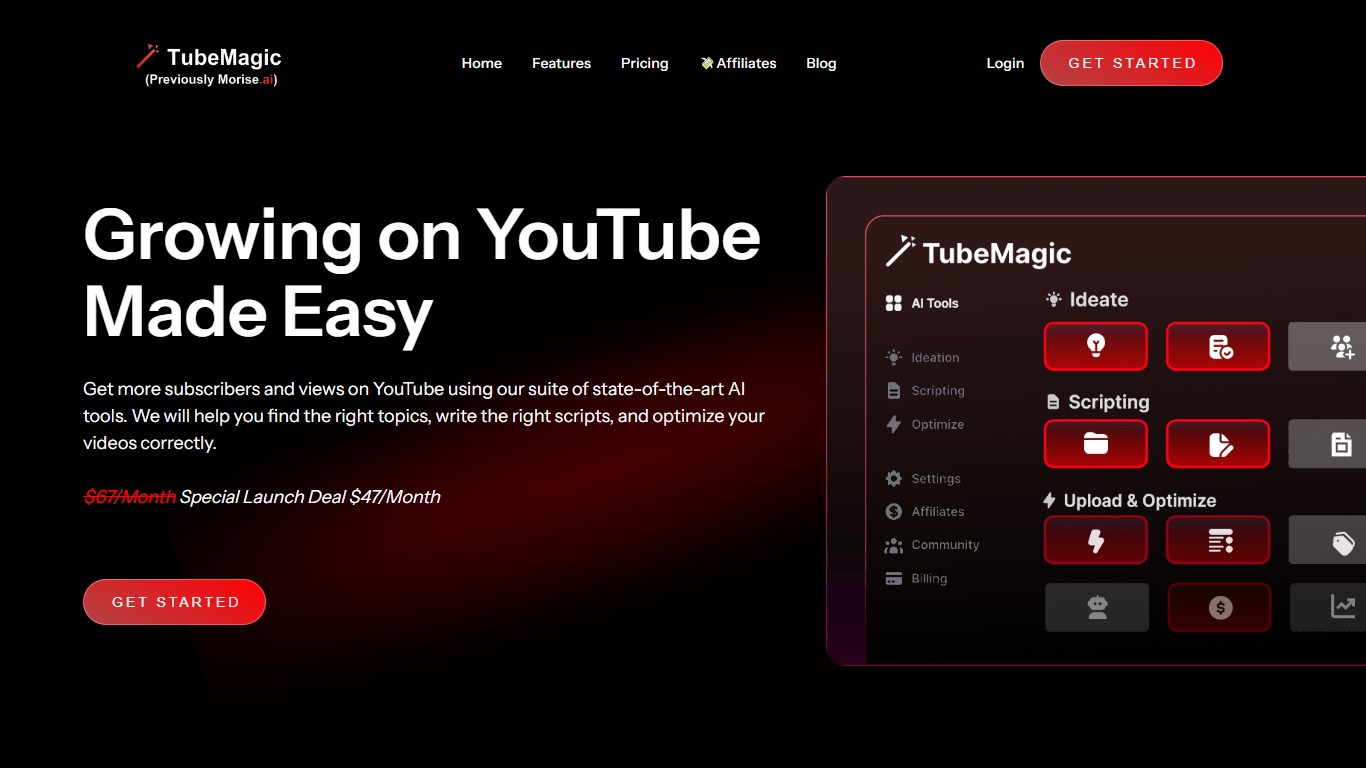

What is TubeMagic?
TubeMagic helps YouTube creators script, research, and optimize videos from one dashboard instead of juggling separate apps. Its script writer generates retention-focused drafts in seconds, and the same subscription covers titles, tags, descriptions, thumbnails, keyword research, and upload prep.
Where VidIQ and TubeBuddy lean on analytics and browser-side optimization, TubeMagic puts script drafting first. You paste a channel link to mirror your tone, pick models like Claude 4.0 or GPT-4o, set length from one to twenty minutes, and feed in top-performing videos as inspiration. The site reports over 200K scripts generated and lists creators with large followings as users.
TubeMagic started as Morise.AI in 2023, was acquired by YouTuber Matt Par in January 2024, and by mid-2025 the team narrowed focus to the script writer while keeping the rest of the toolkit available. It suits solo creators, agencies, and channel managers who publish regularly and need faster scripting plus SEO-minded metadata.
Captions
What is Captions?
Captions turns raw footage into finished social videos with one upload. Its AI editor picks cuts, overlays B-roll, adds captions, music, and transitions based on the style you choose, and you can steer changes through a chat-based prompt interface instead of a timeline.
Traditional auto-editors optimize for speed and produce the same generic cuts every time. Captions targets taste: the system reads your story and adapts edits to the specific footage, with 20+ named styles like Bloom, Prime, and Elevate you can swap in a click. It also merged Mirage Studio, so you can generate AI avatars, digital twins, and entirely new footage without recording yourself.
Content creators, marketers, and podcasters use Captions for short-form social clips, translated subtitles in 100+ languages, eye-contact correction, and pause trimming. The free tier covers basic trimming and one caption template; paid Max and Scale plans unlock 500 to 5,600 monthly AI credits for generative editing.
TubeMagic Upvotes
Captions Upvotes
TubeMagic Top Features
Paste your channel link and TubeMagic mirrors your tone and structure
Choose Claude 4.0, GPT-4o, or other models when drafting scripts
Match script length to video time with word targets from 100 words for 1 minute up to 3000 words for 20 minutes
Add inspiration videos and it merges their patterns into your draft
Warp Upload Optimizer suggests titles, tags, and descriptions before publish
Keyword research shows volume, competition, and a Magic Score per topic
Supports 95+ languages for titles, descriptions, tags, and video ideas
Captions Top Features
AI Edit applies 20+ styles like Bloom, Prime, and Elevate with automatic cuts, B-roll, and music
Max plan at $24.99 per month includes 500 AI credits and digital twin creation
Auto-captions in 100+ languages with 100+ stylized templates on paid plans
Chat-based editor lets you direct changes with simple text prompts
AI avatars and digital twins for generating new footage without recording
Eye-contact correction, denoise, and automatic pause and filler-word trimming
Scale plans from $69.99 to $279.99 per month with 1,400 to 5,600 monthly credits
TubeMagic Category
- Video Editing
Captions Category
- Video Editing
TubeMagic Pricing Type
- Paid
Captions Pricing Type
- Freemium