TubeMagic vs Wondershare Filmora
Explore the showdown between TubeMagic vs Wondershare Filmora and find out which AI Video Editing tool wins. We analyze upvotes, features, reviews, pricing, alternatives, and more.
In a face-off between TubeMagic and Wondershare Filmora, which one takes the crown?
When we contrast TubeMagic with Wondershare Filmora, both of which are exceptional AI-operated video editing tools, and place them side by side, we can spot several crucial similarities and divergences. The users have made their preference clear, Wondershare Filmora leads in upvotes. Wondershare Filmora has received 72 upvotes from aitools.fyi users, while TubeMagic has received 6 upvotes.
Does the result make you go "hmm"? Cast your vote and turn that frown upside down!
TubeMagic

What is TubeMagic?
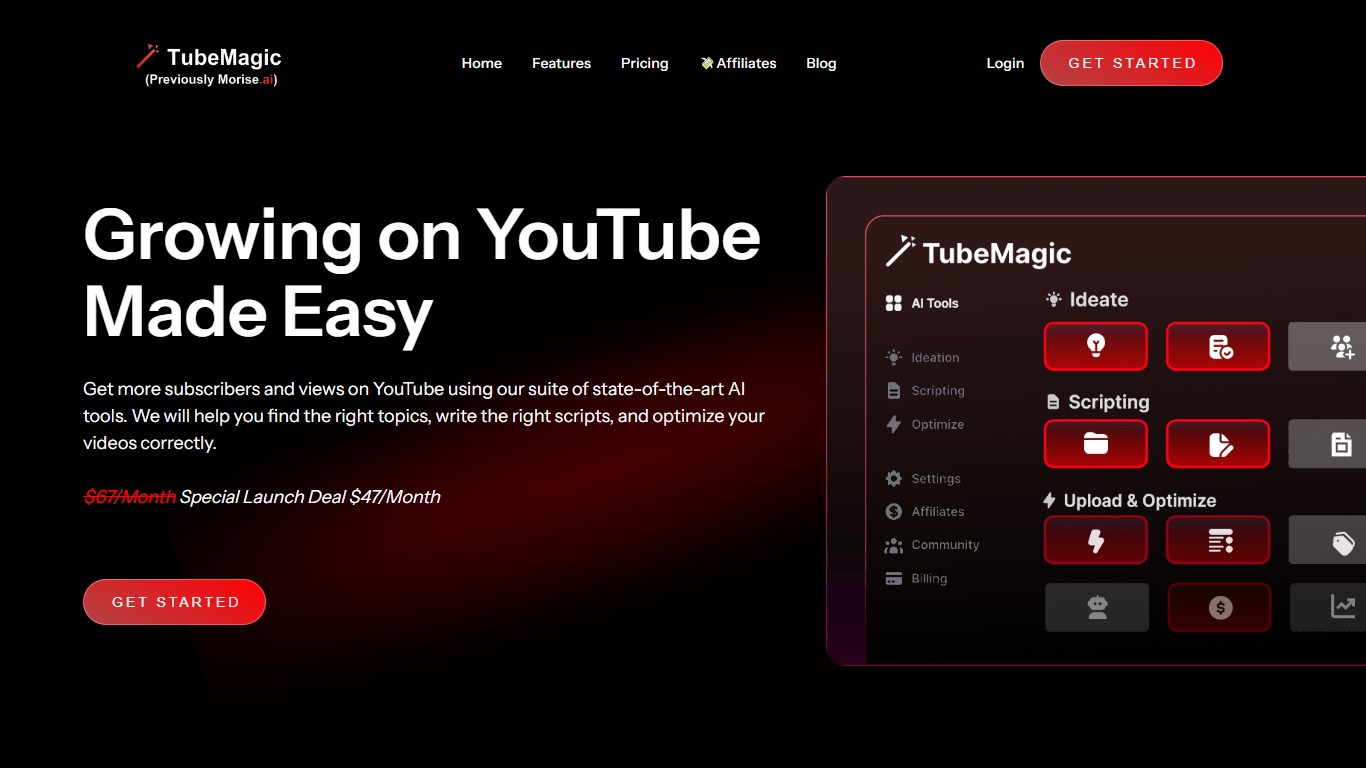
TubeMagic helps YouTube creators script, research, and optimize videos from one dashboard instead of juggling separate apps. Its script writer generates retention-focused drafts in seconds, and the same subscription covers titles, tags, descriptions, thumbnails, keyword research, and upload prep.
Where VidIQ and TubeBuddy lean on analytics and browser-side optimization, TubeMagic puts script drafting first. You paste a channel link to mirror your tone, pick models like Claude 4.0 or GPT-4o, set length from one to twenty minutes, and feed in top-performing videos as inspiration. The site reports over 200K scripts generated and lists creators with large followings as users.
TubeMagic started as Morise.AI in 2023, was acquired by YouTuber Matt Par in January 2024, and by mid-2025 the team narrowed focus to the script writer while keeping the rest of the toolkit available. It suits solo creators, agencies, and channel managers who publish regularly and need faster scripting plus SEO-minded metadata.
Wondershare Filmora

What is Wondershare Filmora?
Filmora is a cross-platform video editor from Wondershare that pairs a drag-and-drop timeline with a large built-in library of effects, templates, music, and stock footage. Filmora 15 adds AI generation (text-to-video with Veo 3.1, image-to-video, smart short clips from long footage), auto captions, background removal, and an AI editing assistant called AI Mate. You can edit on Windows, macOS, iOS, Android, and iPadOS, then export with presets for YouTube, TikTok, and other platforms.
Where Premiere Pro expects you to know NLE conventions and CapCut keeps you inside a mobile-first flow, Filmora targets the middle: enough timeline depth for dual-track editing, pen-tool paths, animated charts, and Mocha-powered tracking, but most tasks stay one or two clicks away. The trade-off is subscription tiers and AI credits for heavy generation work, and perpetual licenses lock you to Filmora 15 updates rather than future major versions.
The editor fits YouTubers, social media managers, small business marketers, educators, and freelancers who post often and want stock assets plus AI helpers inside one app rather than juggling separate tools for captions, B-roll, and shorts. G2 and Capterra both rate it around 4.5 out of 5.
TubeMagic Upvotes
Wondershare Filmora Upvotes
TubeMagic Top Features
Paste your channel link and TubeMagic mirrors your tone and structure
Choose Claude 4.0, GPT-4o, or other models when drafting scripts
Match script length to video time with word targets from 100 words for 1 minute up to 3000 words for 20 minutes
Add inspiration videos and it merges their patterns into your draft
Warp Upload Optimizer suggests titles, tags, and descriptions before publish
Keyword research shows volume, competition, and a Magic Score per topic
Supports 95+ languages for titles, descriptions, tags, and video ideas
Wondershare Filmora Top Features
2.9 million-plus templates, effects, filters, music tracks, and stock media inside the editor
Text-to-video and image-to-video generation with Veo 3.1 from prompts in Filmora 15
Advanced plan includes 1,000 Filmora AI credits per month for 20+ AI features
Speech-to-text covers 27 languages; text-to-speech supports 28 languages
Dual-timeline editing, pen-tool motion paths, and animated charts from CSV or Excel data
Paid plans export up to 4K without watermarks; the free tier adds watermarks on exports
Native apps for Windows 7+, macOS 10.15+, iOS, Android, and iPad
TubeMagic Category
- Video Editing
Wondershare Filmora Category
- Video Editing
TubeMagic Pricing Type
- Paid
Wondershare Filmora Pricing Type
- Freemium