TwitterCut vs Video Editor By VIDIO
When comparing TwitterCut vs Video Editor By VIDIO, which AI Video Editing tool shines brighter? We look at pricing, alternatives, upvotes, features, reviews, and more.
In a comparison between TwitterCut and Video Editor By VIDIO, which one comes out on top?
When we put TwitterCut and Video Editor By VIDIO side by side, both being AI-powered video editing tools, In the race for upvotes, TwitterCut takes the trophy. The upvote count for TwitterCut is 7, and for Video Editor By VIDIO it's 6.
Don't agree with the result? Cast your vote and be a part of the decision-making process!
TwitterCut

What is TwitterCut?
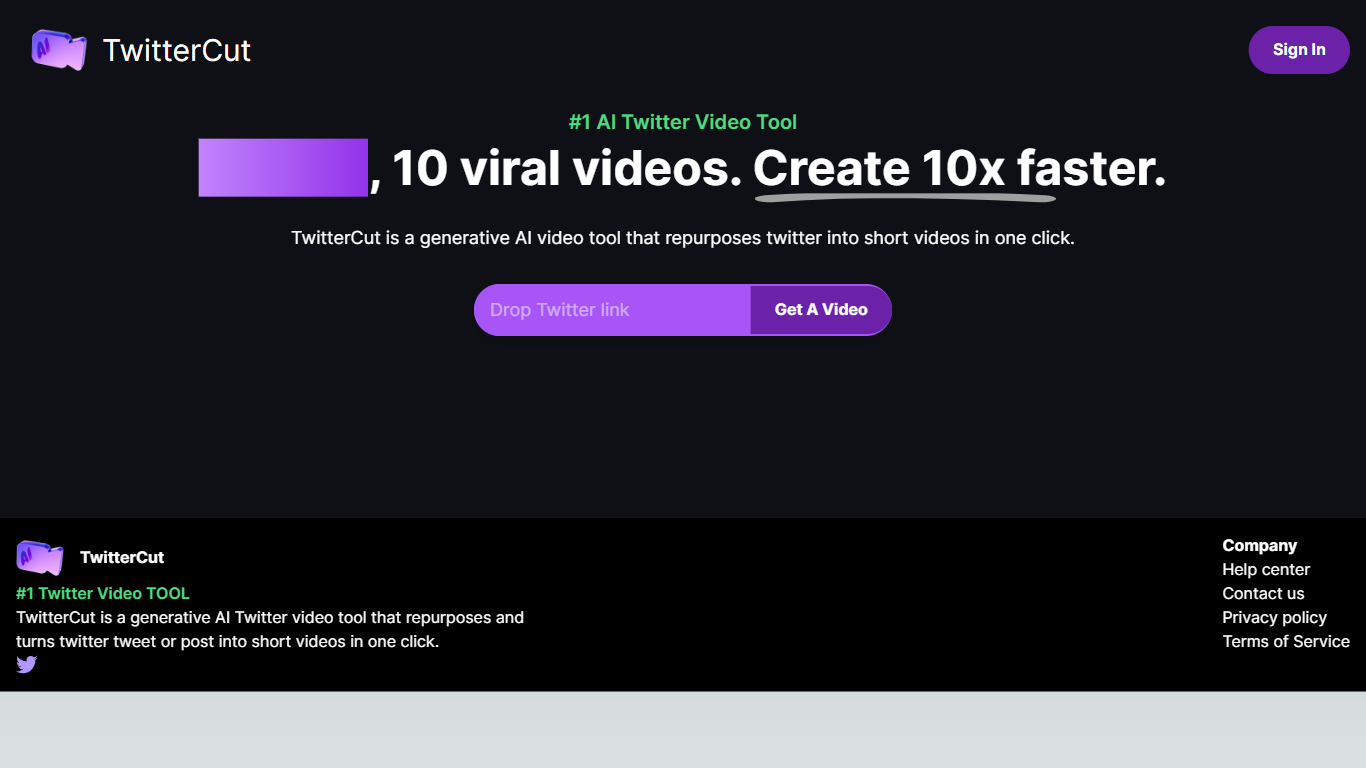
TwitterCut is a generative AI tool that turns Twitter or X posts into short videos in one click. Paste a tweet link, and the platform generates a script, video, and audio automatically, then lets you download the result as MP4.
The workflow is three steps: copy a tweet link, paste it into TwitterCut, and click Get A Video. The site states it uses AIGC technology including ChatGPT for scripting plus stable video and stable audio models for the final output.
TwitterCut targets creators and marketers who want to repurpose tweet content into shareable short-form video without manual editing. Sign-in supports Google, Twitter, and email accounts.
Video Editor By VIDIO

What is Video Editor By VIDIO?
Video Editor By VIDIO lets you edit videos in the browser by describing changes in plain language instead of clicking through timeline menus. Upload a clip, tell the assistant what you want changed, and export the result without installing desktop software. It supports GIF, MP4, MOV, WEBM, and other common formats with a 3GB upload cap.
Traditional editors pack dozens of panels most casual creators never open. Video Editor By VIDIO deliberately keeps the workflow to three steps: upload, chat your request, download. That narrow focus fits social clips, quick captioning, and cleanup jobs where opening Premiere would be overkill.
The tool handles short-form cuts, auto captions, color filters, audio extraction, silence detection, and background noise removal through the same chat interface. VIDIO reports more than 500,000 users, with ratings of 4.8 on G2 and 4.7 on Trustpilot. Content creators, social media managers, and small teams use it when they need fast edits from any device.
TwitterCut Upvotes
Video Editor By VIDIO Upvotes
TwitterCut Top Features
Paste a tweet link and generate a complete short video in one click
Automatically creates script, video, and audio from the source tweet
Download finished videos in MP4 format
Sign in with Google, Twitter, or email to access the generator
Best-practice guide walks through the copy-paste-generate workflow
Video Editor By VIDIO Top Features
Natural-language editing accepts plain-text requests instead of manual timeline work
Supports GIF, MP4, MOV, MPG, WEBM, and MPEG uploads up to 3GB per file
Stitches up to 5 video clips together in a single conversational edit project
Handles captions, color filters, audio extraction, silence detection, and noise removal
Runs entirely in the browser with no local installation required
Free Basic plan available; Pro 20 starts at $8 per month with 20 credits
Rated 4.8 on G2 and 4.7 on Trustpilot across VIDIO's user base
TwitterCut Category
- Video Editing
Video Editor By VIDIO Category
- Video Editing
TwitterCut Pricing Type
- Freemium
Video Editor By VIDIO Pricing Type
- Freemium