Type AI - The AI Keyboard vs Notion AI
In the clash of Type AI - The AI Keyboard vs Notion AI, which AI Writing Assistant tool emerges victorious? We assess reviews, pricing, alternatives, features, upvotes, and more.
When we put Type AI - The AI Keyboard and Notion AI head to head, which one emerges as the victor?
Let's take a closer look at Type AI - The AI Keyboard and Notion AI, both of which are AI-driven writing assistant tools, and see what sets them apart. Notion AI stands out as the clear frontrunner in terms of upvotes. Notion AI has attracted 9 upvotes from aitools.fyi users, and Type AI - The AI Keyboard has attracted 6 upvotes.
Think we got it wrong? Cast your vote and show us who's boss!
Type AI - The AI Keyboard
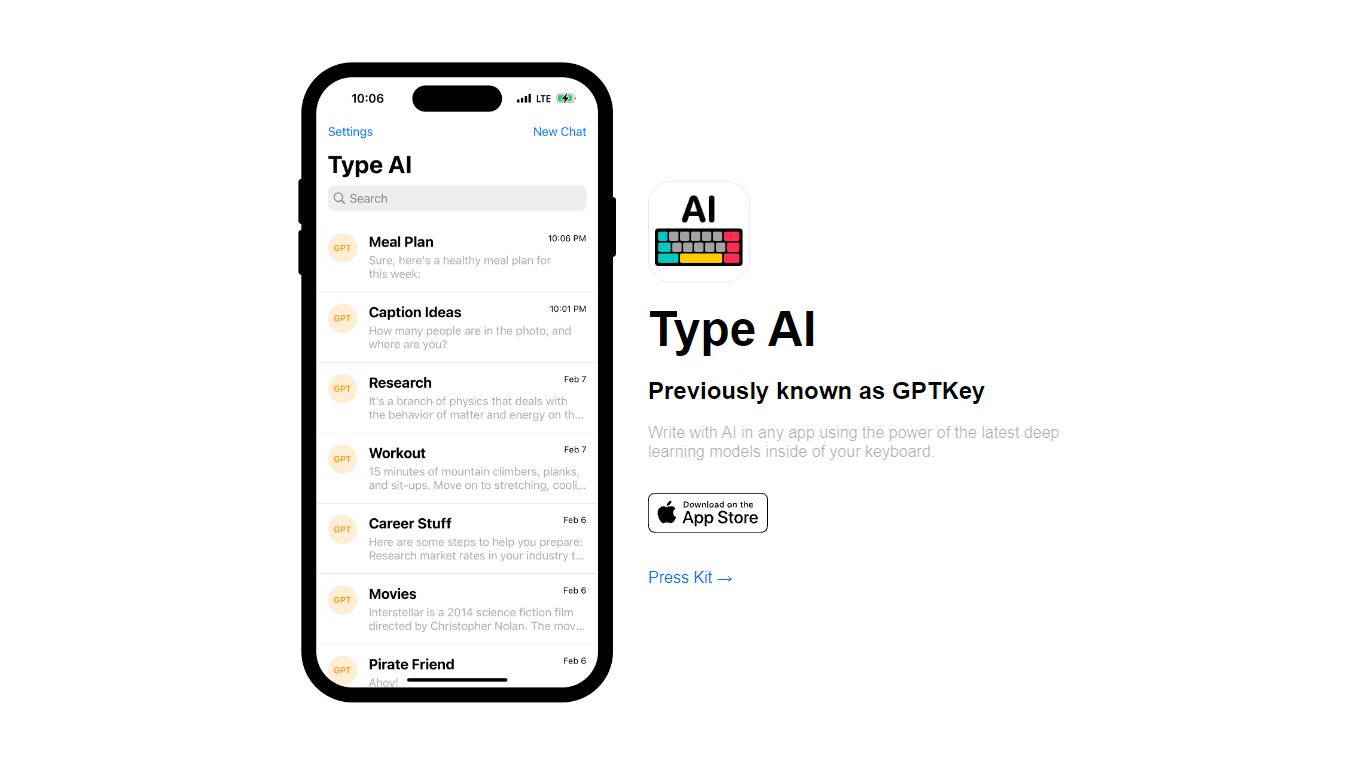

What is Type AI - The AI Keyboard?
Type AI (formerly GPTKey) is an iOS keyboard extension that drafts tweets, captions, emails, texts, notes, and essays inside any app. You pick a writing prompt on the custom keyboard, and the extension returns an inline AI response without leaving Messages, Mail, or your notes app.
Most mobile writing assistants live in a separate app you copy from. Type AI installs as a system keyboard, so generation happens where you are already typing. A companion app lets you build custom prompts, review history, and copy outputs to paste elsewhere.
The press kit lists developer Gavin King and requires iOS 16 or later. New users get initial prompts free, then buy prompt packs or unlock unlimited prompts through in-app purchases to cover model compute costs while keeping the app ad-free.
It fits iPhone users who draft social posts, messages, and short-form writing on the go and want ChatGPT-style generation from the keyboard rather than a standalone chat window.
Notion AI
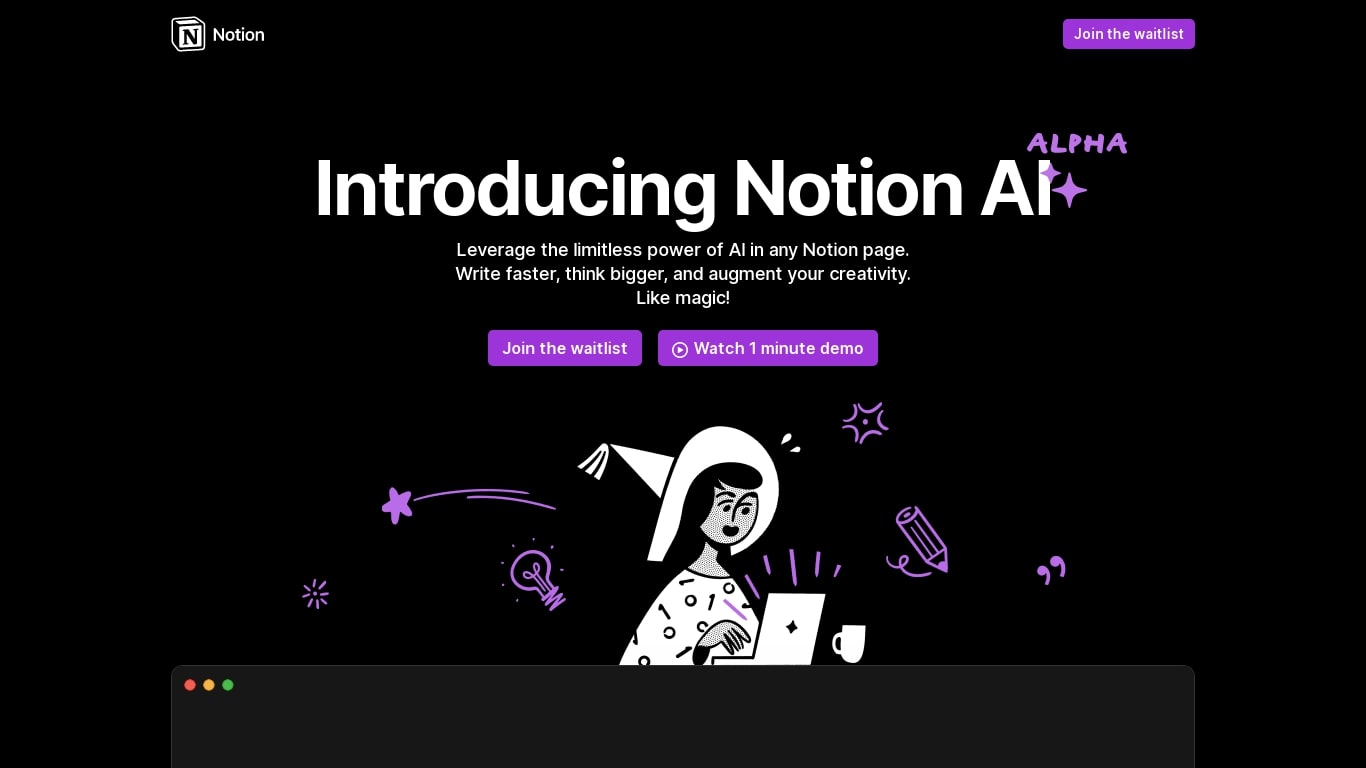
What is Notion AI?
Notion AI is a writing and workflow assistant built into Notion workspaces. It runs inside pages, docs, tasks, and databases so teams can draft content, search connected apps, and automate recurring work without leaving Notion.
Compared with standalone chat tools, Notion AI is tied to your workspace context. Notion Agent can build and edit pages, Custom Agents run on schedules or triggers across Slack and other connectors, and Enterprise Search pulls answers from Slack, Google Drive, and GitHub in seconds.
Business and Enterprise plans include core AI features like AI Meeting Notes and Enterprise Search. Custom Agents are free on those plans through May 3, 2026, then bill at $10 per 1,000 Notion credits. Free workspaces get trial AI usage for doc generation and database autofill.
Type AI - The AI Keyboard Upvotes
Notion AI Upvotes
Type AI - The AI Keyboard Top Features
Custom iOS keyboard extension that runs inside Messages, Mail, and other apps without switching to a separate writing tool
Companion app for creating custom writing prompts, viewing generation history, and copying responses
Uses the same deep learning models behind ChatGPT-style text generation, per the developer press kit
Free starter prompts for new users, with in-app purchases for additional prompt packs or unlimited access
Supports iOS 16 and later on iPhone, with setup walkthrough for enabling the keyboard extension
Notion AI Top Features
Notion Agent completes multi-step tasks using workspace and connected app context
Custom Agents automate Slack Q&A, task routing, and project updates on schedules
Enterprise Search queries Slack, Google Drive, GitHub, and other connected apps
AI Meeting Notes transcribe conversations and summarize follow-ups without a bot
Business plan at $20 per member per month includes Notion Agent and core AI features
Custom Agents priced at $10 per 1,000 credits starting May 4, 2026 on Business plans
Type AI - The AI Keyboard Category
- Writing Assistant
Notion AI Category
- Writing Assistant
Type AI - The AI Keyboard Pricing Type
- Freemium
Notion AI Pricing Type
- Freemium