Typeframes vs AI Studios
Explore the showdown between Typeframes vs AI Studios and find out which AI Video Editing tool wins. We analyze upvotes, features, reviews, pricing, alternatives, and more.
In a face-off between Typeframes and AI Studios, which one takes the crown?
When we contrast Typeframes with AI Studios, both of which are exceptional AI-operated video editing tools, and place them side by side, we can spot several crucial similarities and divergences. The upvote count reveals a draw, with both tools earning the same number of upvotes. You can help us determine the winner by casting your vote and tipping the scales in favor of one of the tools.
Don't agree with the result? Cast your vote and be a part of the decision-making process!
Typeframes


What is Typeframes?
Typeframes converts simple text prompts into engaging product videos optimized for social media platforms like YouTube, Instagram, and TikTok. It enables users to produce high-quality videos quickly without advanced video editing skills.
What sets Typeframes apart is its AI-driven approach that simplifies video production by offering customizable templates and automated suggestions to boost engagement. Unlike traditional video editors, it focuses on speed and ease of use, allowing creators to generate videos in minutes rather than hours.
The platform supports exporting videos in multiple resolutions tailored for different social media formats, including vertical videos. This makes Typeframes especially useful for content creators and marketers aiming to produce consistent, platform-optimized video content efficiently.
By streamlining the video creation process, Typeframes helps users save time and resources while enhancing their social media presence with visually appealing videos.
AI Studios
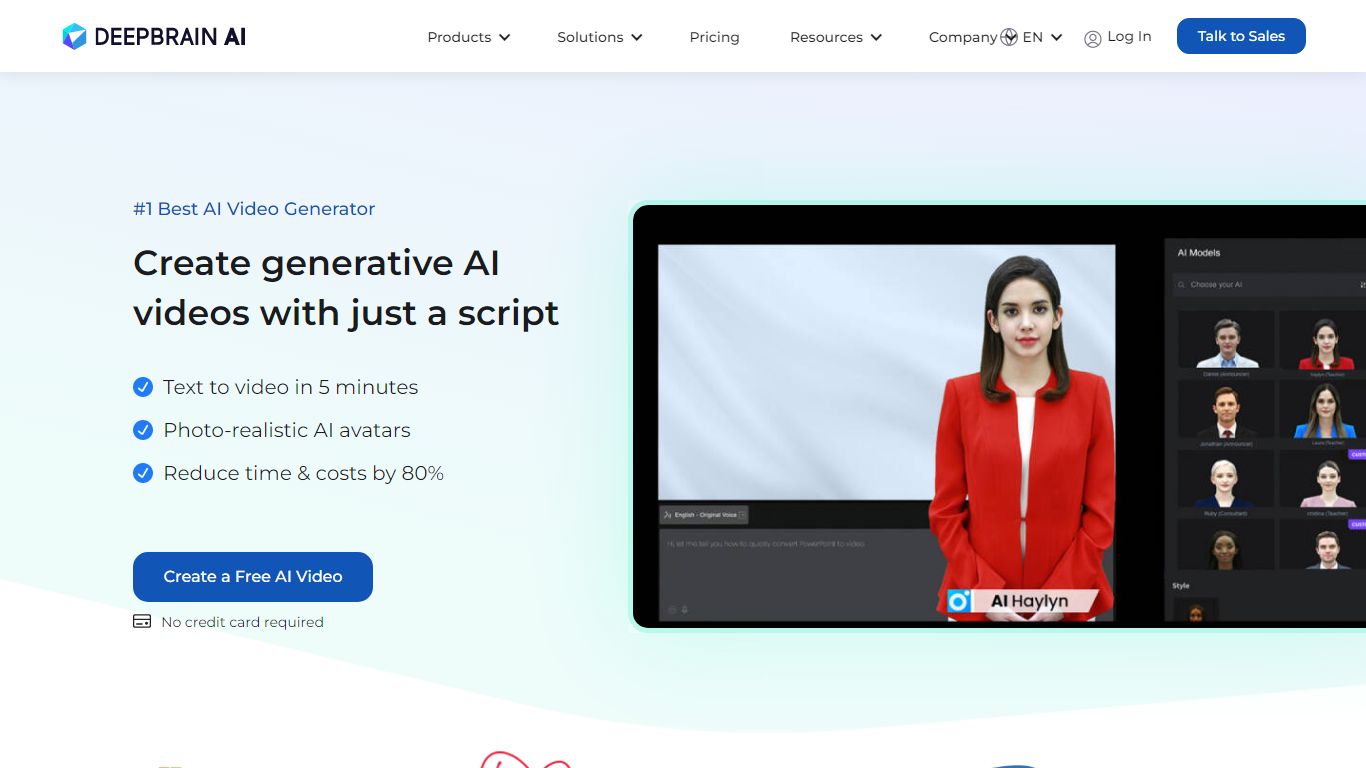
What is AI Studios?
AI Studios turns a script, image, or short clip into a finished video with AI avatars, voiceovers, translations, and branded visuals. You pick from over 2,000 ready-made avatars or build custom ones from photos, video recordings, or product shots. The platform covers topic-to-video generation, AI dubbing with lip-sync, and an online editor for publishing without leaving the workspace.
Most text-to-video tools produce generic clips with stock footage. AI Studios centers on photorealistic AI avatars that speak in 150+ languages with over 1,000 voice options, plus interactive avatars that hold real-time conversations on websites, apps, and kiosks. DeepBrain AI also ships a SCORM-compliant course builder with embedded quizzes and branching scenarios for corporate training.
Marketing teams, e-learning creators, and customer support departments are the main users. The free plan includes 3 AI videos up to 1 minute each, while paid Personal and Team tiers remove limits and add 1080p or 4K export. Over 2 million users and a G2 Best AI Software Product 2025 badge appear on the homepage.
Typeframes Upvotes
AI Studios Upvotes
Typeframes Top Features
Transform text prompts into engaging videos quickly
Customize templates to match your brand style easily
Create vertical videos optimized for social platforms
Simple interface requires no video editing skills
Export videos in multiple resolutions including high quality
AI-driven suggestions to boost video engagement
AI Studios Top Features
2,000+ ready-to-use AI avatars plus custom avatars from photos, video, or product images
150+ text-to-speech languages with 1,000+ voice options for multilingual video creation
AI dubbing with lip-sync across 120 to 240 minutes per month on paid plans
7,000+ video templates and topic-to-video generation from a script or prompt
Interactive avatars for real-time customer conversations on web, app, and kiosk channels
SCORM-compliant course builder with embedded quizzes and branching training scenarios
Typeframes Category
- Video Editing
AI Studios Category
- Video Editing
Typeframes Pricing Type
- Freemium
AI Studios Pricing Type
- Freemium