Typeframes vs PixVerse
Explore the showdown between Typeframes vs PixVerse and find out which AI Video Editing tool wins. We analyze upvotes, features, reviews, pricing, alternatives, and more.
In a face-off between Typeframes and PixVerse, which one takes the crown?
When we contrast Typeframes with PixVerse, both of which are exceptional AI-operated video editing tools, and place them side by side, we can spot several crucial similarities and divergences. The upvote count favors Typeframes, making it the clear winner. Typeframes has received 7 upvotes from aitools.fyi users, while PixVerse has received 6 upvotes.
You don't agree with the result? Cast your vote to help us decide!
Typeframes


What is Typeframes?
Typeframes converts simple text prompts into engaging product videos optimized for social media platforms like YouTube, Instagram, and TikTok. It enables users to produce high-quality videos quickly without advanced video editing skills.
What sets Typeframes apart is its AI-driven approach that simplifies video production by offering customizable templates and automated suggestions to boost engagement. Unlike traditional video editors, it focuses on speed and ease of use, allowing creators to generate videos in minutes rather than hours.
The platform supports exporting videos in multiple resolutions tailored for different social media formats, including vertical videos. This makes Typeframes especially useful for content creators and marketers aiming to produce consistent, platform-optimized video content efficiently.
By streamlining the video creation process, Typeframes helps users save time and resources while enhancing their social media presence with visually appealing videos.
PixVerse
What is PixVerse?
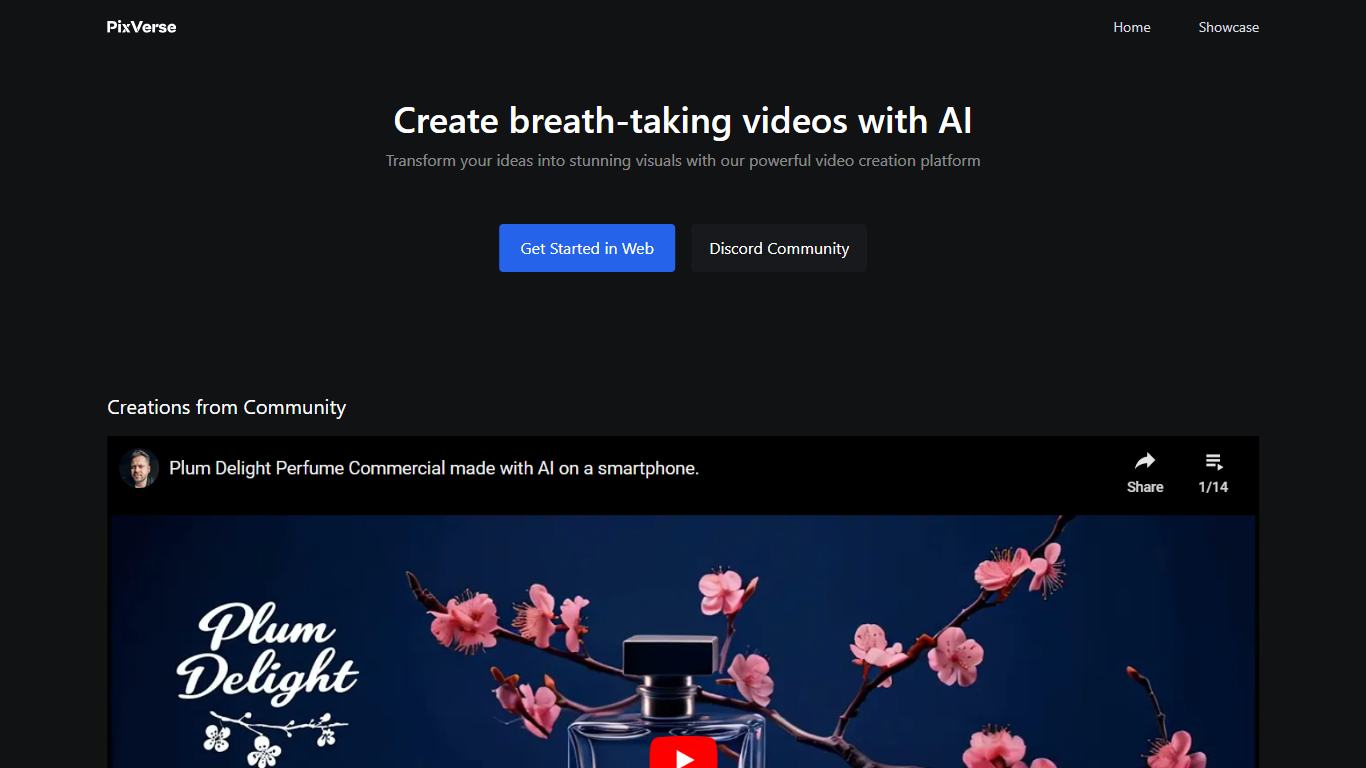
PixVerse turns text prompts, images, and reference footage into short videos for ads, social clips, and cinematic scenes. The platform pairs a web creator studio at app.pixverse.ai with proprietary models V6, C1, and R1 for clip generation, cinematic control, and real-time interactive worlds. You can work through templates, a conversational Agent, a node-based Canvas, or a command-line interface depending on how your team likes to produce video.
Most AI video tools stop at a single prompt box. PixVerse stacks Agent multi-shot direction, Canvas workflow graphs, Marketing Hub ad workflows, and a REST API in one platform, so teams can move from concept to batch production without switching tools. On Artificial Analysis benchmarks cited by PixVerse, V6 API pricing lands at $4.80 per minute versus $13.44 for Kling 3.0 Omni and $24.00 for VEO 3.1.
Marketing teams use Marketing Hub to turn product photos into ad-ready shorts. Creators join the Creative Partner Program for credits, cash rewards, and tiered partner benefits. Developers integrate generation through platform.pixverse.ai with per-second credit billing across V6 and C1 models.
Typeframes Upvotes
PixVerse Upvotes
Typeframes Top Features
Transform text prompts into engaging videos quickly
Customize templates to match your brand style easily
Create vertical videos optimized for social platforms
Simple interface requires no video editing skills
Export videos in multiple resolutions including high quality
AI-driven suggestions to boost video engagement
PixVerse Top Features
V6 supports 1 to 15 second clips at up to 1080p with eight aspect ratios from 16:9 to 21:9
API V6 pricing starts at 5 credits per second for 360p video without audio
Agent turns a multi-shot brief into four coordinated film shots from one conversation
Canvas links prompts, references, motion, and output in a node-based video workflow graph
Marketing Hub builds ready-to-use ad shorts from uploaded product images or URLs
PixVerse V6 API benchmarked at $4.80 per minute versus $13.44 per minute for Kling 3.0 Omni
Typeframes Category
- Video Editing
PixVerse Category
- Video Editing
Typeframes Pricing Type
- Freemium
PixVerse Pricing Type
- Freemium