Typeframes vs RivetAI
In the contest of Typeframes vs RivetAI, which AI Video Editing tool is the champion? We evaluate pricing, alternatives, upvotes, features, reviews, and more.
If you had to choose between Typeframes and RivetAI, which one would you go for?
When we examine Typeframes and RivetAI, both of which are AI-enabled video editing tools, what unique characteristics do we discover? Interestingly, both tools have managed to secure the same number of upvotes. The power is in your hands! Cast your vote and have a say in deciding the winner.
You don't agree with the result? Cast your vote to help us decide!
Typeframes


What is Typeframes?
Typeframes converts simple text prompts into engaging product videos optimized for social media platforms like YouTube, Instagram, and TikTok. It enables users to produce high-quality videos quickly without advanced video editing skills.
What sets Typeframes apart is its AI-driven approach that simplifies video production by offering customizable templates and automated suggestions to boost engagement. Unlike traditional video editors, it focuses on speed and ease of use, allowing creators to generate videos in minutes rather than hours.
The platform supports exporting videos in multiple resolutions tailored for different social media formats, including vertical videos. This makes Typeframes especially useful for content creators and marketers aiming to produce consistent, platform-optimized video content efficiently.
By streamlining the video creation process, Typeframes helps users save time and resources while enhancing their social media presence with visually appealing videos.
RivetAI
What is RivetAI?
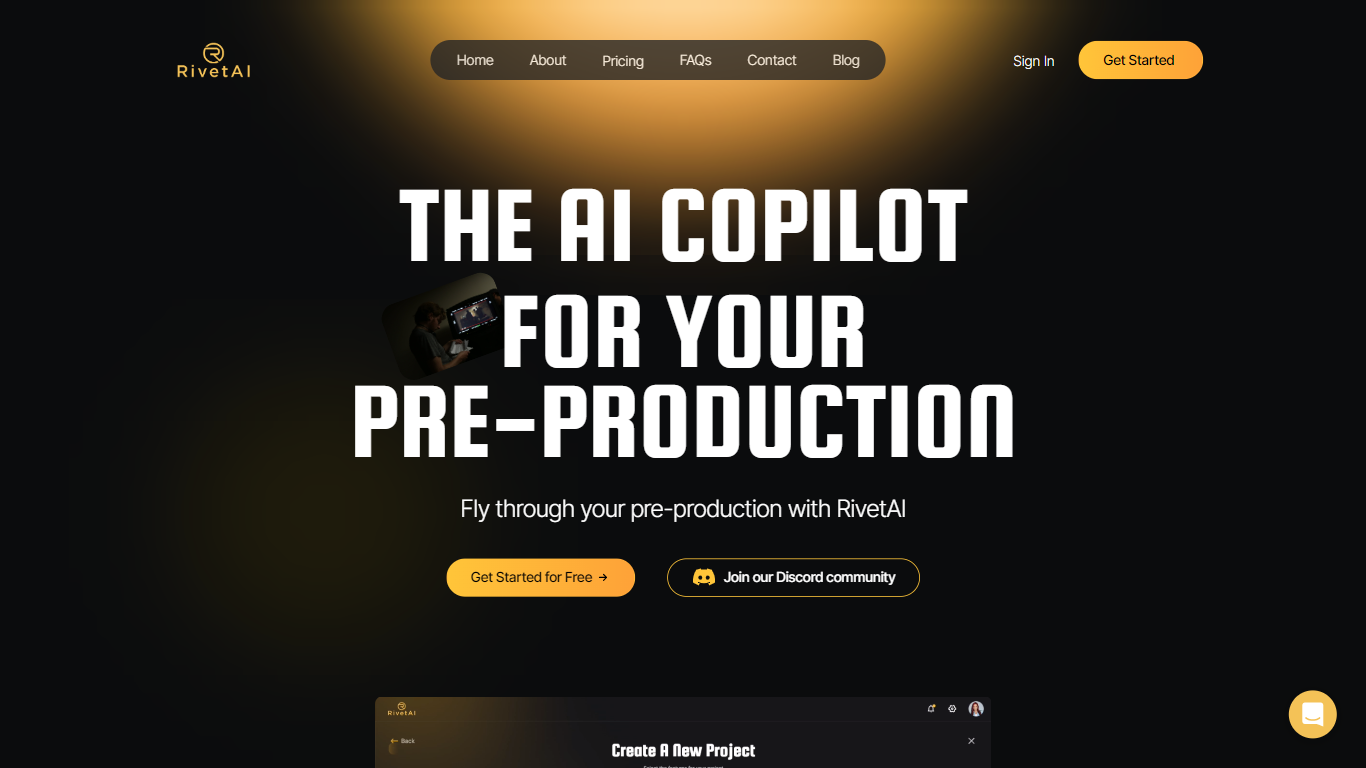
RivetAI is a film and television pre-production platform that keeps scriptwriting, breakdown, scheduling, and budgeting on one shared screenplay. You draft and tag scenes in an industry-standard editor, then downstream modules read the same draft without export handoffs. Writers and production crews buy a per-project license with no subscription, and your script is never used to train AI models.
Most pre-production stacks split script, breakdown, schedule, and budget across separate apps that need constant file exports. RivetAI runs all four on one connected draft, so a scene edit ripples into stripboards and top sheets automatically. Pay-once Writer and Studio licenses also skip recurring SaaS fees that tools like StudioBinder or Movie Magic charge for comparable workflows.
Screenwriters use Writer for tagging, AI breakdown, and coverage while sharing password-gated links with partners. Production teams upgrade to Studio for stripboards, DOOD calendars, budget topsheets, REST API keys, and MCP client integration. Enterprise customers get SAML/OIDC SSO, pooled AI credits, and procurement support for multi-show studios.
Typeframes Upvotes
RivetAI Upvotes
Typeframes Top Features
Transform text prompts into engaging videos quickly
Customize templates to match your brand style easily
Create vertical videos optimized for social platforms
Simple interface requires no video editing skills
Export videos in multiple resolutions including high quality
AI-driven suggestions to boost video engagement
RivetAI Top Features
Writer license costs $49.99 per project with 30 AI credits and 2 collaborator seats
Studio license costs $150 per project with 100 AI credits and 9 collaborator seats
Import scripts from Final Draft (.fdx), PDF, Celtx, and Fountain formats
Export to PDF, Final Draft, Fountain, Markdown, and Word (.docx)
Six connected modules sync breakdown, schedule, and budget from one screenplay
REST API and MCP client integration included on the Studio tier
Free tier drafts up to 5 scenes with the same AES-256 encryption as paid licenses
Typeframes Category
- Video Editing
RivetAI Category
- Video Editing
Typeframes Pricing Type
- Freemium
RivetAI Pricing Type
- Freemium