Typeframes vs Steve.AI
In the contest of Typeframes vs Steve.AI, which AI Video Editing tool is the champion? We evaluate pricing, alternatives, upvotes, features, reviews, and more.
If you had to choose between Typeframes and Steve.AI, which one would you go for?
When we examine Typeframes and Steve.AI, both of which are AI-enabled video editing tools, what unique characteristics do we discover? The community has spoken, Steve.AI leads with more upvotes. Steve.AI has garnered 8 upvotes, and Typeframes has garnered 7 upvotes.
You don't agree with the result? Cast your vote to help us decide!
Typeframes


What is Typeframes?
Typeframes converts simple text prompts into engaging product videos optimized for social media platforms like YouTube, Instagram, and TikTok. It enables users to produce high-quality videos quickly without advanced video editing skills.
What sets Typeframes apart is its AI-driven approach that simplifies video production by offering customizable templates and automated suggestions to boost engagement. Unlike traditional video editors, it focuses on speed and ease of use, allowing creators to generate videos in minutes rather than hours.
The platform supports exporting videos in multiple resolutions tailored for different social media formats, including vertical videos. This makes Typeframes especially useful for content creators and marketers aiming to produce consistent, platform-optimized video content efficiently.
By streamlining the video creation process, Typeframes helps users save time and resources while enhancing their social media presence with visually appealing videos.
Steve.AI
What is Steve.AI?
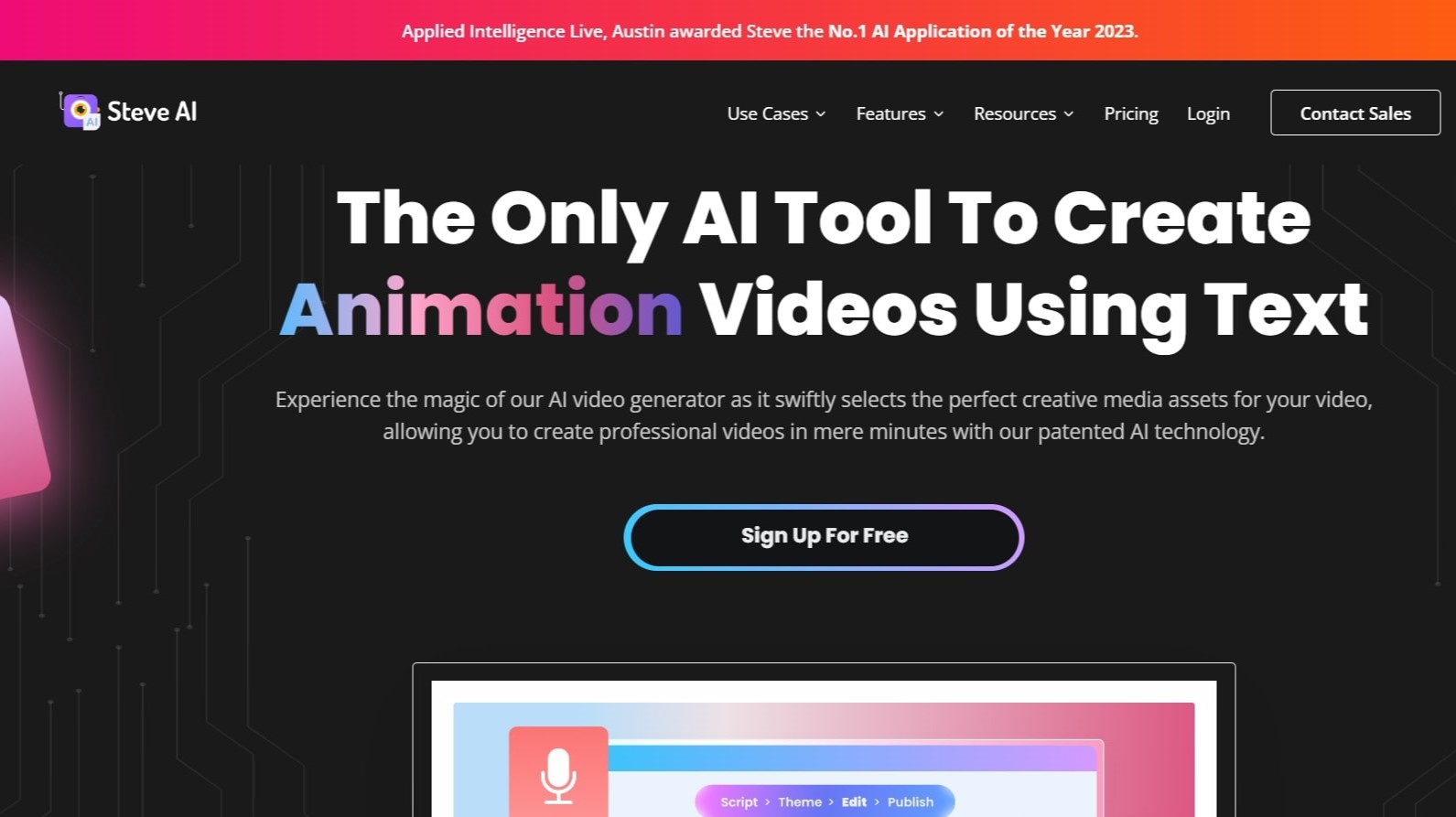
Steve.AI turns text, scripts, prompts, and audio into finished videos through a patented AI video creation platform. You describe an idea or paste a blog post, and Steve.AI builds a script, selects visuals, adds narration, and exports a video without traditional editing software. The platform supports 7+ output styles including animation, generative AI, and live action.
Most AI video tools lock you into one workflow. Steve.AI bundles prompt-to-video, script-to-video, audio-to-video, and image-to-video in one subscription, with access to multiple generative models including Google Veo 3. It comes from Animaker Inc., which built one of the top 50 design products globally, and carries 3 patents on its storytelling engine.
Marketers, YouTubers, faceless content creators, and L&D teams use Steve.AI for ads, training videos, explainer content, and social clips. The free plan includes 1,200 seconds of AI video per month. Paid Starter ($19/month), Pro ($39/month), and Generative AI ($99/month) plans add more minutes, higher resolution, and watermark-free exports. An iOS app lets creators work from mobile.
Typeframes Upvotes
Steve.AI Upvotes
Typeframes Top Features
Transform text prompts into engaging videos quickly
Customize templates to match your brand style easily
Create vertical videos optimized for social platforms
Simple interface requires no video editing skills
Export videos in multiple resolutions including high quality
AI-driven suggestions to boost video engagement
Steve.AI Top Features
Free plan includes 1,200 seconds of AI video and 200 credits for stock media generation per month
Starter plan at $19 per month includes 100 minutes of AI video and 1080p resolution exports
Converts text, scripts, prompts, and audio into 7+ video styles including generative AI and animation
Pro plan at $39 per month adds 300 minutes of AI video, 2K resolution, and 2,400 AI images monthly
Generative AI plan at $99 per month includes 15 minutes of generative credits and 400 video minutes
iOS app available on the App Store for mobile video creation and publishing
Typeframes Category
- Video Editing
Steve.AI Category
- Video Editing
Typeframes Pricing Type
- Freemium
Steve.AI Pricing Type
- Freemium