TypingMind vs ConversAI
In the battle of TypingMind vs ConversAI, which AI Chat Bot tool comes out on top? We compare reviews, pricing, alternatives, upvotes, features, and more.
Between TypingMind and ConversAI, which one is superior?
Upon comparing TypingMind with ConversAI, which are both AI-powered chat bot tools, ConversAI stands out as the clear frontrunner in terms of upvotes. The number of upvotes for ConversAI stands at 7, and for TypingMind it's 6.
Don't agree with the result? Cast your vote and be a part of the decision-making process!
TypingMind

What is TypingMind?
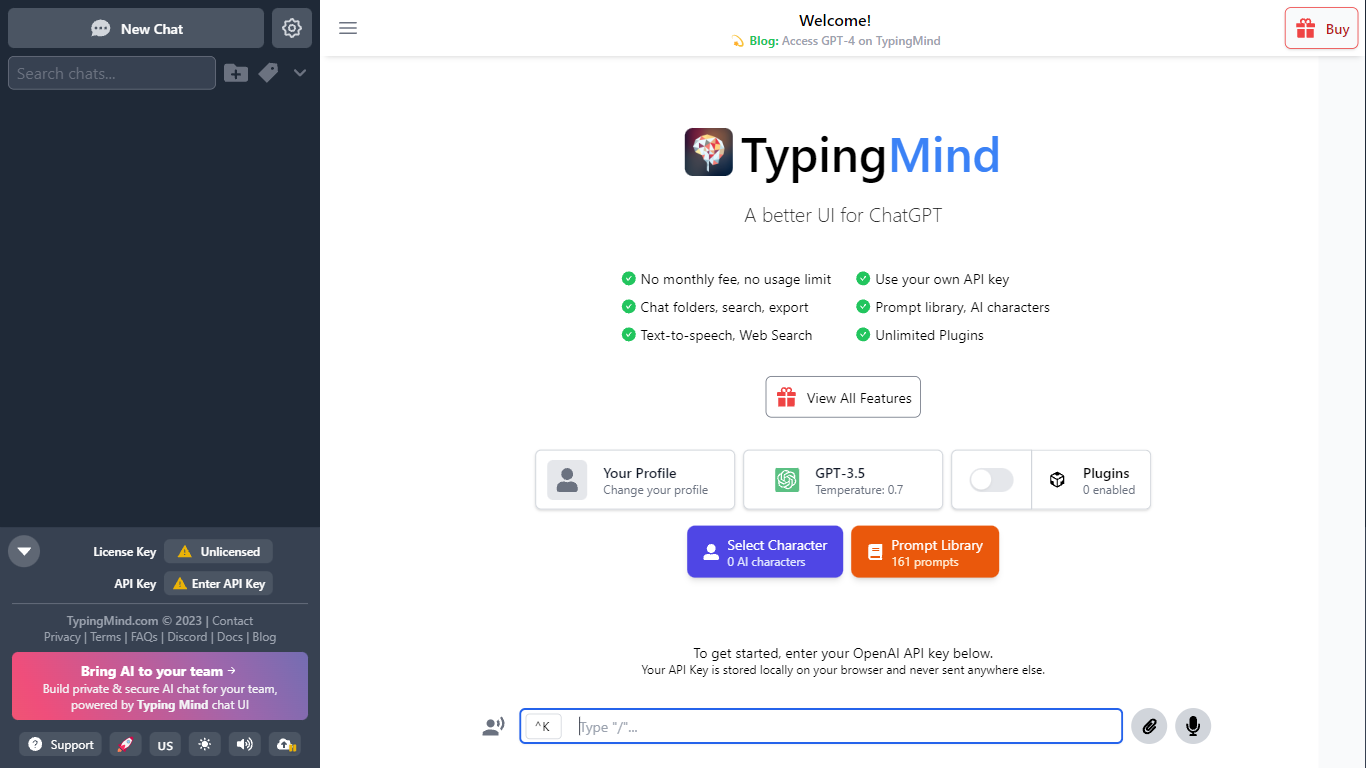
TypingMind gives you one chat interface for ChatGPT, Claude, Gemini, DeepSeek, and other LLMs while you bring your own API keys. You pay a one-time license fee to TypingMind, then only for the tokens each model provider charges. Chats, folders, agents, and API credentials stay in local browser storage by default, so your conversations are not sent for model training.
Where ChatGPT Plus locks you into OpenAI and caps usage, TypingMind lets you switch models mid-conversation, run multi-model parallel chats, and connect MCP tools, RAG knowledge bases, and custom plugins. Prompt caching can cut token costs up to 90% on supported models. Over 50 pre-built agents cover coding, research, and marketing workflows out of the box.
TypingMind suits power users and teams who already pay for API access and want a richer UI than vendor defaults. More than 20,641 customers use it daily, and a separate TypingMind for Teams product adds admin controls, custom branding, and self-hosting for companies.
ConversAI

What is ConversAI?
ConversAI drafts chat replies, summarizes long threads, and matches tone so you can respond from your browser in one click. It plugs into messaging apps you already use and learns your writing style over time instead of forcing you to copy prompts into a separate chat window.
Most general assistants make you paste context manually for every reply. ConversAI focuses on inbox speed with tone detection, multilingual support, and optional GIF responses baked into the workflow. The trade-off is that it is built for messaging assistance, not long-form writing or code generation.
The product targets busy professionals, sales reps, and anyone juggling high-volume DMs who wants faster replies without sounding generic. Early access is available through monthly unlimited plans or pay-as-you-go credit packs.
TypingMind Upvotes
ConversAI Upvotes
TypingMind Top Features
Access ChatGPT, Claude, Gemini, and 20+ LLMs from one interface
Lifetime licenses from $39 Standard to $99 Premium with no TypingMind subscription
Prompt caching reduces token costs up to 90% on supported models
50+ pre-built AI agents plus custom agent and plugin builder
MCP connectors for Figma, GitHub, GitLab, Redis, Make, and Apify
Local-first storage keeps chats and API keys on your device by default
ConversAI Top Features
One-click reply generation inside supported messaging workflows
Automatic summarization for long incoming messages
Tone detection that adapts responses to the conversation context
Multi-language support for cross-lingual chats
Animated GIF responses for casual conversations
Unlimited plan at $19 per month with early-access pricing
TypingMind Category
- Chat Bot
ConversAI Category
- Chat Bot
TypingMind Pricing Type
- Paid
ConversAI Pricing Type
- Freemium