TypingMind vs MyMap.AI
Compare TypingMind vs MyMap.AI and see which AI Chat Bot tool is better when we compare features, reviews, pricing, alternatives, upvotes, etc.
Which one is better? TypingMind or MyMap.AI?
When we compare TypingMind with MyMap.AI, which are both AI-powered chat bot tools, In the race for upvotes, MyMap.AI takes the trophy. The upvote count for MyMap.AI is 7, and for TypingMind it's 6.
Want to flip the script? Upvote your favorite tool and change the game!
TypingMind

What is TypingMind?
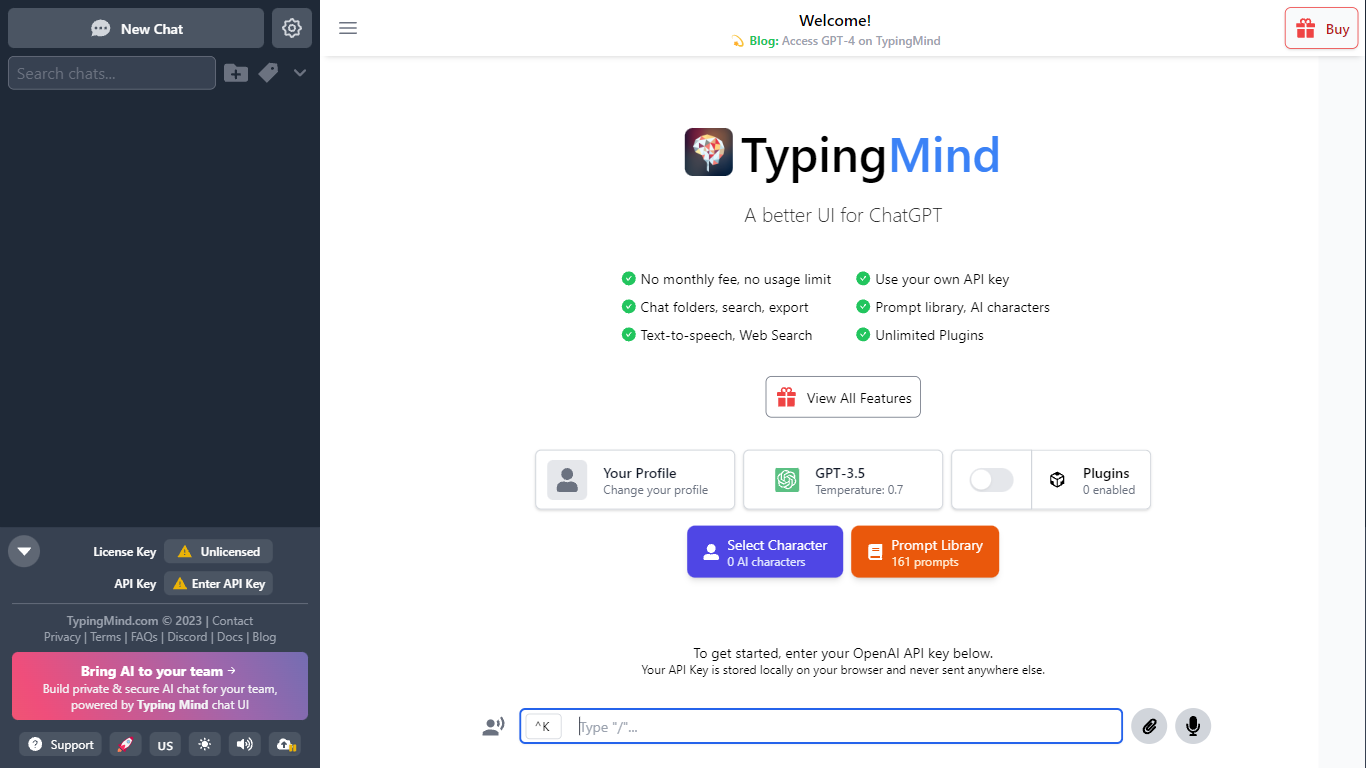
TypingMind gives you one chat interface for ChatGPT, Claude, Gemini, DeepSeek, and other LLMs while you bring your own API keys. You pay a one-time license fee to TypingMind, then only for the tokens each model provider charges. Chats, folders, agents, and API credentials stay in local browser storage by default, so your conversations are not sent for model training.
Where ChatGPT Plus locks you into OpenAI and caps usage, TypingMind lets you switch models mid-conversation, run multi-model parallel chats, and connect MCP tools, RAG knowledge bases, and custom plugins. Prompt caching can cut token costs up to 90% on supported models. Over 50 pre-built agents cover coding, research, and marketing workflows out of the box.
TypingMind suits power users and teams who already pay for API access and want a richer UI than vendor defaults. More than 20,641 customers use it daily, and a separate TypingMind for Teams product adds admin controls, custom branding, and self-hosting for companies.
MyMap.AI
What is MyMap.AI?
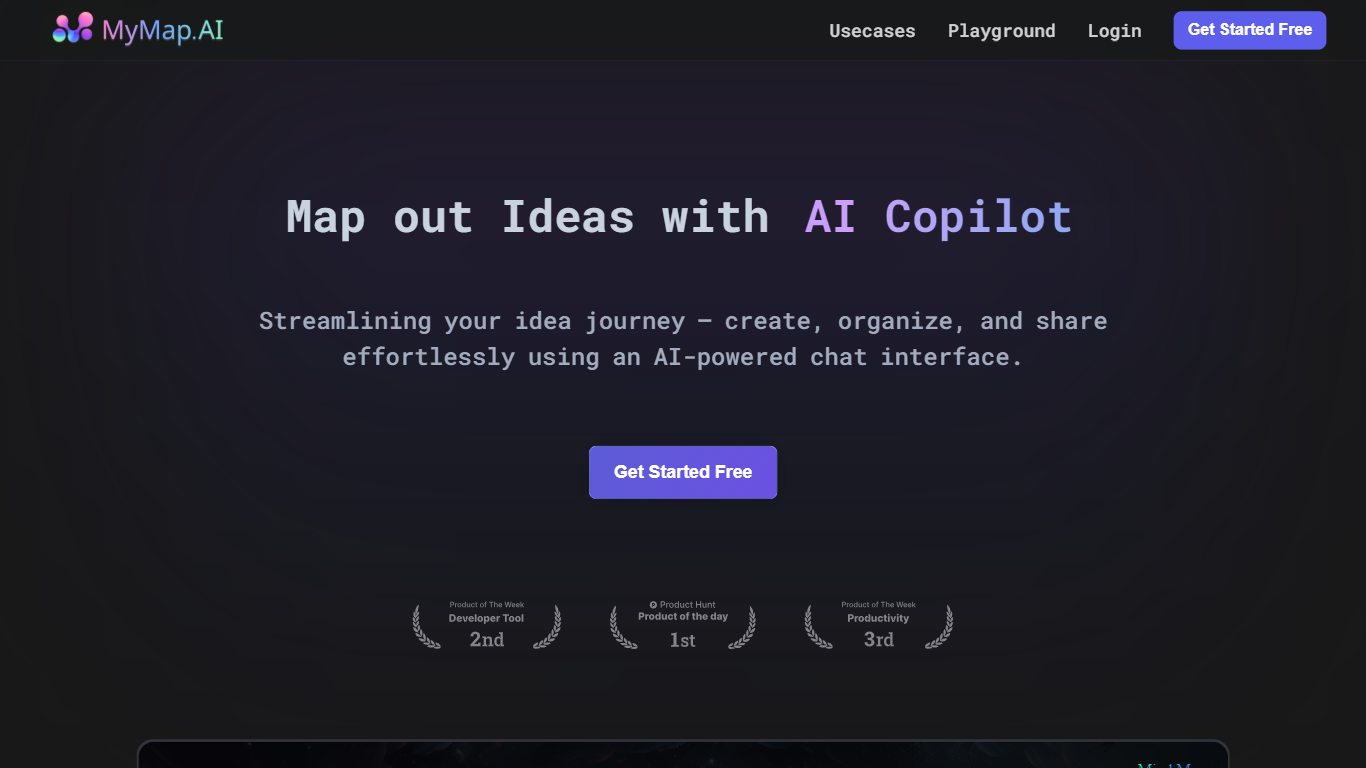
MyMap.AI is a chat-driven visual canvas that turns natural language prompts into mind maps, flowcharts, diagrams, and other structured layouts on an infinite board. You describe what you want to think through, and the AI builds nodes, connections, and branches directly on the canvas instead of returning a wall of text.
Where most AI chatbots stop at paragraphs, MyMap.AI treats spatial layout as part of the answer. The AI reads node positions, neighbors, and links on your canvas, so follow-up prompts build on what is already there. You can switch among 10 models from 7 providers, generate Flux images onto the board, and watch nodes stream in live as the map grows.
The free tier includes 20 credits per month and up to 3 saved maps, with guest mode on the homepage so you can try prompts before signing up. Product teams, students, consultants, and anyone who thinks in branches rather than bullet lists will get the most from it.
TypingMind Upvotes
MyMap.AI Upvotes
TypingMind Top Features
Access ChatGPT, Claude, Gemini, and 20+ LLMs from one interface
Lifetime licenses from $39 Standard to $99 Premium with no TypingMind subscription
Prompt caching reduces token costs up to 90% on supported models
50+ pre-built AI agents plus custom agent and plugin builder
MCP connectors for Figma, GitHub, GitLab, Redis, Make, and Apify
Local-first storage keeps chats and API keys on your device by default
MyMap.AI Top Features
Context-aware AI reads node positions, neighbors, and connections on your canvas
Switch among 10 models from 7 providers including Qwen 3, GPT-5 mini, Claude Sonnet 4.6, and Gemini 3 Flash
Create mind maps, flowcharts, Kanban boards, SWOT analyses, and database schemas from one chat
Generate Flux images directly onto the canvas with 5 model options and any aspect ratio
Nodes and edges stream onto the board in real time as the AI generates them
Free tier includes 20 credits per month and up to 3 canvas maps with no credit card
TypingMind Category
- Chat Bot
MyMap.AI Category
- Chat Bot
TypingMind Pricing Type
- Paid
MyMap.AI Pricing Type
- Freemium