TypingMind vs Superflows
In the contest of TypingMind vs Superflows, which AI Chat Bot tool is the champion? We evaluate pricing, alternatives, upvotes, features, reviews, and more.
If you had to choose between TypingMind and Superflows, which one would you go for?
When we examine TypingMind and Superflows, both of which are AI-enabled chat bot tools, what unique characteristics do we discover? Neither tool takes the lead, as they both have the same upvote count. You can help us determine the winner by casting your vote and tipping the scales in favor of one of the tools.
Want to flip the script? Upvote your favorite tool and change the game!
TypingMind

What is TypingMind?
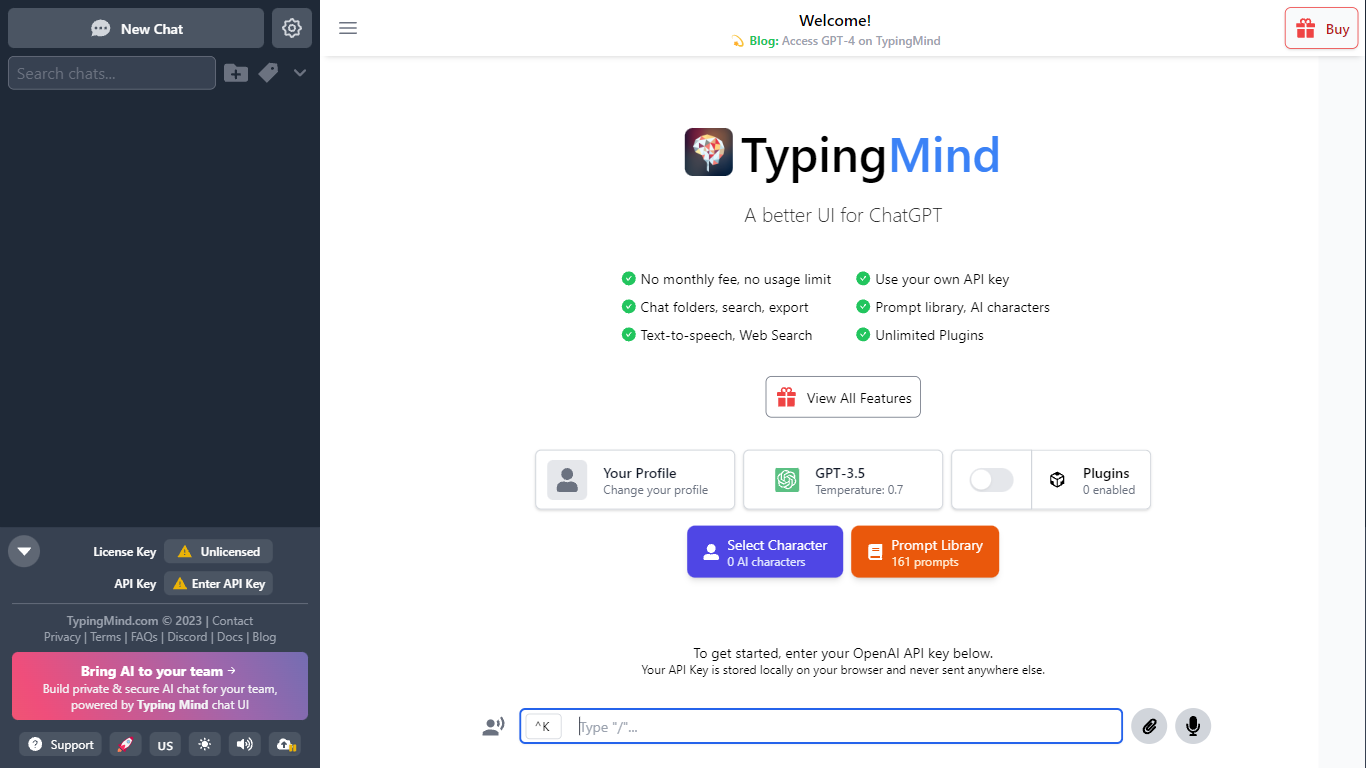
TypingMind gives you one chat interface for ChatGPT, Claude, Gemini, DeepSeek, and other LLMs while you bring your own API keys. You pay a one-time license fee to TypingMind, then only for the tokens each model provider charges. Chats, folders, agents, and API credentials stay in local browser storage by default, so your conversations are not sent for model training.
Where ChatGPT Plus locks you into OpenAI and caps usage, TypingMind lets you switch models mid-conversation, run multi-model parallel chats, and connect MCP tools, RAG knowledge bases, and custom plugins. Prompt caching can cut token costs up to 90% on supported models. Over 50 pre-built agents cover coding, research, and marketing workflows out of the box.
TypingMind suits power users and teams who already pay for API access and want a richer UI than vendor defaults. More than 20,641 customers use it daily, and a separate TypingMind for Teams product adds admin controls, custom branding, and self-hosting for companies.
Superflows
What is Superflows?
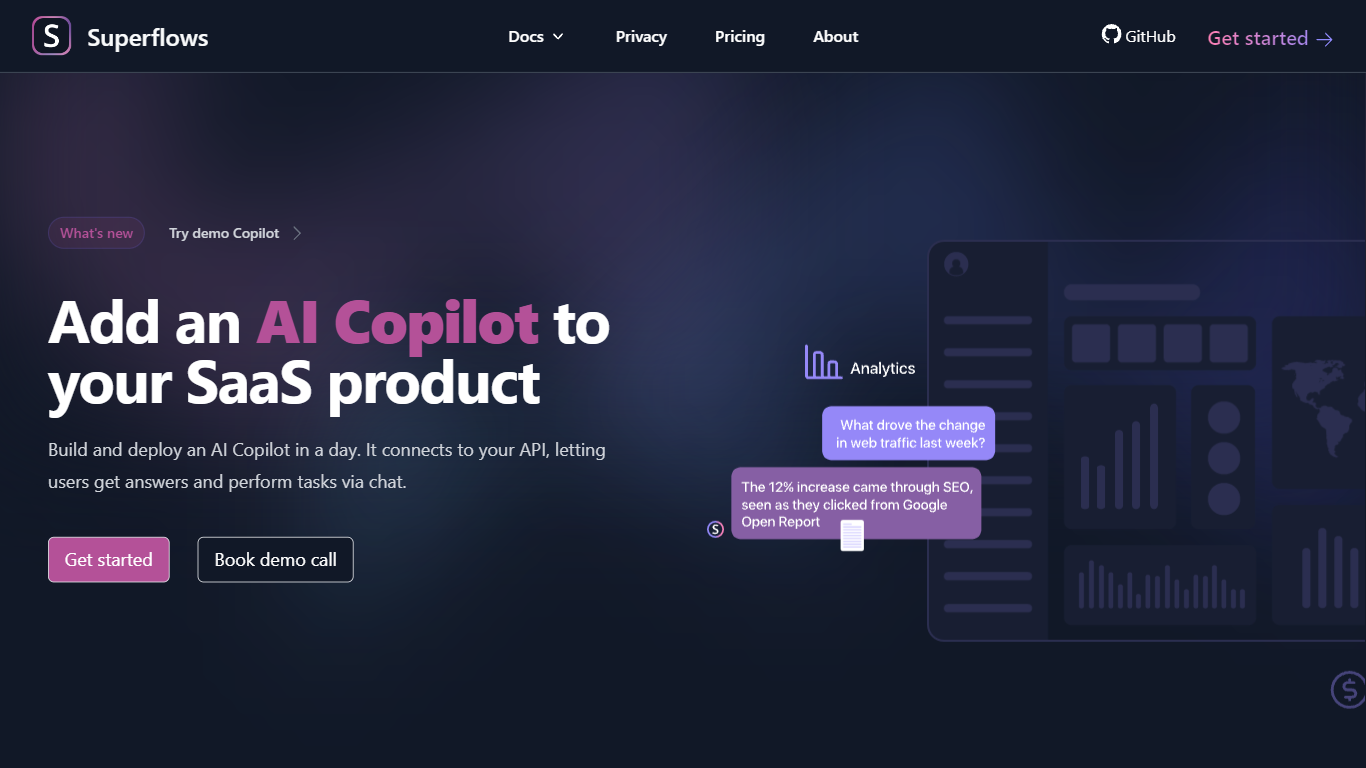
Superflows lets SaaS teams embed an AI assistant that talks to your product through uploaded OpenAPI specs and docs. Users ask questions in chat, get analytics answers from live API data, and trigger workflow actions that Superflows only completes after explicit confirmation.
Most in-house AI assistant projects take six months or more, according to Superflows. Their hosted setup targets weeks instead, with a proof-of-concept workshop that promises a tailored build in about two weeks. That trade-off matters if you need analytics chat and workflow actions without staffing a dedicated AI team.
Product teams at SaaS companies are the core audience. CRM vendors use it as a copilot so reps can prioritize pipeline deals, create follow-up tasks, and compare outreach strategies through plain chat instead of hunting through dashboards.
TypingMind Upvotes
Superflows Upvotes
TypingMind Top Features
Access ChatGPT, Claude, Gemini, and 20+ LLMs from one interface
Lifetime licenses from $39 Standard to $99 Premium with no TypingMind subscription
Prompt caching reduces token costs up to 90% on supported models
50+ pre-built AI agents plus custom agent and plugin builder
MCP connectors for Figma, GitHub, GitLab, Redis, Make, and Apify
Local-first storage keeps chats and API keys on your device by default
Superflows Top Features
Upload an OpenAPI spec and docs so the assistant can call your APIs and reference product documentation
Scale plan includes 10,000 Chat-to-API queries and 200,000 Chat-to-Docs queries per month
Free Testing tier offers 50 queries in the playground with single-seat access
Actions run on behalf of users with confirmation before completing each step
Frontend integration via one code snippet from the open source chat-ui repo
Open source API and dashboard on GitHub under Superflows-AI/superflows
TypingMind Category
- Chat Bot
Superflows Category
- Chat Bot
TypingMind Pricing Type
- Paid
Superflows Pricing Type
- Freemium