TypingMind vs Taste Bud
Dive into the comparison of TypingMind vs Taste Bud and discover which AI Chat Bot tool stands out. We examine alternatives, upvotes, features, reviews, pricing, and beyond.
When comparing TypingMind and Taste Bud, which one rises above the other?
When we compare TypingMind and Taste Bud, two exceptional chat bot tools powered by artificial intelligence, and place them side by side, several key similarities and differences come to light. The users have made their preference clear, Taste Bud leads in upvotes. Taste Bud has garnered 7 upvotes, and TypingMind has garnered 6 upvotes.
Feeling rebellious? Cast your vote and shake things up!
TypingMind
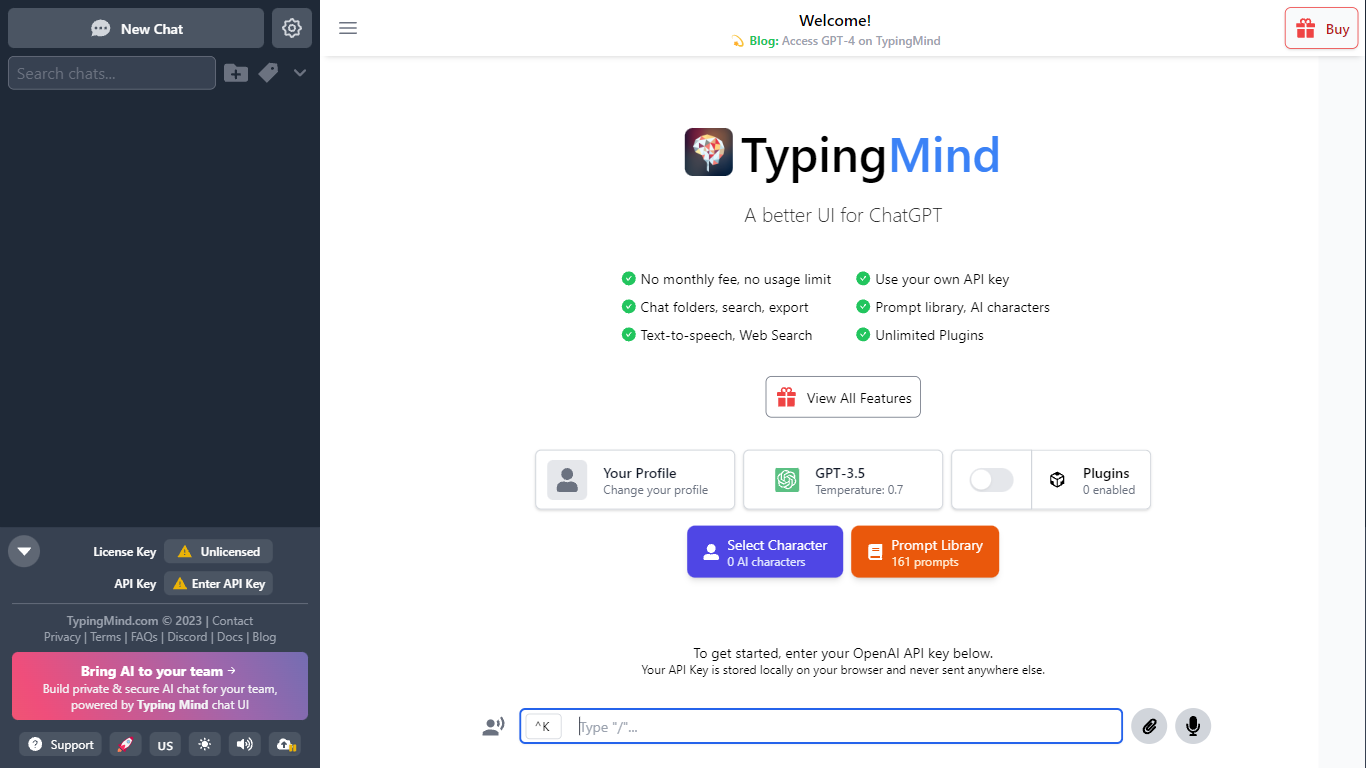

What is TypingMind?
TypingMind gives you one chat interface for ChatGPT, Claude, Gemini, DeepSeek, and other LLMs while you bring your own API keys. You pay a one-time license fee to TypingMind, then only for the tokens each model provider charges. Chats, folders, agents, and API credentials stay in local browser storage by default, so your conversations are not sent for model training.
Where ChatGPT Plus locks you into OpenAI and caps usage, TypingMind lets you switch models mid-conversation, run multi-model parallel chats, and connect MCP tools, RAG knowledge bases, and custom plugins. Prompt caching can cut token costs up to 90% on supported models. Over 50 pre-built agents cover coding, research, and marketing workflows out of the box.
TypingMind suits power users and teams who already pay for API access and want a richer UI than vendor defaults. More than 20,641 customers use it daily, and a separate TypingMind for Teams product adds admin controls, custom branding, and self-hosting for companies.
Taste Bud
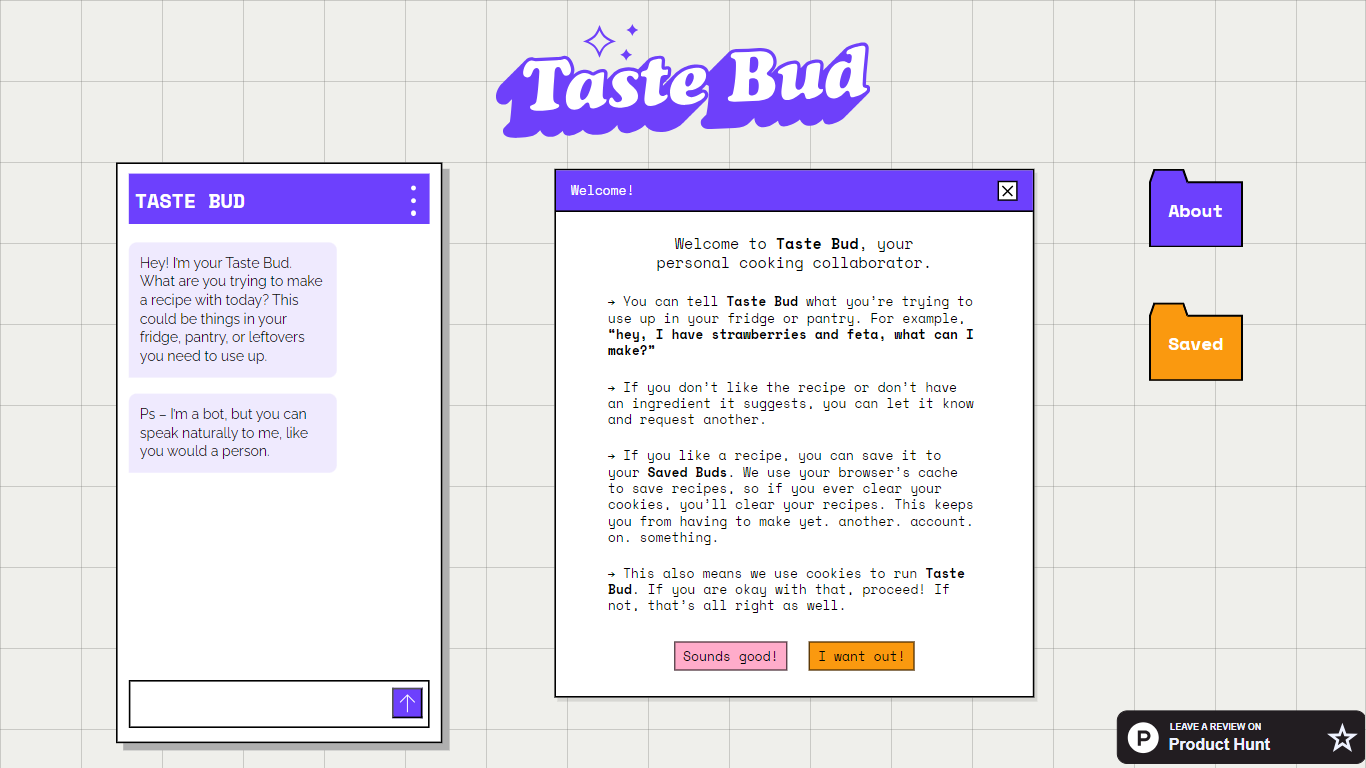
What is Taste Bud?
Taste Bud is a chatbot that turns whatever ingredients you have into a custom recipe. You describe what's in your fridge, pantry, or leftovers, and it writes a full recipe you can save, print, or export as a PDF.
Most recipe finders search a fixed database of dishes. Taste Bud builds each recipe from your specific ingredients instead, and it adds a custom pixel-art illustration for every dish. That combination of ingredient-first generation and visual output is unusual for a simple cooking chatbot.
Home cooks who want to use up leftovers, cut food waste, or skip a grocery run will get the most from Taste Bud. You can speak naturally in chat, mention dietary needs or cocktail requests, and the bot adapts without a rigid input form.
TypingMind Upvotes
Taste Bud Upvotes
TypingMind Top Features
Access ChatGPT, Claude, Gemini, and 20+ LLMs from one interface
Lifetime licenses from $39 Standard to $99 Premium with no TypingMind subscription
Prompt caching reduces token costs up to 90% on supported models
50+ pre-built AI agents plus custom agent and plugin builder
MCP connectors for Figma, GitHub, GitLab, Redis, Make, and Apify
Local-first storage keeps chats and API keys on your device by default
Taste Bud Top Features
Describe ingredients in plain language and get a recipe built around what you actually have
Every recipe includes a custom pixel-art illustration of the dish
Save favorite recipes to your account for later
Print recipes or export them as a PDF from the app
Accepts cocktail requests and dietary restrictions mentioned in chat
TypingMind Category
- Chat Bot
Taste Bud Category
- Chat Bot
TypingMind Pricing Type
- Paid
Taste Bud Pricing Type
- Free