Unboring By Reface vs AI Image Upscaler on AI Image Enlarger
In the battle of Unboring By Reface vs AI Image Upscaler on AI Image Enlarger, which AI Photo Editing tool comes out on top? We compare reviews, pricing, alternatives, upvotes, features, and more.
Between Unboring By Reface and AI Image Upscaler on AI Image Enlarger, which one is superior?
Upon comparing Unboring By Reface with AI Image Upscaler on AI Image Enlarger, which are both AI-powered photo editing tools, With more upvotes, Unboring By Reface is the preferred choice. Unboring By Reface has received 7 upvotes from aitools.fyi users, while AI Image Upscaler on AI Image Enlarger has received 6 upvotes.
Think we got it wrong? Cast your vote and show us who's boss!
Unboring By Reface

What is Unboring By Reface?
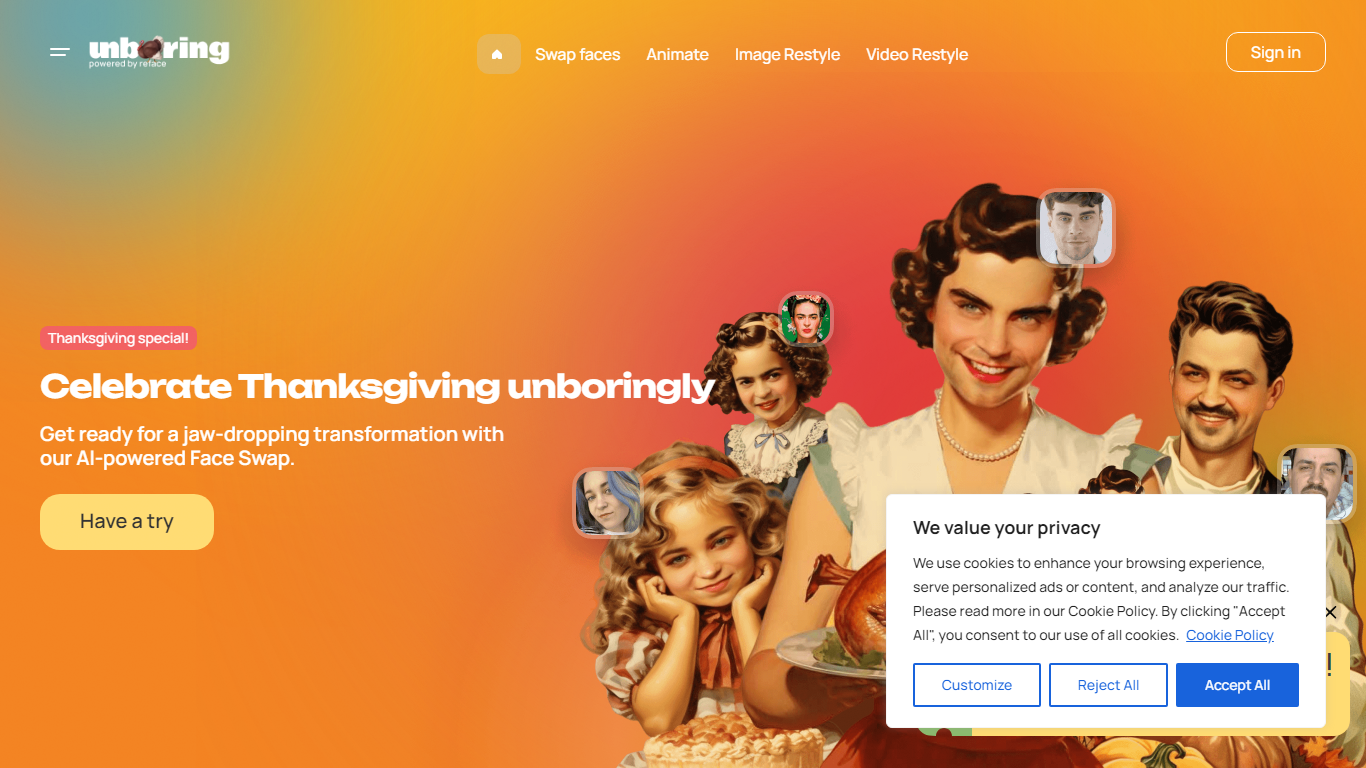
Unboring by Reface is a browser photo and video editor built around three RefaceAI tools: face swap, photo animation, and video restyle. Upload a selfie or clip, pick a template or style filter, and get a shareable result in seconds without desktop editing software.
Where most face-swap apps stop at still images, Unboring bundles singing-photo animation and cartoon video restyles (anime, claymation, inkpunk, and more) in one subscription. Reface developed its own face-swap engine over five years ago and backs the product with a catalog of hundreds of vintage photos and meme templates.
Casual creators and families use it for party videos and workplace memes. Basic runs $7.58 per month billed yearly ($90.99), while Premium at $9.99 per month ($119.99 yearly) unlocks unlimited activities and video restyle.
AI Image Upscaler on AI Image Enlarger

What is AI Image Upscaler on AI Image Enlarger?
This Imglarger photo editing tool enlarges JPG, PNG, or WebP images to 2x or 4x resolution in your browser. You upload a file up to 10 MB and 1024 px wide, pick a scale factor, and the model sharpens edges and textures for 4K screens, product catalogs, or social posts. It handles portraits, AI art, anime frames, and product shots without installing desktop software.
Standard resize tools stretch pixels and leave blurry blocks. Imglarger's upscaler rebuilds detail with a focused workflow: upload, choose 200% or 400%, preview side by side, then download. You give up local batch power on the free tier and must trust cloud processing, though files auto-delete within six hours.
E-commerce teams batch-prepare catalog assets on paid plans. Digital artists upscale Midjourney or Stable Diffusion outputs, and photographers rescue compressed client files before print runs.
Unboring By Reface Upvotes
AI Image Upscaler on AI Image Enlarger Upvotes
Unboring By Reface Top Features
RefaceAI face swap works on custom photos and videos plus a catalog of hundreds of templates
Photo animation turns still portraits into singing and dancing clips with licensed song tracks
Video restyle applies 15+ filters including anime, claymation, inkpunk, and voxel styles
Basic plan at $7.58 per month (billed $90.99 yearly) with unlimited face-swap photos
Premium at $9.99 per month (billed $119.99 yearly) adds unlimited activities and video restyle
AI Image Upscaler on AI Image Enlarger Top Features
Upscale images to 200% or 400% with a single upload step
Accepts JPG, PNG, and WebP files up to 10 MB and 1024 px input width
Preview upscaled output beside the original before downloading
Batch upscale multiple images on paid plans starting at $4.99 per month
Processed files are automatically deleted within six hours
Dedicated anime upscaler and enlarger tools live on the same Imglarger site
Unboring By Reface Category
- Photo Editing
AI Image Upscaler on AI Image Enlarger Category
- Photo Editing
Unboring By Reface Pricing Type
- Paid
AI Image Upscaler on AI Image Enlarger Pricing Type
- Freemium