UserTesting AI vs Browse AI
In the face-off between UserTesting AI vs Browse AI, which AI Research tool takes the crown? We scrutinize features, alternatives, upvotes, reviews, pricing, and more.
In a face-off between UserTesting AI and Browse AI, which one takes the crown?
If we were to analyze UserTesting AI and Browse AI, both of which are AI-powered research tools, what would we find? The upvote count favors Browse AI, making it the clear winner. Browse AI has garnered 25 upvotes, and UserTesting AI has garnered 6 upvotes.
Not your cup of tea? Upvote your preferred tool and stir things up!
UserTesting AI

What is UserTesting AI?
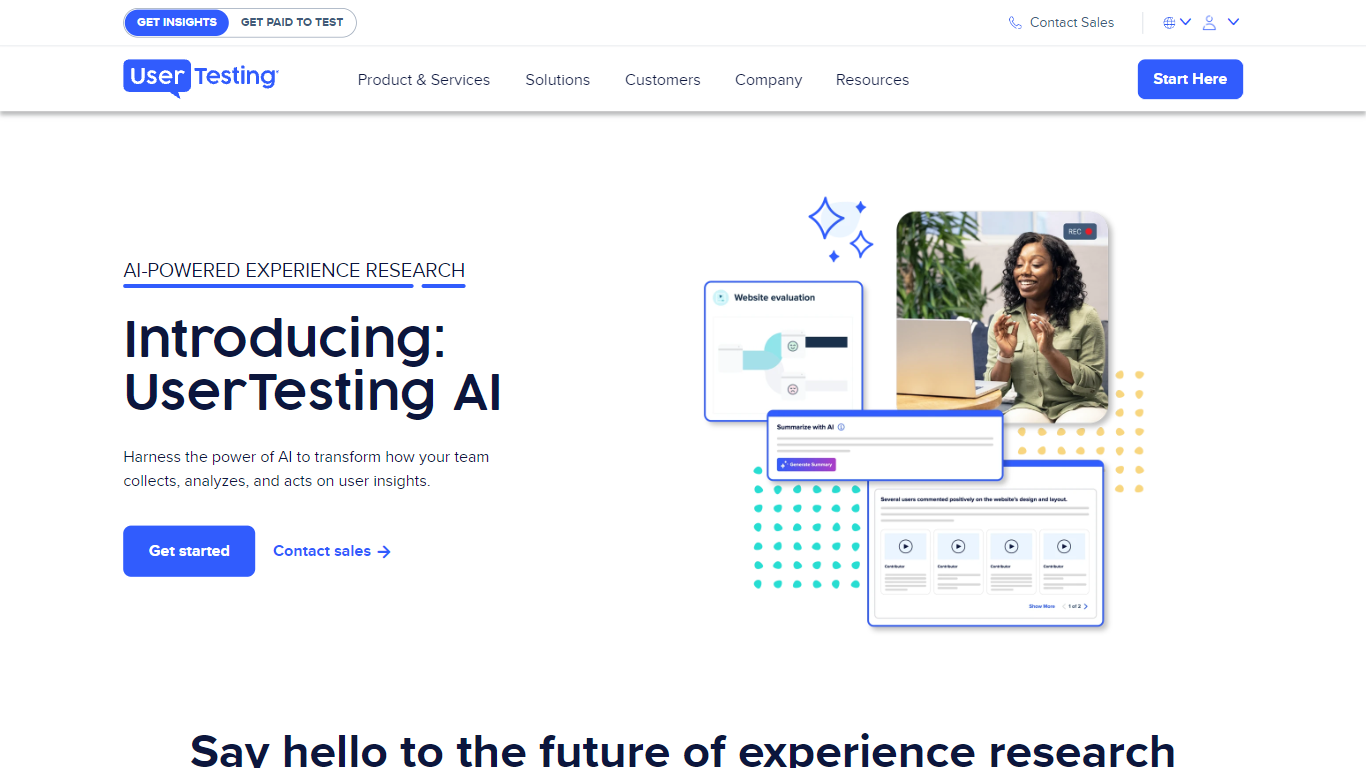
UserTesting AI is the generative layer inside UserTesting's Human Insight Platform, built for UX research and customer experience teams who need faster study setup and synthesis. It turns research goals into editable test plans, surfaces themes across video, transcript, survey, and behavioral data, and helps teams recruit the right participants without starting from a blank screener.
Where standalone AI research tools summarize text in isolation, UserTesting AI ties every output back to evidence from real moderated and unmoderated sessions on a 6M+ participant network. Summaries stay inspectable and linked to underlying clips, and fraud detection runs alongside synthesis so teams can trust what they ship to stakeholders.
Product managers, UX researchers, designers, and CX leaders use it to validate prototypes, compare design directions, and pressure-test messaging before launch. Ultimate edition customers get AI-generated test creation; Advanced plans include AI insight summaries across the broader platform.
Browse AI
What is Browse AI?
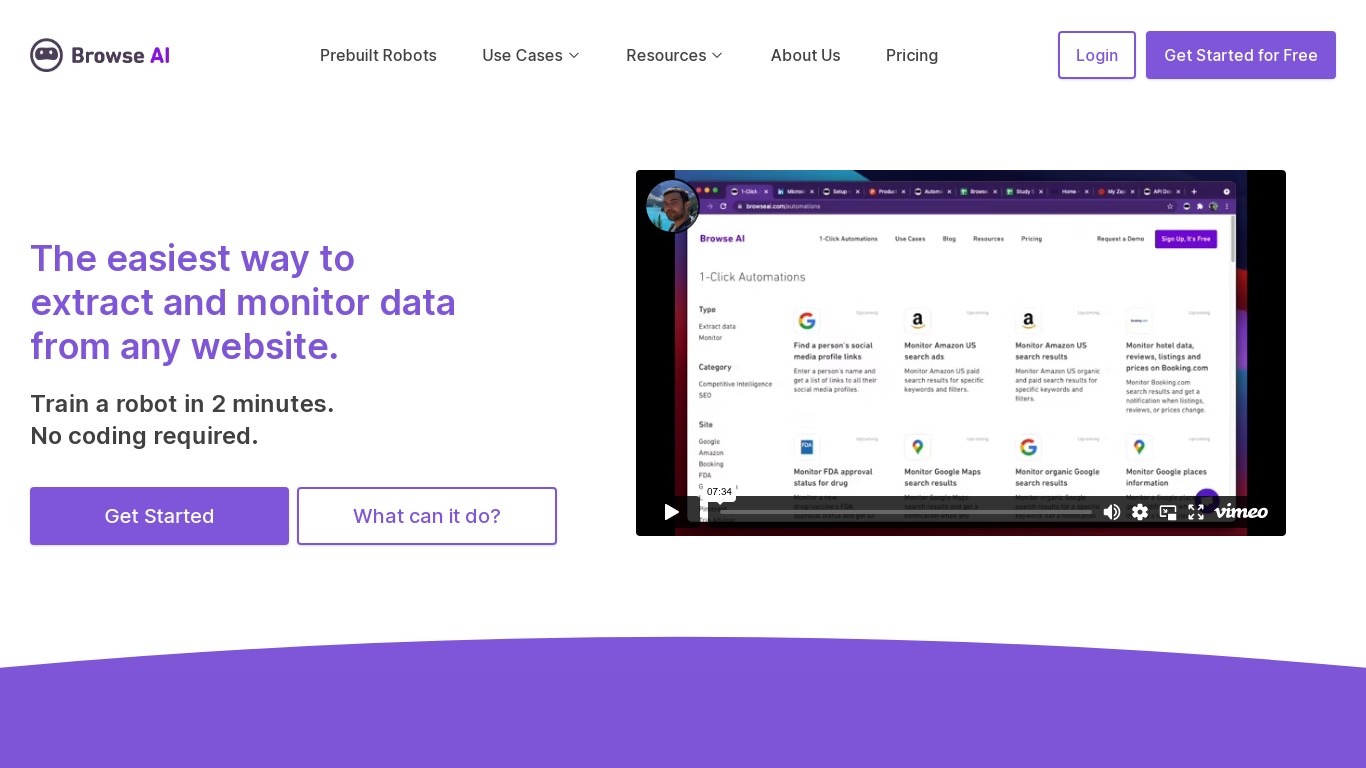
Browse AI is a no-code web scraping and website monitoring platform built for research teams that need structured data from sites they do not control. You train robots with point-and-click actions to extract lists, details, and screenshots, then schedule runs or set change alerts without writing scripts. The platform reports over 770,000 users and has delivered more than 10 billion rows of extracted data.
Where most scrapers break the moment a target site redesigns, Browse AI leans on adaptive change detection that adjusts robot selectors when layouts shift. That trade-off favors operators who monitor competitor pricing or job boards on a schedule and cannot babysit Python scripts every time a CSS class changes. You still get deep scraping workflows, bulk runs across up to 500,000 pages, and exports to Google Sheets, Airtable, Zapier, Make, webhooks, or a REST API.
Browse AI fits ecommerce analysts tracking catalogs, real estate teams pulling listings from Airbnb or Redfin, and growth operators building lead lists from directories. Over 250 prebuilt robots cover Amazon, Indeed, Google Maps, and other high-traffic sites. A Premium tier adds fully managed scraping with custom delivery for high-volume or complex pipelines.
UserTesting AI Upvotes
Browse AI Upvotes
UserTesting AI Top Features
AI-generated test plans on the Ultimate edition turn a research goal into an editable study in minutes
Insight summaries process video, transcript, survey, and behavioral data with links back to source clips
Participant panel spans 60+ countries with B2B audiences from developers to financial analysts
6M+ vetted contributors with fraud detection layered into synthesis at session scale
Integrations with Slack, Teams, Jira, Figma, FigJam, and Miro for sharing findings where teams work
Forrester TEI study cited on the AI page reports 415% ROI over three years for platform customers
Browse AI Top Features
Point-and-click robot builder trains on any page with no code required
Adaptive change detection adjusts robots when target sites redesign layouts
250+ prebuilt robots for Amazon, Indeed, Google Maps, and other popular sites
Bulk extraction runs across up to 500,000 pages in a single operation
Paid plans monitor sites every 5 minutes; free plans allow hourly checks at minimum
Syncs to Google Sheets, Airtable, Zapier, Make, REST API, webhooks, or Amazon S3
UserTesting AI Category
- Research
Browse AI Category
- Research
UserTesting AI Pricing Type
- Paid
Browse AI Pricing Type
- Freemium