Vidby vs Timebolt
Explore the showdown between Vidby vs Timebolt and find out which AI tool wins. We analyze upvotes, features, reviews, pricing, alternatives, and more.
When comparing Vidby and Timebolt, which one rises above the other?
When we contrast Vidby with Timebolt, both of which are exceptional AI-operated tools, and place them side by side, we can spot several crucial similarities and divergences. In the race for upvotes, Timebolt takes the trophy. Timebolt has been upvoted 18 times by aitools.fyi users, and Vidby has been upvoted 16 times.
Not your cup of tea? Upvote your preferred tool and stir things up!
Vidby
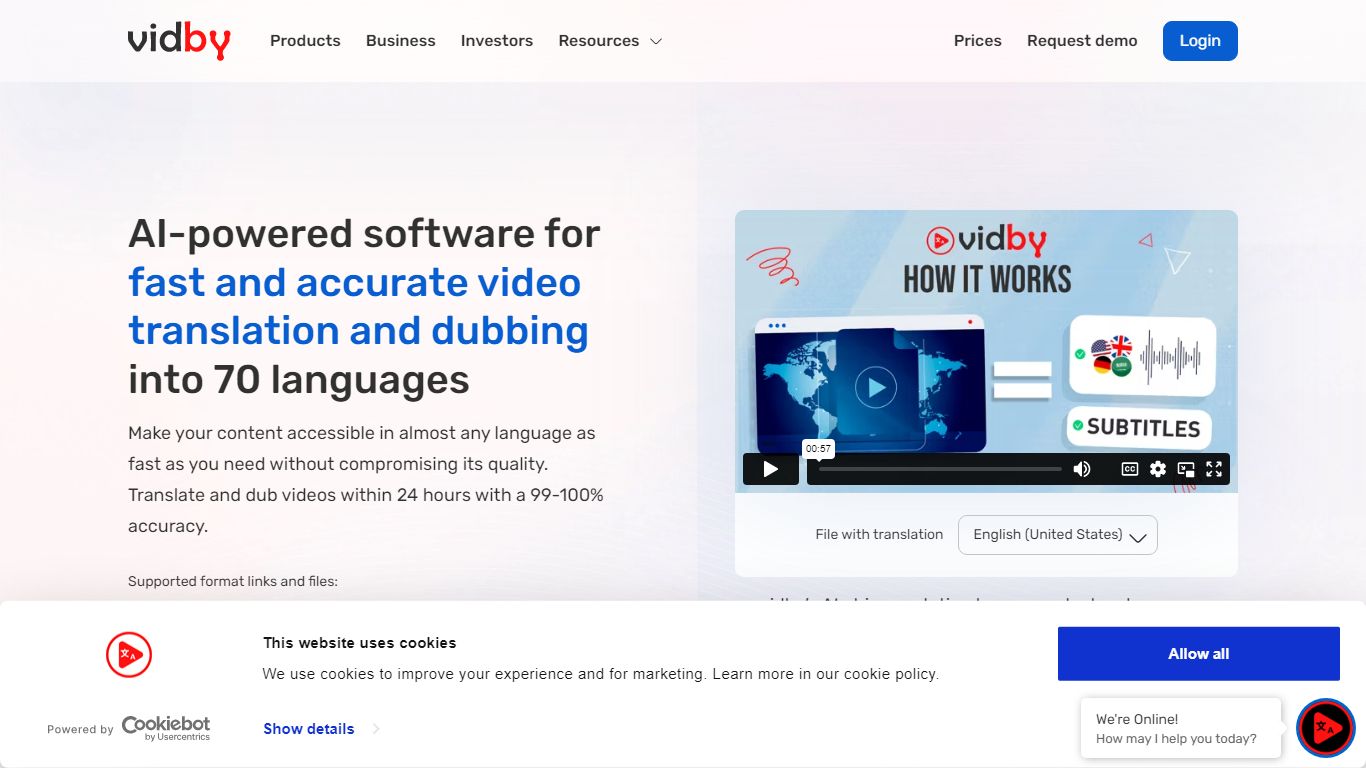

What is Vidby?
Vidby translates, dubs, and subtitles videos for teams that need to reach viewers in other languages without hiring a full localization studio. Upload a file or paste a link, pick one of four quality tiers from fully automated AI dubbing to human actor voiceover, and get a localized video in minutes instead of weeks.
Where most dubbing vendors quote opaque per-minute rates, Vidby publishes subscription plans with included credits and a checkout calculator for one-off orders. The platform covers 150+ languages and dialects, offers kid, teen, and elderly AI voices, and includes lip sync, voice cloning, and burnt-in subtitle options on paid tiers.
YouTube lists Vidby as a recommended vendor for multi-language audio tracks. Corporate customers include media brands registered with Disney and Warner Bros. supplier programs. A free tier exists with watermark exports, while Basic starts at $9.95 per month with 100 credits.
Timebolt

What is Timebolt?
Timebolt is a desktop video editor built around waveform-first jump cuts for podcasts, interviews, and screen recordings. It strips silence, filler words, and bad takes with 0.01 second cut control, then exports timelines to Premiere Pro, Final Cut Pro, DaVinci Resolve, or Camtasia without re-cutting by hand.
Most text-based AI editors guess where pauses live and leave hundreds of missed cuts per hour. Timebolt measures the audio waveform first, which is why its benchmark claims zero mistakes left per hour while rivals like Descript and Gling still need manual cleanup. That trade-off favors editors who want frame-tight cuts over a chat-style transcript workflow.
Podcasters, YouTubers, and course creators use Timebolt to shrink raw talking-head footage before publishing. Post-production teams also route Riverside multicam sessions through Timebolt XML exports so senior editors finish polish work in their preferred NLE.
Vidby Upvotes
Timebolt Upvotes
Vidby Top Features
Translates and dubs video into 150+ languages and dialects with four quality tiers from Full AI to human actor dubbing
Subscription plans include 100 credits at $9.95 per month, 300 at $35, and 700 at $75 on the Pro tier
Four dubbing modes: Full AI, manual transcript edit, professional human review, and human actor voiceover
Voice cloning, lip sync, and kid, teen, and elderly voice options for localized audio tracks
Built-in subtitle translation with burnt-in subtitles and a 14-day money-back guarantee on orders
Telegram bot and API let teams place translation orders outside the main web dashboard
Timebolt Top Features
0.01 second cut control on waveform-based silence removal
Processes an hour of footage in about 13 seconds for jump cuts
Exports XML timelines to Premiere Pro, Final Cut Pro, and DaVinci Resolve
UMCHECK removes filler words automatically from recorded speech
Free 4K screen capture tool for Mac and Windows
Benchmark reports zero missed cuts per hour versus hundreds on rival AI editors
Vidby Category
- Translation
Timebolt Category
- Video Editing
Vidby Pricing Type
- Freemium
Timebolt Pricing Type
- Freemium