Vidby vs Translate.video
When comparing Vidby vs Translate.video, which AI Translation tool shines brighter? We look at pricing, alternatives, upvotes, features, reviews, and more.
Between Vidby and Translate.video, which one is superior?
When we put Vidby and Translate.video side by side, both being AI-powered translation tools, Vidby stands out as the clear frontrunner in terms of upvotes. The number of upvotes for Vidby stands at 16, and for Translate.video it's 8.
Want to flip the script? Upvote your favorite tool and change the game!
Vidby
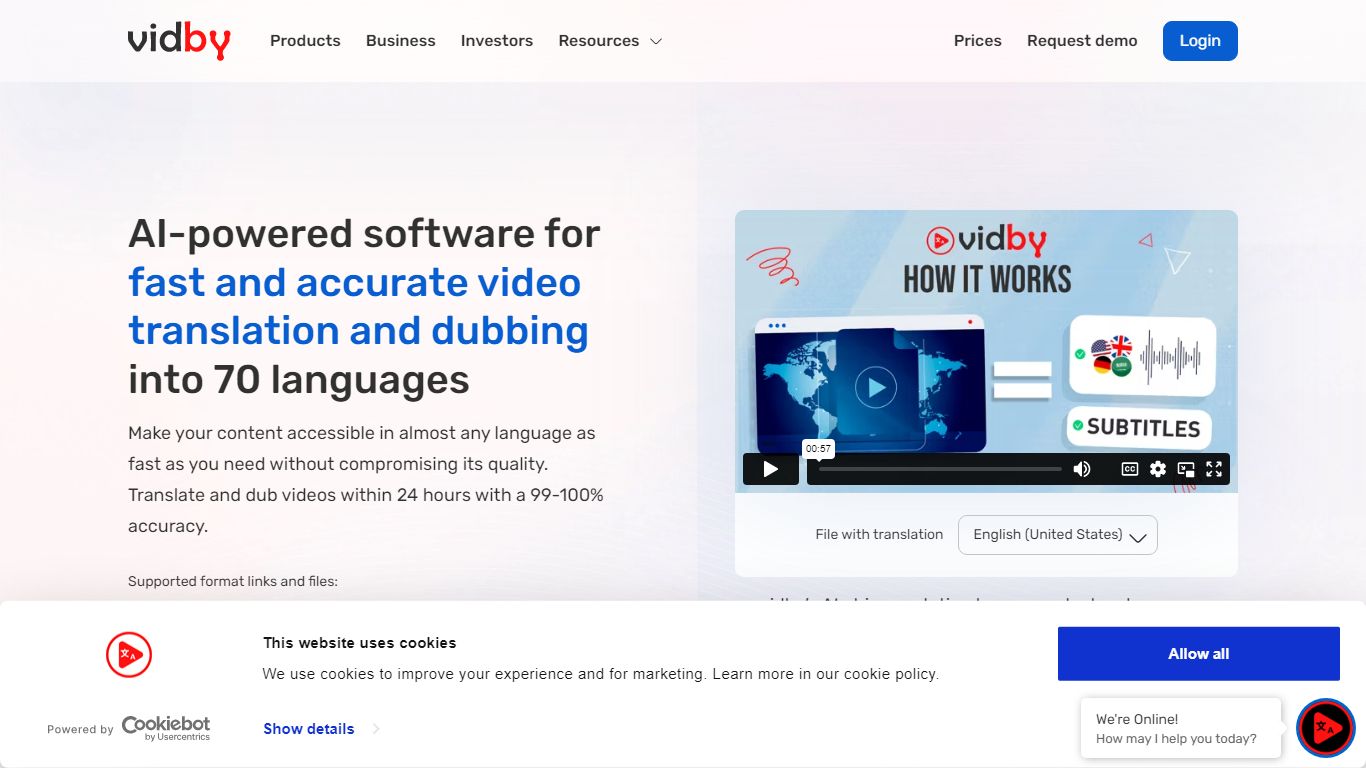

What is Vidby?
Vidby translates, dubs, and subtitles videos for teams that need to reach viewers in other languages without hiring a full localization studio. Upload a file or paste a link, pick one of four quality tiers from fully automated AI dubbing to human actor voiceover, and get a localized video in minutes instead of weeks.
Where most dubbing vendors quote opaque per-minute rates, Vidby publishes subscription plans with included credits and a checkout calculator for one-off orders. The platform covers 150+ languages and dialects, offers kid, teen, and elderly AI voices, and includes lip sync, voice cloning, and burnt-in subtitle options on paid tiers.
YouTube lists Vidby as a recommended vendor for multi-language audio tracks. Corporate customers include media brands registered with Disney and Warner Bros. supplier programs. A free tier exists with watermark exports, while Basic starts at $9.95 per month with 100 credits.
Translate.video
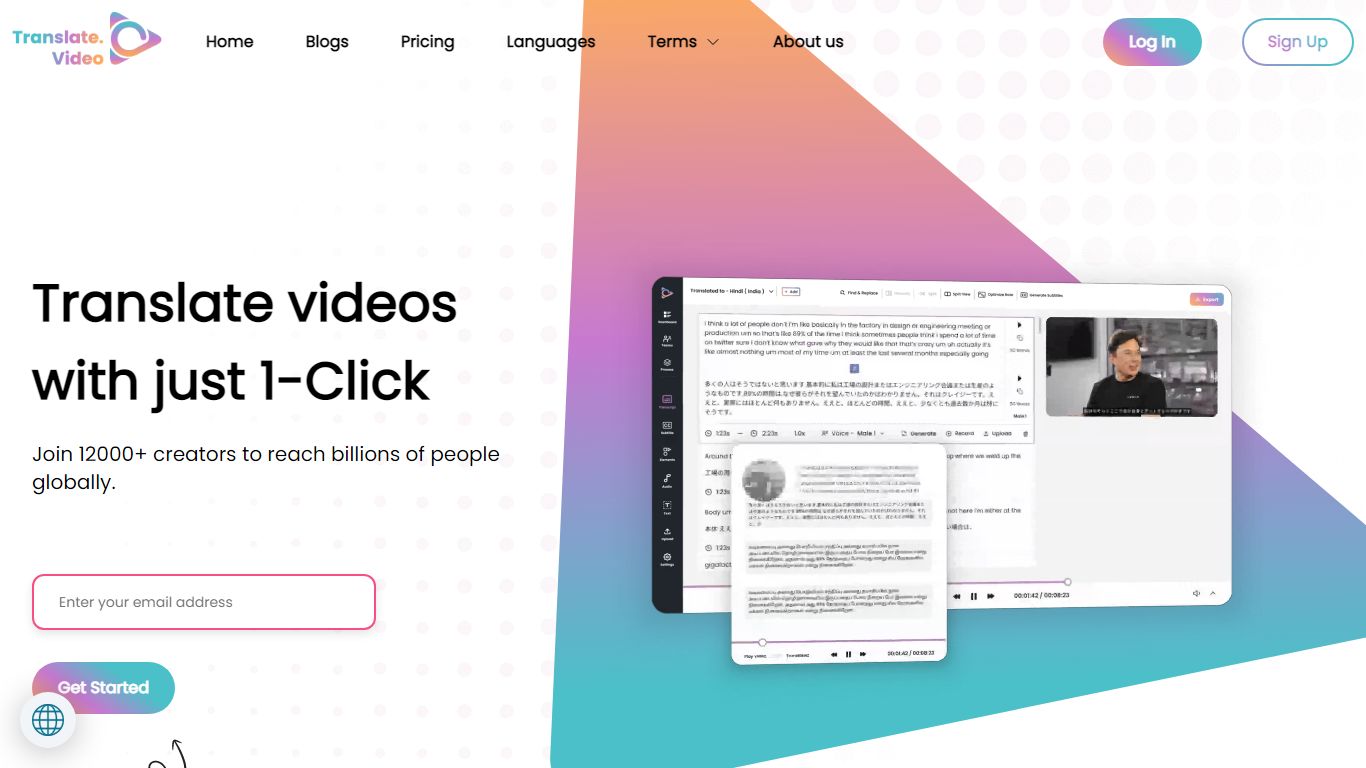
What is Translate.video?
Publishing the same training clip in twelve languages usually means hiring voice actors or reshooting every scene. Translate.video is a video translation platform that dubs, captions, and lip-syncs footage into 75+ languages from one upload. Creators upload MP4, MOV, or WEBM files, pick target languages, and download localized versions with synced audio and optional mouth alignment.
Dedicated dubbing studios charge per minute and queue projects for days. Translate.video bundles dubbing minutes, text-to-speech, voice cloning, speaker diarization, and lip sync in browser workflows priced by monthly minute allowances. That trades studio polish for speed, though lip sync and multi-speaker diarization still cap out on English-only detection on lower tiers.
YouTube creators, course builders, and marketing teams use it to reach global audiences without rebuilding every edit. Pro and Premium plans add 81 languages per process, 1080p exports, animated subtitle styles, and direct publishing hooks for YouTube and Instagram.
Vidby Upvotes
Translate.video Upvotes
Vidby Top Features
Translates and dubs video into 150+ languages and dialects with four quality tiers from Full AI to human actor dubbing
Subscription plans include 100 credits at $9.95 per month, 300 at $35, and 700 at $75 on the Pro tier
Four dubbing modes: Full AI, manual transcript edit, professional human review, and human actor voiceover
Voice cloning, lip sync, and kid, teen, and elderly voice options for localized audio tracks
Built-in subtitle translation with burnt-in subtitles and a 14-day money-back guarantee on orders
Telegram bot and API let teams place translation orders outside the main web dashboard
Translate.video Top Features
Translate and dub videos into 81 languages on paid plans
Lip sync aligns translated voiceover to speaker mouth movements
Pro includes 100 dubbing minutes and 10 lip sync minutes per month
Voice cloning and text-to-speech with instant clone voices
Exports 1080p video with 24 animated subtitle styles on Basic and above
Upload files up to 60 minutes long on Pro with 1 GB max file size
Vidby Category
- Translation
Translate.video Category
- Translation
Vidby Pricing Type
- Freemium
Translate.video Pricing Type
- Freemium