Video Tap vs Timebolt
In the clash of Video Tap vs Timebolt, which AI Video Editing tool emerges victorious? We assess reviews, pricing, alternatives, features, upvotes, and more.
When we put Video Tap and Timebolt head to head, which one emerges as the victor?
Let's take a closer look at Video Tap and Timebolt, both of which are AI-driven video editing tools, and see what sets them apart. The upvote count favors Timebolt, making it the clear winner. Timebolt has 18 upvotes, and Video Tap has 6 upvotes.
You don't agree with the result? Cast your vote to help us decide!
Video Tap


What is Video Tap?
Video Tap offers a unique way to maximize the potential of your video content by transforming it into a variety of new formats for broader marketing use. Leveraging the power of AI, the platform enables users to repurpose their existing videos into multiple content formats, such as blog posts, short clips, summaries, and more. Designed for ease of use, Video Tap caters to digital marketers, content creators, and social media influencers who seek to multiply their content effortlessly. With features like a YouTube Chapters Generator and a YouTube Summarizer, Video Tap streamlines the content creation process, allowing users to reach a larger audience without requiring additional time and resources to produce fresh content. The intuitive interface and simple operation mean that even those with limited video editing experience can professionally enhance their marketing efforts. Video Tap is a content creation hub aiming to assist creators in achieving more with their video content.
Timebolt
What is Timebolt?
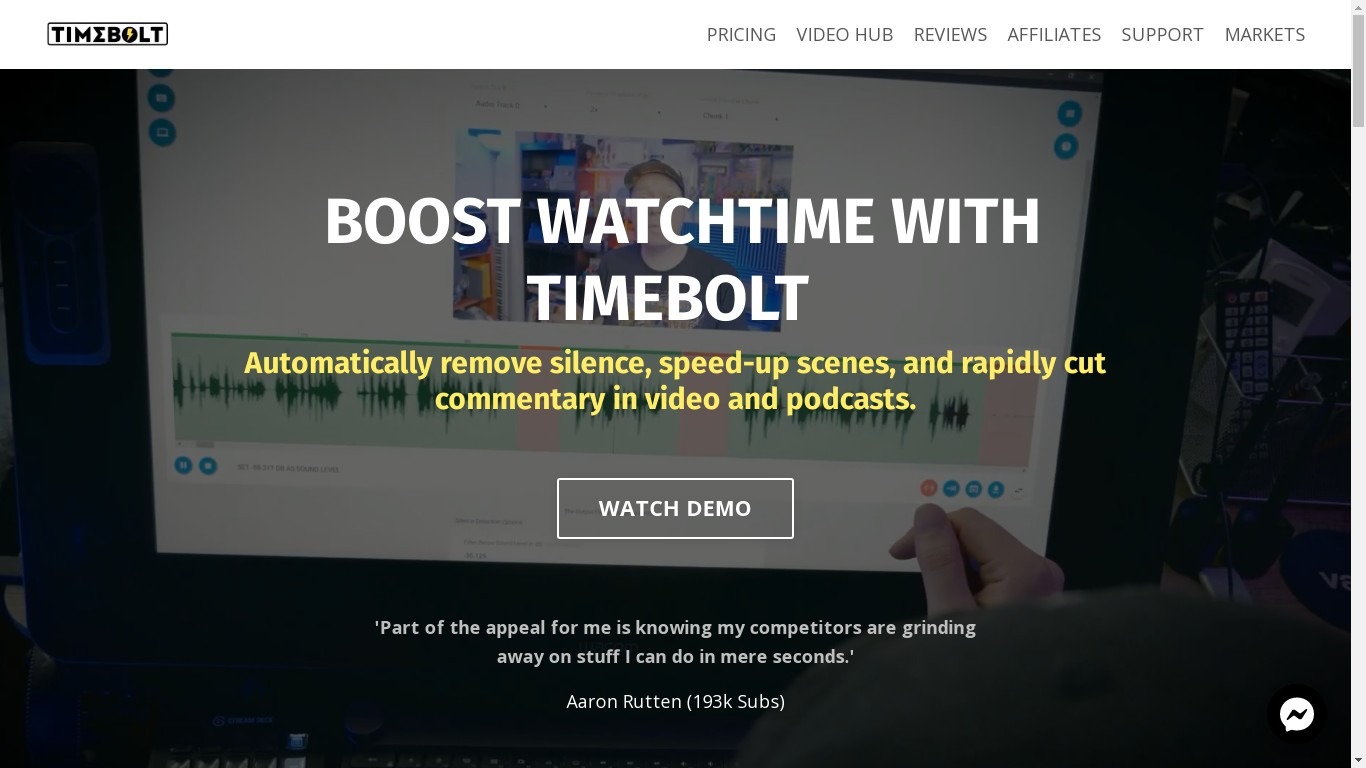
Experience the future of video editing with TimeBolt.io. Automatically jump-cut videos to eliminate silences and awkward pauses, transforming lengthy content into engaging masterpieces. Whether you're editing podcasts or videos, TimeBolt ensures a seamless and rapid editing process, making you talk like a superhuman without the burnout.
Video Tap Upvotes
Timebolt Upvotes
Video Tap Top Features
AI-Powered Transformation: Use AI to turn existing videos into multiple content formats.
Content Variety: Generate blog posts short clips summaries and more from your videos.
Ease of Use: Designed for both professionals and beginners with a user-friendly interface.
Free Tools Available: Access tools like the YouTube Chapters Generator and YouTube Summarizer for free.
No Credit Card Required: Get started on the platform with 3 free videos without needing a credit card.
Timebolt Top Features
Elimina automáticamente el silencio de vídeos y podcasts
Editor de vídeo rápido para Windows y MAC
Detección automática de silencio en vídeos.
Esculpir: Corta o conserva cualquier palabra o escena.
Opciones de exportación: Premiere, Final Cut Pro, DaVinci Resolve y Camtasia
Elimina las palabras de relleno automáticamente con Umcheck
Video Tap Category
- Video Editing
Timebolt Category
- Video Editing
Video Tap Pricing Type
- Freemium
Timebolt Pricing Type
- Paid