Video To Blog vs AI Doc GPT
Explore the showdown between Video To Blog vs AI Doc GPT and find out which AI Content Creation tool wins. We analyze upvotes, features, reviews, pricing, alternatives, and more.
In a face-off between Video To Blog and AI Doc GPT, which one takes the crown?
When we contrast Video To Blog with AI Doc GPT, both of which are exceptional AI-operated content creation tools, and place them side by side, we can spot several crucial similarities and divergences. The users have made their preference clear, Video To Blog leads in upvotes. Video To Blog has garnered 6 upvotes, and AI Doc GPT has garnered 4 upvotes.
Does the result make you go "hmm"? Cast your vote and turn that frown upside down!
Video To Blog


What is Video To Blog?
Video To Blog turns spoken video and audio into publish-ready blog articles. Paste a YouTube link, upload a file, drop in a transcript, record audio, or connect a channel, and the service outputs structured posts with headings, screenshots, smart links, metadata, and calls to action you can send to a website, newsletter, or download as HTML, Markdown, PDF, or Word.
Transcript-to-ChatGPT workflows still leave you stitching screenshots, links, and publishing steps by hand. Video To Blog bundles those production tasks: auto screenshots from the source video, reusable CTA blocks, SEO and GEO formatting, YouTube upload automations, and a built-in Publications feature for hosting a blog plus email newsletter on a custom domain. The homepage cites 500,000+ articles created and a 4.8 average across 500+ reviews on Trustpilot, G2, and Capterra.
YouTube creators, podcasters, agencies, and teams publishing sermons or webinars are the target users. Pricing starts free with one monthly upload, scales to Business at $69 per month (yearly billing) for 50 videos, and every paid tier adds publications, website integrations, and longer runtime limits.
AI Doc GPT
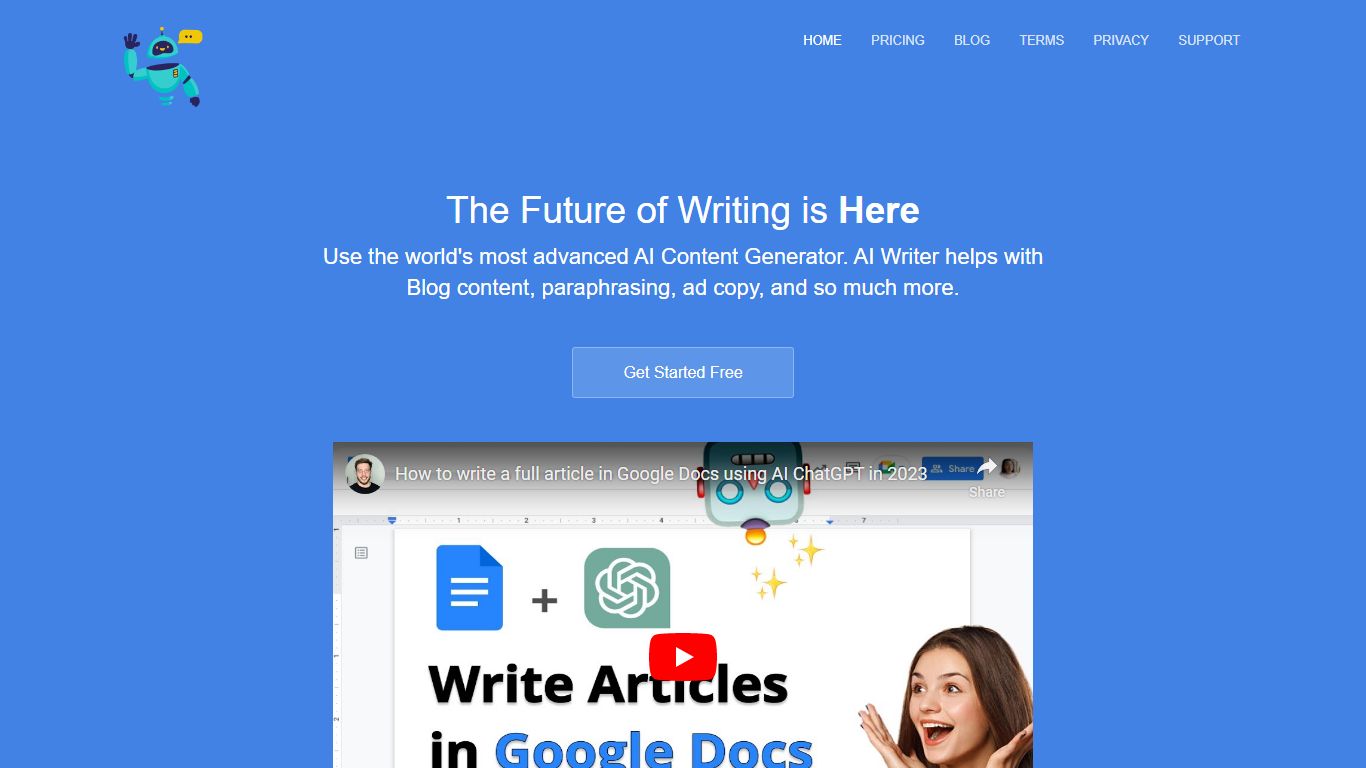
What is AI Doc GPT?
AI Doc GPT (DocGPT.ai) plugs GPT, Claude, Gemini, Mistral, and Perplexity into Google Sheets, Docs, Slides, Forms, and Gmail as native add-ons. The flagship GPT for Sheets exposes spreadsheet functions like =GPT(), =CLAUDE(), and =GEMINI() so you can run bulk translation, classification, lead enrichment, and web search across thousands of rows without leaving a spreadsheet. Models are built in, so you do not need your own API keys to start.
Where chat sidebar tools handle one prompt at a time, DocGPT.ai targets spreadsheet-scale content work: the site claims up to 10,000 results per hour and ships 40+ templates for product descriptions, programmatic SEO, and sentiment tagging. Switching models is a formula change, not a new integration, which is a different workflow from BYOK sheet plugins that bill API usage separately.
E-commerce operators, SEO teams, and sales ops use GPT for Sheets for bulk copy and enrichment. Marketers reach for Google Slide AI and GPT for Docs when they need decks or long-form drafts inside Workspace. Gmail add-ons cover AI email replies and mail-merge campaigns fed from Sheet data.
Video To Blog Upvotes
AI Doc GPT Upvotes
Video To Blog Top Features
Imports YouTube links, uploaded video/audio, transcripts, Google Drive files, and channel automations
Auto screenshots pull key visual moments from source videos into each article
Smart links and reusable CTA blocks insert internal and external links automatically
Publications host a blog, email newsletter, and custom domain without extra services
Free plan includes 1 monthly upload for videos up to 30 minutes with no credit card
Pro plan ($39/mo yearly) allows 15 monthly uploads up to 1.5 hours with 3 team members
Exports finished posts as HTML, Markdown, PDF, or Word and publishes to connected websites
AI Doc GPT Top Features
Spreadsheet functions =GPT(), =CLAUDE(), =GEMINI(), =MISTRAL(), and =PERPLEXITY() run inside Google Sheets with no API keys
Bulk processing handles up to 10,000 results per hour across thousands of spreadsheet rows
40+ free templates cover product descriptions, programmatic SEO, Google Ads copy, and lead enrichment
Suite spans six Google Workspace add-ons for Sheets, Docs, Slides, Forms, Gmail, and mail merge
GPT for Sheets holds a 4.8 out of 5 rating on the Google Workspace Marketplace
=GROK() and =DEEPSEEK() formulas accept your own API keys when you want xAI or DeepSeek models
Video To Blog Category
- Content Creation
AI Doc GPT Category
- Content Creation
Video To Blog Pricing Type
- Freemium
AI Doc GPT Pricing Type
- Freemium