Video To Blog vs Camira AI
In the clash of Video To Blog vs Camira AI, which AI Content Creation tool emerges victorious? We assess reviews, pricing, alternatives, features, upvotes, and more.
When we put Video To Blog and Camira AI head to head, which one emerges as the victor?
Let's take a closer look at Video To Blog and Camira AI, both of which are AI-driven content creation tools, and see what sets them apart. Camira AI is the clear winner in terms of upvotes. Camira AI has been upvoted 16 times by aitools.fyi users, and Video To Blog has been upvoted 6 times.
You don't agree with the result? Cast your vote to help us decide!
Video To Blog


What is Video To Blog?
Video To Blog turns spoken video and audio into publish-ready blog articles. Paste a YouTube link, upload a file, drop in a transcript, record audio, or connect a channel, and the service outputs structured posts with headings, screenshots, smart links, metadata, and calls to action you can send to a website, newsletter, or download as HTML, Markdown, PDF, or Word.
Transcript-to-ChatGPT workflows still leave you stitching screenshots, links, and publishing steps by hand. Video To Blog bundles those production tasks: auto screenshots from the source video, reusable CTA blocks, SEO and GEO formatting, YouTube upload automations, and a built-in Publications feature for hosting a blog plus email newsletter on a custom domain. The homepage cites 500,000+ articles created and a 4.8 average across 500+ reviews on Trustpilot, G2, and Capterra.
YouTube creators, podcasters, agencies, and teams publishing sermons or webinars are the target users. Pricing starts free with one monthly upload, scales to Business at $69 per month (yearly billing) for 50 videos, and every paid tier adds publications, website integrations, and longer runtime limits.
Camira AI
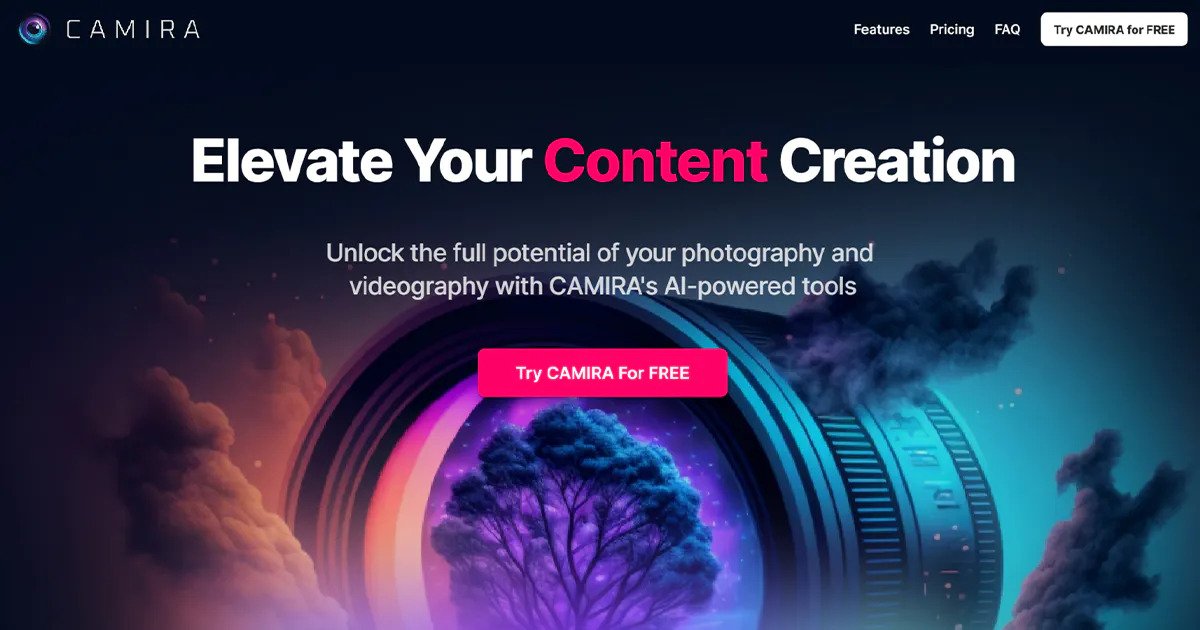
What is Camira AI?
The camira.ai homepage today is a waitlist landing page, not a live product dashboard. It tells visitors Camira will be back soon while the team updates the user experience, and it describes the forthcoming product as AI to elevate professional creatives.
Unlike creative AI suites that publish feature grids and pricing tables, Camira's domain exposes only a Join waitlist form. Paths such as /pricing and /features return Netlify 404 pages, so there is no public plan list or capability breakdown to compare against rivals on the site itself.
Photographers, filmmakers, and other creative professionals who want early access can leave their details on the homepage waitlist to hear when the refreshed experience launches.
Video To Blog Upvotes
Camira AI Upvotes
Video To Blog Top Features
Imports YouTube links, uploaded video/audio, transcripts, Google Drive files, and channel automations
Auto screenshots pull key visual moments from source videos into each article
Smart links and reusable CTA blocks insert internal and external links automatically
Publications host a blog, email newsletter, and custom domain without extra services
Free plan includes 1 monthly upload for videos up to 30 minutes with no credit card
Pro plan ($39/mo yearly) allows 15 monthly uploads up to 1.5 hours with 3 team members
Exports finished posts as HTML, Markdown, PDF, or Word and publishes to connected websites
Camira AI Top Features
Homepage title reads Camira - Coming Soon while camira.ai undergoes a UX refresh
Tagline on camira.ai frames the product as AI to Elevate Professional Creatives
Join button on the homepage is the published waitlist path for the next release phase
The /pricing path returns a Netlify 404 page with no plan names or prices
The /features path returns a Netlify 404 page with no feature list on the domain
Video To Blog Category
- Content Creation
Camira AI Category
- Content Creation
Video To Blog Pricing Type
- Freemium
Camira AI Pricing Type
- Freemium