Video To Blog vs Compose AI
Explore the showdown between Video To Blog vs Compose AI and find out which AI Content Creation tool wins. We analyze upvotes, features, reviews, pricing, alternatives, and more.
When comparing Video To Blog and Compose AI, which one rises above the other?
When we contrast Video To Blog with Compose AI, both of which are exceptional AI-operated content creation tools, and place them side by side, we can spot several crucial similarities and divergences. Both tools are equally favored, as indicated by the identical upvote count. Your vote matters! Help us decide the winner among aitools.fyi users by casting your vote.
Does the result make you go "hmm"? Cast your vote and turn that frown upside down!
Video To Blog


What is Video To Blog?
Video To Blog turns spoken video and audio into publish-ready blog articles. Paste a YouTube link, upload a file, drop in a transcript, record audio, or connect a channel, and the service outputs structured posts with headings, screenshots, smart links, metadata, and calls to action you can send to a website, newsletter, or download as HTML, Markdown, PDF, or Word.
Transcript-to-ChatGPT workflows still leave you stitching screenshots, links, and publishing steps by hand. Video To Blog bundles those production tasks: auto screenshots from the source video, reusable CTA blocks, SEO and GEO formatting, YouTube upload automations, and a built-in Publications feature for hosting a blog plus email newsletter on a custom domain. The homepage cites 500,000+ articles created and a 4.8 average across 500+ reviews on Trustpilot, G2, and Capterra.
YouTube creators, podcasters, agencies, and teams publishing sermons or webinars are the target users. Pricing starts free with one monthly upload, scales to Business at $69 per month (yearly billing) for 50 videos, and every paid tier adds publications, website integrations, and longer runtime limits.
Compose AI
What is Compose AI?
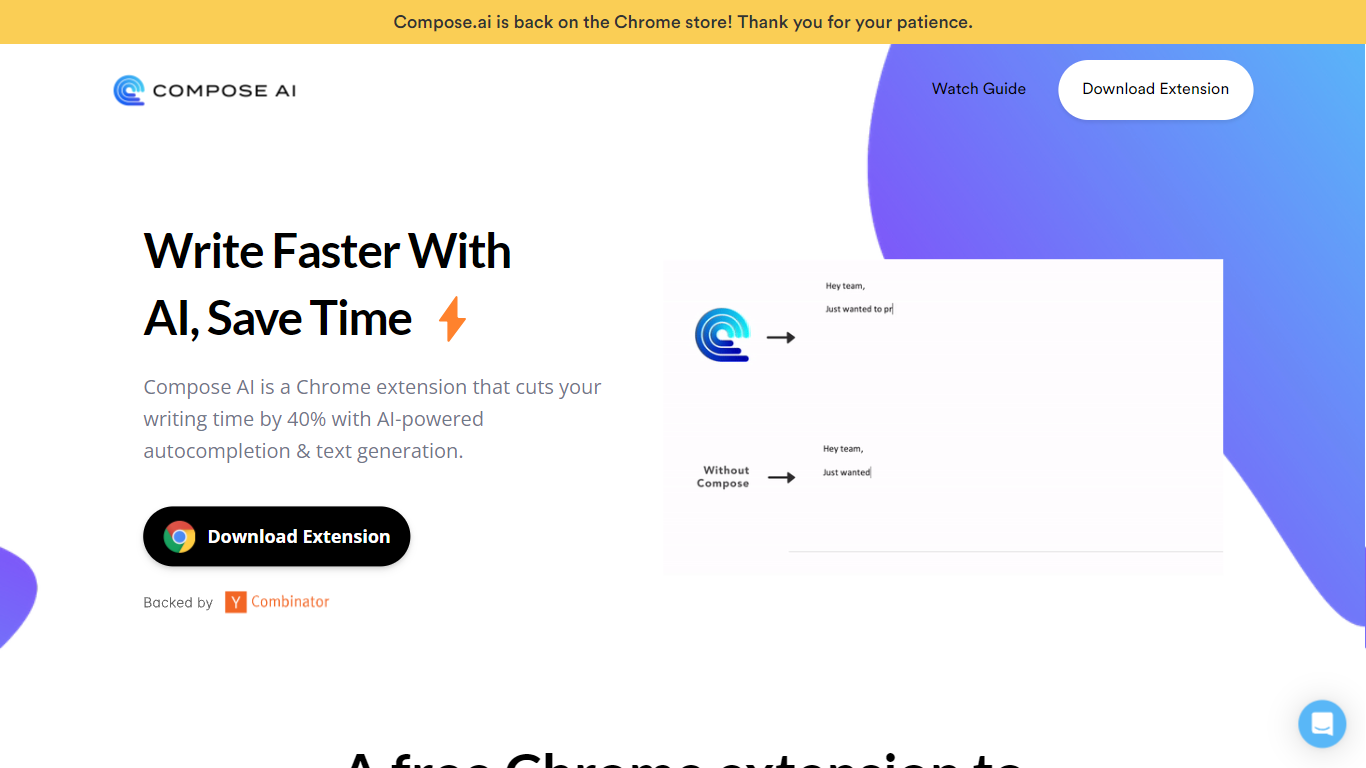
Compose AI is a Chrome extension that accelerates writing by providing AI-powered autocomplete and text generation. It helps users compose emails, documents, and chat messages more efficiently by reducing typing time by up to 40%. The tool offers sentence completions, rephrasing suggestions, and can generate full emails from brief prompts.
What distinguishes Compose AI from other writing assistants is its ability to learn and adapt to the user's unique writing style, offering personalized suggestions that make writing feel natural. It integrates seamlessly with platforms like Google Docs and Gmail, enabling users to write faster without switching tools. While it supports popular platforms, its integration options are currently limited compared to some competitors.
Compose AI offers both free and premium plans, with the premium version providing advanced personalization and priority support. Privacy is a priority; the tool uses user text solely to improve autocomplete suggestions and does not sell user data. This makes Compose AI a versatile and secure assistant for various writing tasks.
Video To Blog Upvotes
Compose AI Upvotes
Video To Blog Top Features
Imports YouTube links, uploaded video/audio, transcripts, Google Drive files, and channel automations
Auto screenshots pull key visual moments from source videos into each article
Smart links and reusable CTA blocks insert internal and external links automatically
Publications host a blog, email newsletter, and custom domain without extra services
Free plan includes 1 monthly upload for videos up to 30 minutes with no credit card
Pro plan ($39/mo yearly) allows 15 monthly uploads up to 1.5 hours with 3 team members
Exports finished posts as HTML, Markdown, PDF, or Word and publishes to connected websites
Compose AI Top Features
✍️ AI Autocomplete: Finish sentences quickly with smart suggestions.
🔄 Sentence Rephrasing: Highlight text to get alternative phrasings instantly.
📧 Email Generation: Create full professional email replies from a few words with one click.
🎯 Personalized Style: Learns your voice to tailor suggestions uniquely for you.
🌐 Integration: Works within Google Docs and Gmail with plans to support more platforms.
💰 Pricing: Free version available; premium plan offers advanced features and priority support.
Video To Blog Category
- Content Creation
Compose AI Category
- Content Creation
Video To Blog Pricing Type
- Freemium
Compose AI Pricing Type
- Freemium