Video To Blog vs Contents
In the contest of Video To Blog vs Contents, which AI Content Creation tool is the champion? We evaluate pricing, alternatives, upvotes, features, reviews, and more.
If you had to choose between Video To Blog and Contents, which one would you go for?
When we examine Video To Blog and Contents, both of which are AI-enabled content creation tools, what unique characteristics do we discover? With more upvotes, Video To Blog is the preferred choice. Video To Blog has received 6 upvotes from aitools.fyi users, while Contents has received 4 upvotes.
You don't agree with the result? Cast your vote to help us decide!
Video To Blog


What is Video To Blog?
Video To Blog turns spoken video and audio into publish-ready blog articles. Paste a YouTube link, upload a file, drop in a transcript, record audio, or connect a channel, and the service outputs structured posts with headings, screenshots, smart links, metadata, and calls to action you can send to a website, newsletter, or download as HTML, Markdown, PDF, or Word.
Transcript-to-ChatGPT workflows still leave you stitching screenshots, links, and publishing steps by hand. Video To Blog bundles those production tasks: auto screenshots from the source video, reusable CTA blocks, SEO and GEO formatting, YouTube upload automations, and a built-in Publications feature for hosting a blog plus email newsletter on a custom domain. The homepage cites 500,000+ articles created and a 4.8 average across 500+ reviews on Trustpilot, G2, and Capterra.
YouTube creators, podcasters, agencies, and teams publishing sermons or webinars are the target users. Pricing starts free with one monthly upload, scales to Business at $69 per month (yearly billing) for 50 videos, and every paid tier adds publications, website integrations, and longer runtime limits.
Contents
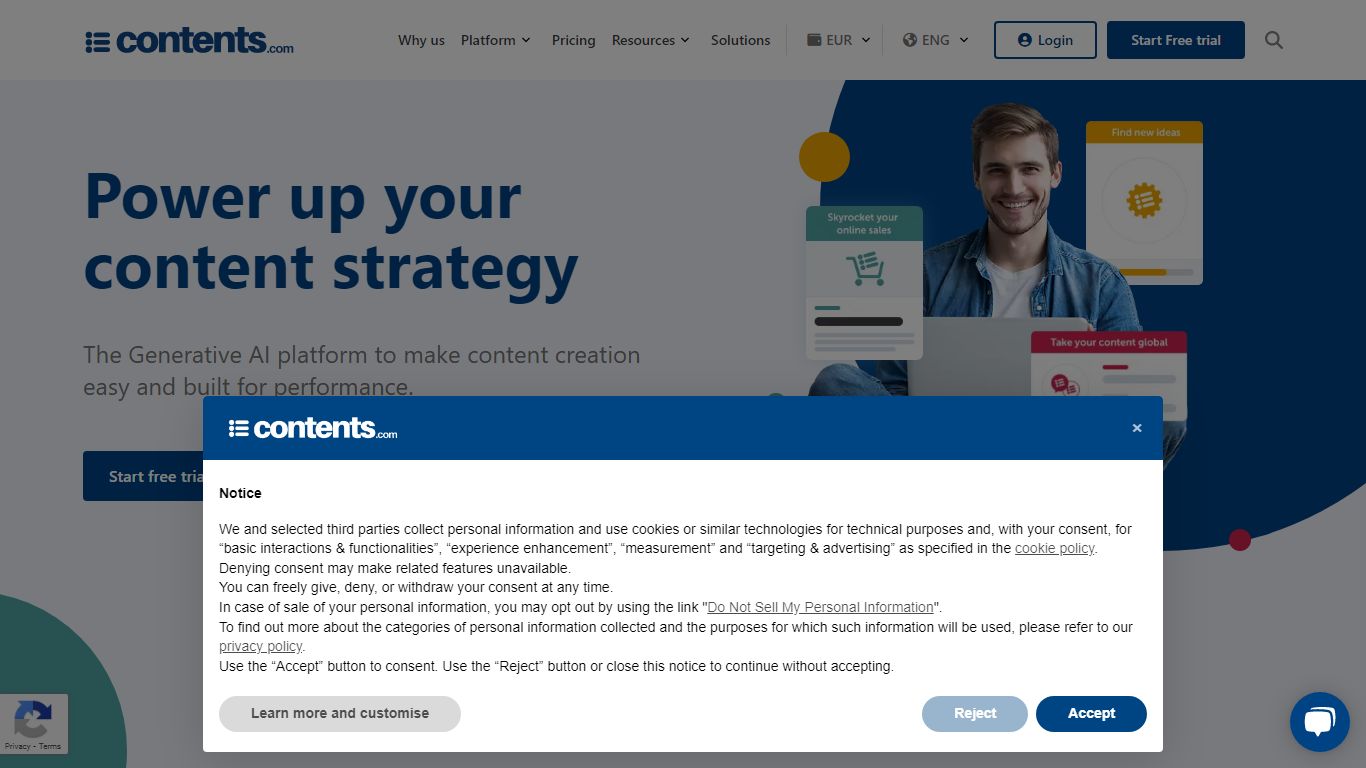
What is Contents?
Contents.com lets marketing and communications teams produce on-brand copy, images, and web layouts across multiple languages without losing tone or compliance control. AI Writer, AI Art, and an HTML Editor sit alongside Brand Voice profiles, structured review workflows, and governance rules so large organizations can ship campaigns at scale.
Unlike single-model writing assistants, Contents routes each task across Meta, OpenAI, Anthropic, Google, and Mistral models and picks the best fit per job. That model-agnostic layer matters for enterprises that want current LLM performance without rewriting workflows every time a vendor ships a new release. The platform also offers a managed service option where Contents runs the same stack on your behalf for high-volume production.
Marketing managers, e-commerce leads, and agency teams use it for product descriptions at SKU scale, multilingual social posts, investor reports, and multi-market launches. The free tier includes 8 text or image generations per day, while paid plans add seats, workspaces, and more Brand Voice slots for team collaboration.
Video To Blog Upvotes
Contents Upvotes
Video To Blog Top Features
Imports YouTube links, uploaded video/audio, transcripts, Google Drive files, and channel automations
Auto screenshots pull key visual moments from source videos into each article
Smart links and reusable CTA blocks insert internal and external links automatically
Publications host a blog, email newsletter, and custom domain without extra services
Free plan includes 1 monthly upload for videos up to 30 minutes with no credit card
Pro plan ($39/mo yearly) allows 15 monthly uploads up to 1.5 hours with 3 team members
Exports finished posts as HTML, Markdown, PDF, or Word and publishes to connected websites
Contents Top Features
AI Writer generates articles, product descriptions, social posts, emails, and reports trained on your brand guidelines and tone of voice
AI Art and Art Composer create on-brand images from text prompts or reference images for campaigns and product pages
Routes tasks across Meta, OpenAI, Anthropic, Google, and Mistral models with no single-vendor lock-in
Supports 25+ languages, with premium native datasets for English, Spanish, French, German, Italian, and Brazilian Portuguese
Free plan includes 8 text or image generations per day before upgrading to paid seats
Pro plan includes 5 user seats, 5 workspaces, and up to 6 Brand Voice profiles for team governance
HTML Editor builds production-ready web pages and email layouts from conversational prompts without manual coding
Video To Blog Category
- Content Creation
Contents Category
- Content Creation
Video To Blog Pricing Type
- Freemium
Contents Pricing Type
- Freemium