Video To Blog vs ImageColorizer
Dive into the comparison of Video To Blog vs ImageColorizer and discover which AI Content Creation tool stands out. We examine alternatives, upvotes, features, reviews, pricing, and beyond.
In a comparison between Video To Blog and ImageColorizer, which one comes out on top?
When we compare Video To Blog and ImageColorizer, two exceptional content creation tools powered by artificial intelligence, and place them side by side, several key similarities and differences come to light. Both tools have received the same number of upvotes from aitools.fyi users. Be a part of the decision-making process. Your vote could determine the winner.
You don't agree with the result? Cast your vote to help us decide!
Video To Blog


What is Video To Blog?
Video To Blog turns spoken video and audio into publish-ready blog articles. Paste a YouTube link, upload a file, drop in a transcript, record audio, or connect a channel, and the service outputs structured posts with headings, screenshots, smart links, metadata, and calls to action you can send to a website, newsletter, or download as HTML, Markdown, PDF, or Word.
Transcript-to-ChatGPT workflows still leave you stitching screenshots, links, and publishing steps by hand. Video To Blog bundles those production tasks: auto screenshots from the source video, reusable CTA blocks, SEO and GEO formatting, YouTube upload automations, and a built-in Publications feature for hosting a blog plus email newsletter on a custom domain. The homepage cites 500,000+ articles created and a 4.8 average across 500+ reviews on Trustpilot, G2, and Capterra.
YouTube creators, podcasters, agencies, and teams publishing sermons or webinars are the target users. Pricing starts free with one monthly upload, scales to Business at $69 per month (yearly billing) for 50 videos, and every paid tier adds publications, website integrations, and longer runtime limits.
ImageColorizer
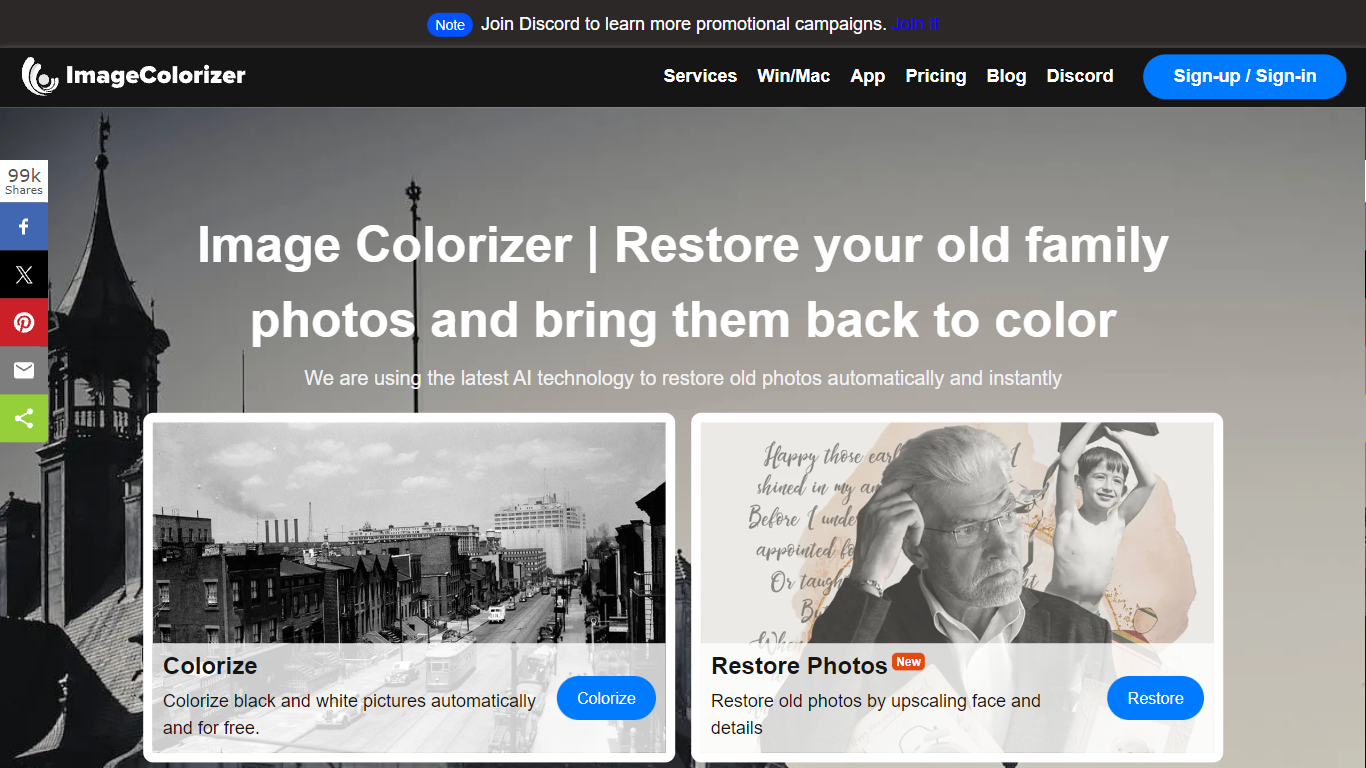
What is ImageColorizer?
ImageColorizer colorizes black-and-white photos, restores faded scans, and repairs scratches through a browser-based content creation workflow. Upload a vintage portrait or family snapshot and get realistic color, sharper detail, portrait retouching, or damage cleanup without desktop editing software.
Dedicated photo editors expect manual layer work for every scratch and fade mark. ImageColorizer bundles colorization, enhancement, face retouch, scratch removal, and object cleanup in one guided online flow with free monthly credits before you upgrade.
Family historians, photography hobbyists, and genealogy researchers use it to revive albums for sharing or printing. Free accounts get 50 credits per month; Starter at $6.90 adds 500 credits and removes ads.
Video To Blog Upvotes
ImageColorizer Upvotes
Video To Blog Top Features
Imports YouTube links, uploaded video/audio, transcripts, Google Drive files, and channel automations
Auto screenshots pull key visual moments from source videos into each article
Smart links and reusable CTA blocks insert internal and external links automatically
Publications host a blog, email newsletter, and custom domain without extra services
Free plan includes 1 monthly upload for videos up to 30 minutes with no credit card
Pro plan ($39/mo yearly) allows 15 monthly uploads up to 1.5 hours with 3 team members
Exports finished posts as HTML, Markdown, PDF, or Word and publishes to connected websites
ImageColorizer Top Features
Colorize black-and-white portraits and historical images with natural skin tones
Restore faded photos by improving contrast, clarity, and facial detail
Remove scratches, tears, stains, and creases from scanned vintage prints
Free plan includes 50 credits per month across all restoration tools
Starter plan at $6.90 per month includes 500 credits and no ads
Premium plan at $9.90 per month includes 1,000 credits and priority support
Business plan at $19.90 per month offers unlimited access to the V2 model
Video To Blog Category
- Content Creation
ImageColorizer Category
- Content Creation
Video To Blog Pricing Type
- Freemium
ImageColorizer Pricing Type
- Freemium