Video To Blog vs MotionIt AI
Dive into the comparison of Video To Blog vs MotionIt AI and discover which AI Content Creation tool stands out. We examine alternatives, upvotes, features, reviews, pricing, and beyond.
When comparing Video To Blog and MotionIt AI, which one rises above the other?
When we compare Video To Blog and MotionIt AI, two exceptional content creation tools powered by artificial intelligence, and place them side by side, several key similarities and differences come to light. The users have made their preference clear, MotionIt AI leads in upvotes. MotionIt AI has garnered 7 upvotes, and Video To Blog has garnered 6 upvotes.
Feeling rebellious? Cast your vote and shake things up!
Video To Blog


What is Video To Blog?
Video To Blog turns spoken video and audio into publish-ready blog articles. Paste a YouTube link, upload a file, drop in a transcript, record audio, or connect a channel, and the service outputs structured posts with headings, screenshots, smart links, metadata, and calls to action you can send to a website, newsletter, or download as HTML, Markdown, PDF, or Word.
Transcript-to-ChatGPT workflows still leave you stitching screenshots, links, and publishing steps by hand. Video To Blog bundles those production tasks: auto screenshots from the source video, reusable CTA blocks, SEO and GEO formatting, YouTube upload automations, and a built-in Publications feature for hosting a blog plus email newsletter on a custom domain. The homepage cites 500,000+ articles created and a 4.8 average across 500+ reviews on Trustpilot, G2, and Capterra.
YouTube creators, podcasters, agencies, and teams publishing sermons or webinars are the target users. Pricing starts free with one monthly upload, scales to Business at $69 per month (yearly billing) for 50 videos, and every paid tier adds publications, website integrations, and longer runtime limits.
MotionIt AI
What is MotionIt AI?
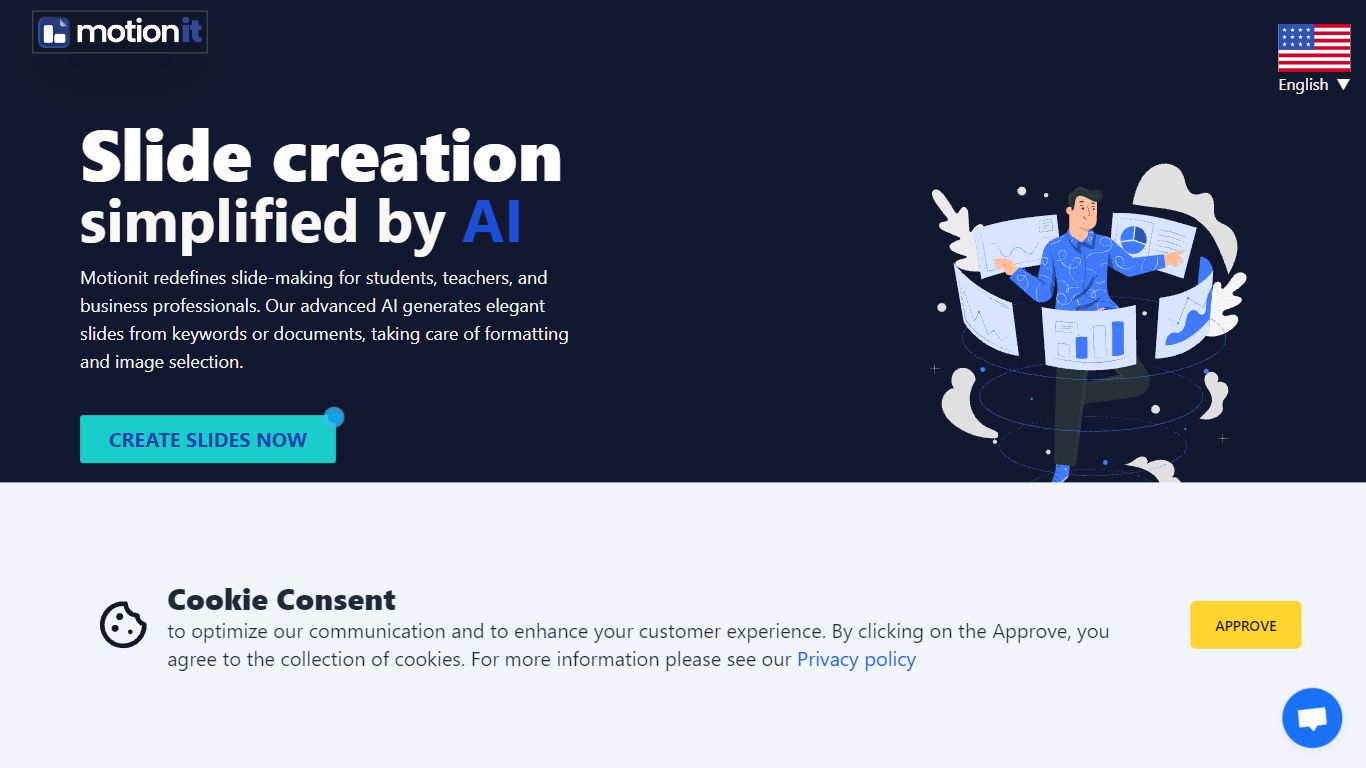
MotionIt AI turns keywords or uploaded documents into formatted slide decks with auto-selected images and consistent layouts. It targets students, teachers, and business professionals who need pitch decks or conference presentations without spending hours on image search and slide formatting. Finished decks export to Google Slides, PowerPoint, or PDF for last-mile edits.
Compared with narrative-first presentation builders like Tome, MotionIt AI focuses on editable exports rather than a locked web viewer. User reviews on the homepage highlight PowerPoint and Google Slides export as the reason they picked it over similar tools. You still write the story, but MotionIt AI handles structure, visuals, and layout from a short prompt or document upload.
The homepage lists six named templates (Nebula, Lagoon, Sunset, Frost, Shadow, and Amethyst Grid) and shows testimonials from pitch-deck and conference use cases. MotionIt AI also advertises video generation alongside slides, though the site emphasizes slide export paths more than video details.
Video To Blog Upvotes
MotionIt AI Upvotes
Video To Blog Top Features
Imports YouTube links, uploaded video/audio, transcripts, Google Drive files, and channel automations
Auto screenshots pull key visual moments from source videos into each article
Smart links and reusable CTA blocks insert internal and external links automatically
Publications host a blog, email newsletter, and custom domain without extra services
Free plan includes 1 monthly upload for videos up to 30 minutes with no credit card
Pro plan ($39/mo yearly) allows 15 monthly uploads up to 1.5 hours with 3 team members
Exports finished posts as HTML, Markdown, PDF, or Word and publishes to connected websites
MotionIt AI Top Features
Builds full slide decks from keywords or uploaded documents with auto-generated images and consistent layout
Exports finished decks to Google Slides, PowerPoint (PPTX), and PDF for last-mile editing
Offers six named templates: Nebula, Lagoon, Sunset, Frost, Shadow, and Amethyst Grid
Homepage states the service is trusted by 5,000+ users and requires no design skills to start
Supports pitch decks, conference presentations, and classroom slides from one web workspace
Video To Blog Category
- Content Creation
MotionIt AI Category
- Content Creation
Video To Blog Pricing Type
- Freemium
MotionIt AI Pricing Type
- Freemium