Video To Blog vs Olvy
In the face-off between Video To Blog vs Olvy, which AI Content Creation tool takes the crown? We scrutinize features, alternatives, upvotes, reviews, pricing, and more.
When we put Video To Blog and Olvy head to head, which one emerges as the victor?
If we were to analyze Video To Blog and Olvy, both of which are AI-powered content creation tools, what would we find? The upvote count is neck and neck for both Video To Blog and Olvy. The power is in your hands! Cast your vote and have a say in deciding the winner.
Want to flip the script? Upvote your favorite tool and change the game!
Video To Blog


What is Video To Blog?
Video To Blog turns spoken video and audio into publish-ready blog articles. Paste a YouTube link, upload a file, drop in a transcript, record audio, or connect a channel, and the service outputs structured posts with headings, screenshots, smart links, metadata, and calls to action you can send to a website, newsletter, or download as HTML, Markdown, PDF, or Word.
Transcript-to-ChatGPT workflows still leave you stitching screenshots, links, and publishing steps by hand. Video To Blog bundles those production tasks: auto screenshots from the source video, reusable CTA blocks, SEO and GEO formatting, YouTube upload automations, and a built-in Publications feature for hosting a blog plus email newsletter on a custom domain. The homepage cites 500,000+ articles created and a 4.8 average across 500+ reviews on Trustpilot, G2, and Capterra.
YouTube creators, podcasters, agencies, and teams publishing sermons or webinars are the target users. Pricing starts free with one monthly upload, scales to Business at $69 per month (yearly billing) for 50 videos, and every paid tier adds publications, website integrations, and longer runtime limits.
Olvy
What is Olvy?
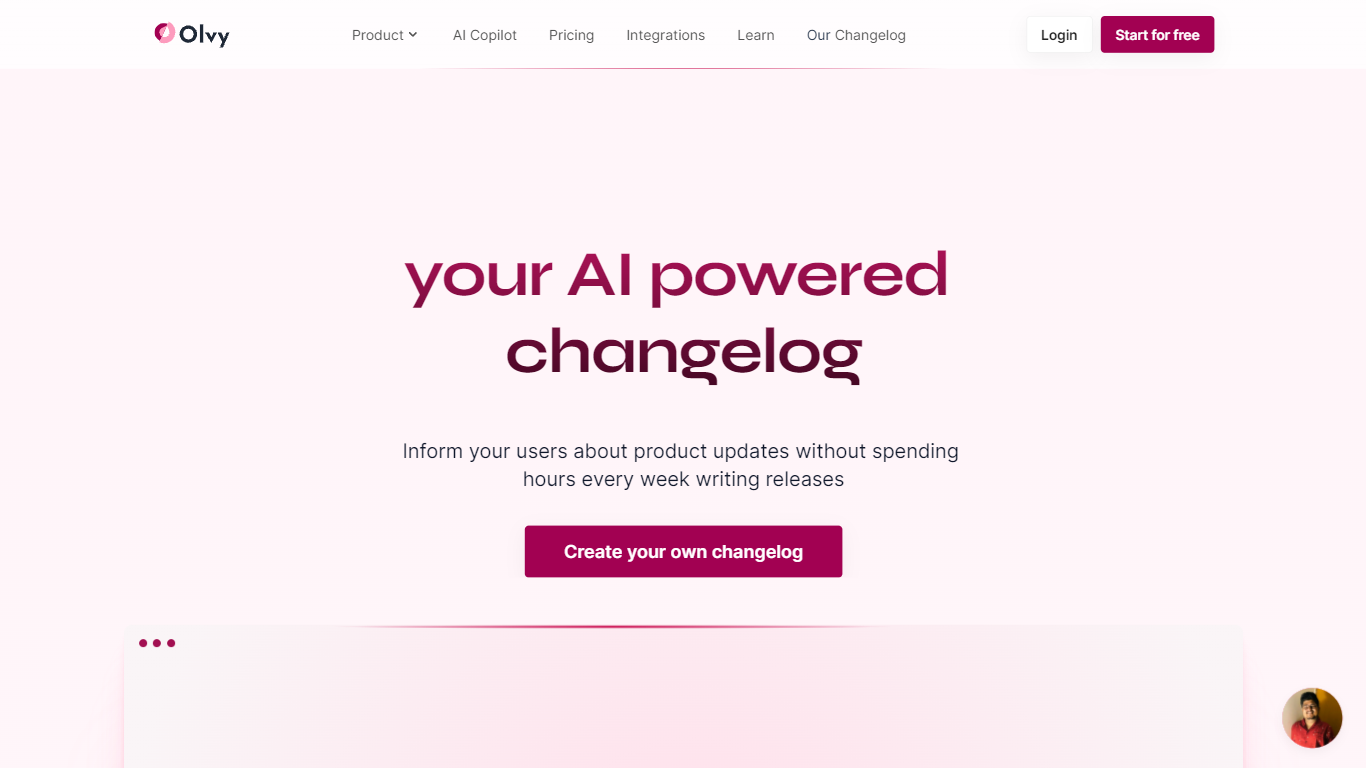
Olvy publishes product changelogs and ships in-app announcement widgets so SaaS users see releases without leaving the product. Embed a sidebar, modal, or popup widget to surface what shipped and why it matters.
An AI release writer drafts notes from your inputs, and integrations with Slack, Discord, and GitHub keep engineering signals tied to customer-facing updates. A GraphQL API lets teams wire changelog data into custom surfaces beyond the default embeds.
Smplrspace reported roughly double adoption after switching to Olvy widgets, which reflects how in-product announcements beat email-only release notes for feature discovery. Freemium access covers small teams while paid tiers unlock deeper customization and analytics.
Video To Blog Upvotes
Olvy Upvotes
Video To Blog Top Features
Imports YouTube links, uploaded video/audio, transcripts, Google Drive files, and channel automations
Auto screenshots pull key visual moments from source videos into each article
Smart links and reusable CTA blocks insert internal and external links automatically
Publications host a blog, email newsletter, and custom domain without extra services
Free plan includes 1 monthly upload for videos up to 30 minutes with no credit card
Pro plan ($39/mo yearly) allows 15 monthly uploads up to 1.5 hours with 3 team members
Exports finished posts as HTML, Markdown, PDF, or Word and publishes to connected websites
Olvy Top Features
Publish changelogs with sidebar, modal, and popup in-app widgets
AI release writer drafts customer-facing notes from your inputs
Integrations with Slack, Discord, and GitHub feed release activity
GraphQL API exposes changelog data for custom surfaces
Smplrspace reported about 2x adoption after adopting Olvy widgets
Video To Blog Category
- Content Creation
Olvy Category
- Content Creation
Video To Blog Pricing Type
- Freemium
Olvy Pricing Type
- Freemium