Video To Blog vs Thumbly
In the contest of Video To Blog vs Thumbly, which AI Content Creation tool is the champion? We evaluate pricing, alternatives, upvotes, features, reviews, and more.
If you had to choose between Video To Blog and Thumbly, which one would you go for?
When we examine Video To Blog and Thumbly, both of which are AI-enabled content creation tools, what unique characteristics do we discover? Neither tool takes the lead, as they both have the same upvote count. Since other aitools.fyi users could decide the winner, the ball is in your court now to cast your vote and help us determine the winner.
Disagree with the result? Upvote your favorite tool and help it win!
Video To Blog


What is Video To Blog?
Video To Blog turns spoken video and audio into publish-ready blog articles. Paste a YouTube link, upload a file, drop in a transcript, record audio, or connect a channel, and the service outputs structured posts with headings, screenshots, smart links, metadata, and calls to action you can send to a website, newsletter, or download as HTML, Markdown, PDF, or Word.
Transcript-to-ChatGPT workflows still leave you stitching screenshots, links, and publishing steps by hand. Video To Blog bundles those production tasks: auto screenshots from the source video, reusable CTA blocks, SEO and GEO formatting, YouTube upload automations, and a built-in Publications feature for hosting a blog plus email newsletter on a custom domain. The homepage cites 500,000+ articles created and a 4.8 average across 500+ reviews on Trustpilot, G2, and Capterra.
YouTube creators, podcasters, agencies, and teams publishing sermons or webinars are the target users. Pricing starts free with one monthly upload, scales to Business at $69 per month (yearly billing) for 50 videos, and every paid tier adds publications, website integrations, and longer runtime limits.
Thumbly
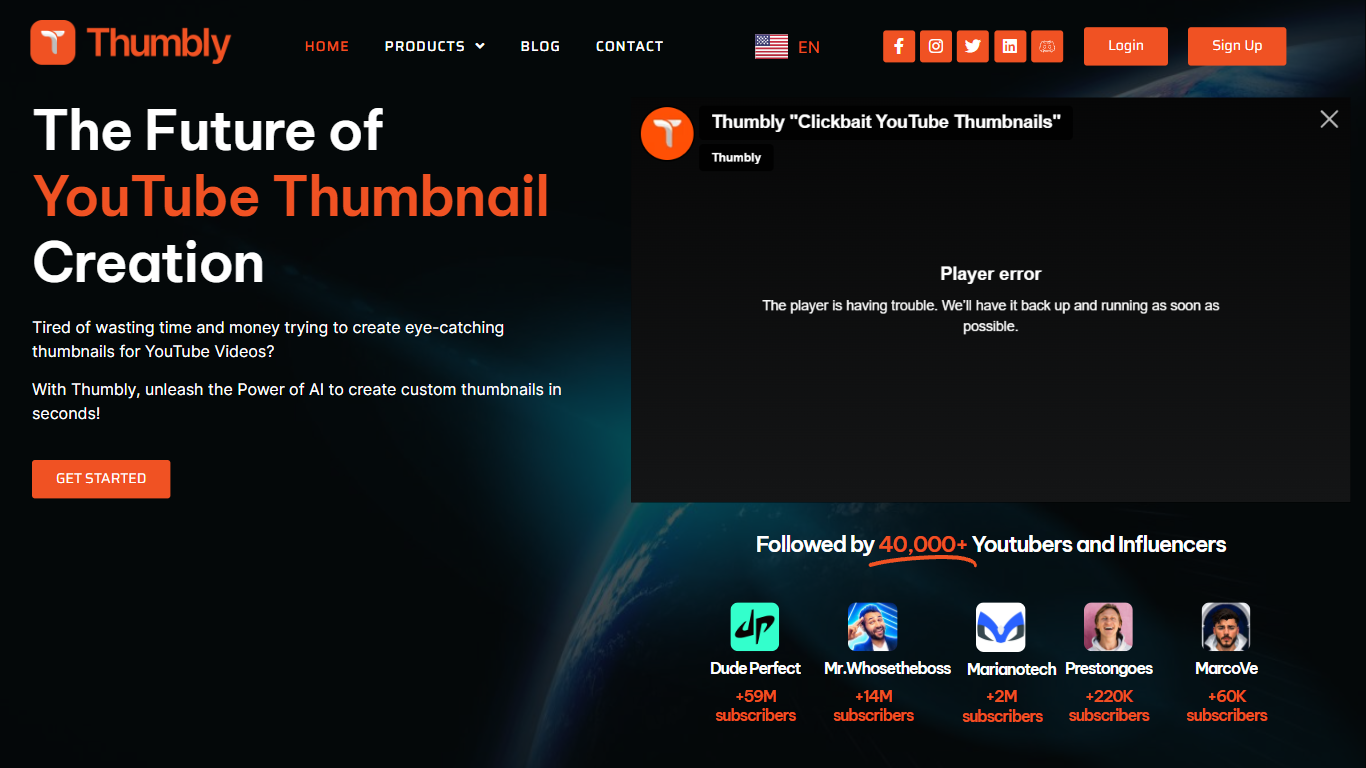
What is Thumbly?
Thumbly is a website that offers various tools for creators and content producers. With a focus on optimizing SEO, Thumbly provides a Thumbnail Generator, Title Generator, and a Free Thumbnail Rating Tool. These tools are designed to help users create visually appealing thumbnails and titles that can attract more viewers and increase click-through rates.
The Thumbnail Generator allows users to easily create custom thumbnails for their videos or images. It provides templates and customization options to create eye-catching thumbnails that stand out in search results and social media feeds.
The Title Generator helps users generate catchy and engaging titles for their content. By inputting keywords or topics, users can receive creative title suggestions that can improve the visibility and clickability of their content.
The Free Thumbnail Rating Tool is a unique feature that allows users to get feedback on their thumbnails. By submitting their thumbnails, users can receive ratings and suggestions from the Thumbly community, helping them improve the effectiveness of their thumbnails.
With a user-friendly interface and a focus on SEO optimization, Thumbly aims to assist content creators in enhancing their online presence and attracting more viewers.
Video To Blog Upvotes
Thumbly Upvotes
Video To Blog Top Features
Imports YouTube links, uploaded video/audio, transcripts, Google Drive files, and channel automations
Auto screenshots pull key visual moments from source videos into each article
Smart links and reusable CTA blocks insert internal and external links automatically
Publications host a blog, email newsletter, and custom domain without extra services
Free plan includes 1 monthly upload for videos up to 30 minutes with no credit card
Pro plan ($39/mo yearly) allows 15 monthly uploads up to 1.5 hours with 3 team members
Exports finished posts as HTML, Markdown, PDF, or Word and publishes to connected websites
Thumbly Top Features
Easy Thumbnail Customization: The Thumbnail Generator provides users with a range of templates and customization options to create visually appealing thumbnails.
Creative Title Suggestions: The Title Generator offers users creative title suggestions based on their inputted keywords or topics.
Feedback from Community: The Free Thumbnail Rating Tool allows users to receive ratings and suggestions from the Thumbly community to improve the effectiveness of their thumbnails.
SEO Optimization: Thumbly focuses on optimizing content for search engines to increase visibility and click-through rates.
User-Friendly Interface: Thumbly provides a user-friendly interface making it easy for users to navigate and utilize the tools.
Video To Blog Category
- Content Creation
Thumbly Category
- Content Creation
Video To Blog Pricing Type
- Freemium
Thumbly Pricing Type
- Paid