Video To Blog vs YT Copycat
In the clash of Video To Blog vs YT Copycat, which AI Content Creation tool emerges victorious? We assess reviews, pricing, alternatives, features, upvotes, and more.
When we put Video To Blog and YT Copycat head to head, which one emerges as the victor?
Let's take a closer look at Video To Blog and YT Copycat, both of which are AI-driven content creation tools, and see what sets them apart. The users have made their preference clear, YT Copycat leads in upvotes. YT Copycat has garnered 11 upvotes, and Video To Blog has garnered 6 upvotes.
Want to flip the script? Upvote your favorite tool and change the game!
Video To Blog


What is Video To Blog?
Video To Blog turns spoken video and audio into publish-ready blog articles. Paste a YouTube link, upload a file, drop in a transcript, record audio, or connect a channel, and the service outputs structured posts with headings, screenshots, smart links, metadata, and calls to action you can send to a website, newsletter, or download as HTML, Markdown, PDF, or Word.
Transcript-to-ChatGPT workflows still leave you stitching screenshots, links, and publishing steps by hand. Video To Blog bundles those production tasks: auto screenshots from the source video, reusable CTA blocks, SEO and GEO formatting, YouTube upload automations, and a built-in Publications feature for hosting a blog plus email newsletter on a custom domain. The homepage cites 500,000+ articles created and a 4.8 average across 500+ reviews on Trustpilot, G2, and Capterra.
YouTube creators, podcasters, agencies, and teams publishing sermons or webinars are the target users. Pricing starts free with one monthly upload, scales to Business at $69 per month (yearly billing) for 50 videos, and every paid tier adds publications, website integrations, and longer runtime limits.
YT Copycat
What is YT Copycat?
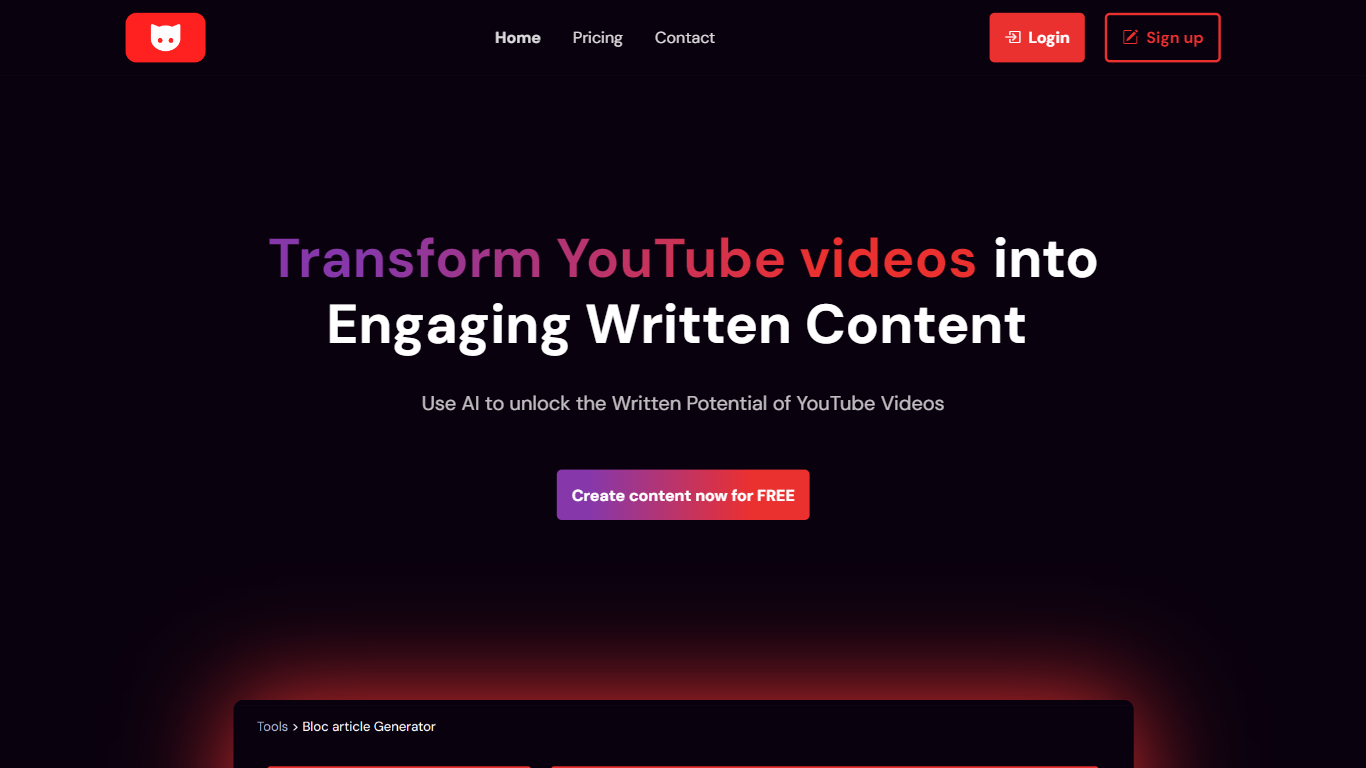
Turn YouTube videos into ready-to-use written content in seconds. Paste any video URL and let YT Copycat extract the transcript, summarize key points, and generate polished text you can publish as blog posts, social updates, or email newsletters. The tool supports more than 30 languages and works with GPT-4 to keep tone and style consistent across formats.
Whether you need quick summaries for research or full-length articles for your blog, it handles the conversion without manual typing. You can also set up automatic updates so new videos from subscribed channels appear as fresh posts on your site or in your inbox. WordPress users can connect their site directly for hands-off publishing every time a creator uploads new content.
Video To Blog Upvotes
YT Copycat Upvotes
Video To Blog Top Features
Imports YouTube links, uploaded video/audio, transcripts, Google Drive files, and channel automations
Auto screenshots pull key visual moments from source videos into each article
Smart links and reusable CTA blocks insert internal and external links automatically
Publications host a blog, email newsletter, and custom domain without extra services
Free plan includes 1 monthly upload for videos up to 30 minutes with no credit card
Pro plan ($39/mo yearly) allows 15 monthly uploads up to 1.5 hours with 3 team members
Exports finished posts as HTML, Markdown, PDF, or Word and publishes to connected websites
YT Copycat Top Features
📝 Generate ready-to-publish blog posts from any YouTube video in seconds
📧 Get automatic email summaries of new videos from subscribed channels
🔗 Connect WordPress to auto-publish new video content as blog posts
🌐 Create content in 30+ languages with GPT-4 powered translation
📊 Receive detailed analytics on generated content performance
Video To Blog Category
- Content Creation
YT Copycat Category
- Content Creation
Video To Blog Pricing Type
- Freemium
YT Copycat Pricing Type
- Freemium