VideoAsk vs Peech AI
When comparing VideoAsk vs Peech AI, which AI Video Editing tool shines brighter? We look at pricing, alternatives, upvotes, features, reviews, and more.
In a comparison between VideoAsk and Peech AI, which one comes out on top?
When we put VideoAsk and Peech AI side by side, both being AI-powered video editing tools, The upvote count favors VideoAsk, making it the clear winner. VideoAsk has 6 upvotes, and Peech AI has 5 upvotes.
Disagree with the result? Upvote your favorite tool and help it win!
VideoAsk
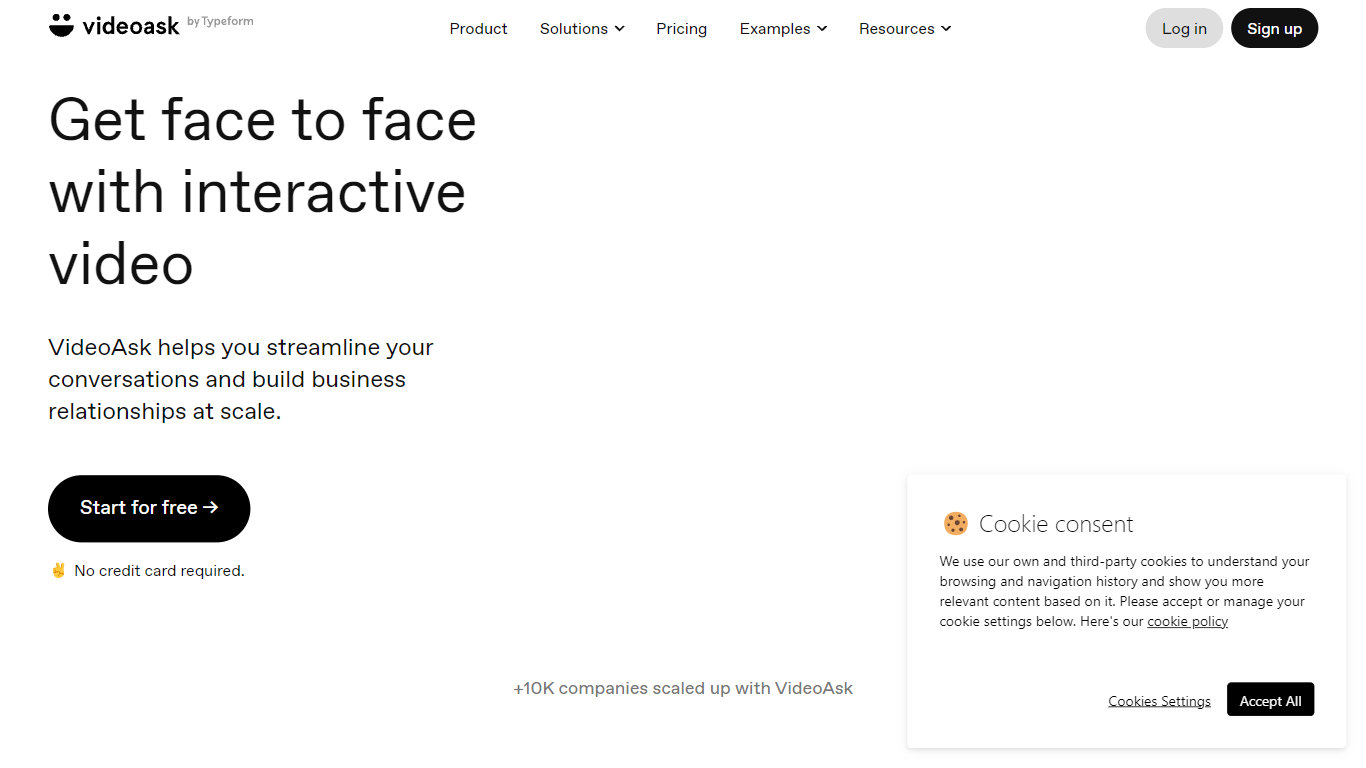

What is VideoAsk?
VideoAsk by Typeform lets you record video questions once and collect video, voice, or text replies from anyone on their own schedule. You build flows with a no-code editor, share a link or embed, and review responses in one inbox. Recruiters, sales teams, and support staff use it when a typed form feels too cold but live calls do not scale.
Most form tools treat video as an attachment. VideoAsk meters your account by video and audio processing minutes, counting both your recorded steps and every respondent reply. Playback views are free, and live calls do not use minutes at all. That pricing model rewards short, focused asks but punishes long back-and-forth threads, which is the opposite of per-response SaaS forms.
The platform covers async interviews, video funnels with branching paths, AI video chatbots that respond to spoken questions, and direct multimedia messaging. You get 9 answer types including NPS, appointment booking, and payment collection. Zapier connects to 1,500 apps, and developers can use the REST API and webhooks. Over 10,000 companies use VideoAsk, with 15 million conversations and 44 million videoask views in the past year.
Peech AI

What is Peech AI?
Peech turns raw video footage into branded, platform-ready clips through automated post-production. Upload your content and the platform tags scenes, transcribes speech, applies your brand elements, and outputs resized versions for social, web, and ads. A text-to-video editor lets you trim clips and remove filler words as easily as editing a document.
Agency-style post-production usually means days of editor time for every batch of marketing videos. Peech automates transcription in 20+ languages, facial-recognition framing, aspect-ratio cropping, and highlight clip generation in one workflow. Media teams report cutting post-production time by up to 95% and design costs by over 80% compared to hiring external editors.
Marketing teams at B2B companies like Peerspot and Datarails use Peech to repurpose webinars and interviews into daily social clips. Media companies organize large footage libraries with automatic tagging and topic-based highlight recommendations. You can start free without a credit card, then scale to dozens of branded videos per month through the app at app.peech-ai.com.
VideoAsk Upvotes
Peech AI Upvotes
VideoAsk Top Features
9 answer types including NPS, appointment scheduling, and payment collection
Async video interviews let candidates respond on their own schedule
AI video chatbots understand spoken questions and reply around the clock
Connect to 1,500 apps through Zapier plus REST API and webhooks
Live calls have no time limit and do not count toward processing minutes
Brand plan includes 200 video and audio processing minutes per month
Peech AI Top Features
Real-time transcription and translation into 20+ languages with subtitle export
Text-to-video editor cuts clips and removes filler words like editing a doc
Automated brand elements applied across every output with one-click execution
Frame cropper centers speakers via facial recognition across aspect ratios
Clip Generator produces ready-to-publish social videos from long-form footage
VideoAsk Category
- Video Editing
Peech AI Category
- Video Editing
VideoAsk Pricing Type
- Freemium
Peech AI Pricing Type
- Freemium