VideoAsk vs Timebolt
Compare VideoAsk vs Timebolt and see which AI Video Editing tool is better when we compare features, reviews, pricing, alternatives, upvotes, etc.
Which one is better? VideoAsk or Timebolt?
When we compare VideoAsk with Timebolt, which are both AI-powered video editing tools, The upvote count favors Timebolt, making it the clear winner. Timebolt has 18 upvotes, and VideoAsk has 6 upvotes.
Don't agree with the result? Cast your vote and be a part of the decision-making process!
VideoAsk
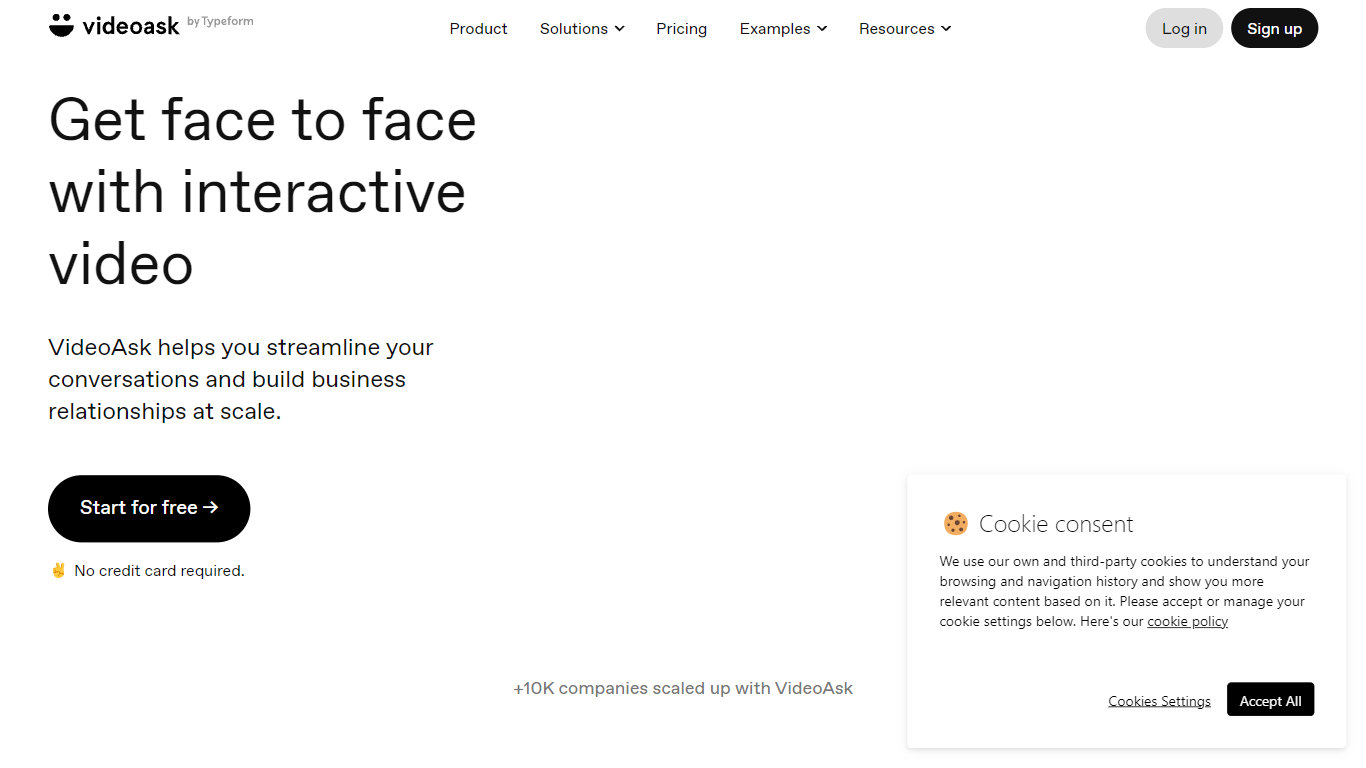

What is VideoAsk?
VideoAsk by Typeform lets you record video questions once and collect video, voice, or text replies from anyone on their own schedule. You build flows with a no-code editor, share a link or embed, and review responses in one inbox. Recruiters, sales teams, and support staff use it when a typed form feels too cold but live calls do not scale.
Most form tools treat video as an attachment. VideoAsk meters your account by video and audio processing minutes, counting both your recorded steps and every respondent reply. Playback views are free, and live calls do not use minutes at all. That pricing model rewards short, focused asks but punishes long back-and-forth threads, which is the opposite of per-response SaaS forms.
The platform covers async interviews, video funnels with branching paths, AI video chatbots that respond to spoken questions, and direct multimedia messaging. You get 9 answer types including NPS, appointment booking, and payment collection. Zapier connects to 1,500 apps, and developers can use the REST API and webhooks. Over 10,000 companies use VideoAsk, with 15 million conversations and 44 million videoask views in the past year.
Timebolt

What is Timebolt?
Timebolt is a desktop video editor built around waveform-first jump cuts for podcasts, interviews, and screen recordings. It strips silence, filler words, and bad takes with 0.01 second cut control, then exports timelines to Premiere Pro, Final Cut Pro, DaVinci Resolve, or Camtasia without re-cutting by hand.
Most text-based AI editors guess where pauses live and leave hundreds of missed cuts per hour. Timebolt measures the audio waveform first, which is why its benchmark claims zero mistakes left per hour while rivals like Descript and Gling still need manual cleanup. That trade-off favors editors who want frame-tight cuts over a chat-style transcript workflow.
Podcasters, YouTubers, and course creators use Timebolt to shrink raw talking-head footage before publishing. Post-production teams also route Riverside multicam sessions through Timebolt XML exports so senior editors finish polish work in their preferred NLE.
VideoAsk Upvotes
Timebolt Upvotes
VideoAsk Top Features
9 answer types including NPS, appointment scheduling, and payment collection
Async video interviews let candidates respond on their own schedule
AI video chatbots understand spoken questions and reply around the clock
Connect to 1,500 apps through Zapier plus REST API and webhooks
Live calls have no time limit and do not count toward processing minutes
Brand plan includes 200 video and audio processing minutes per month
Timebolt Top Features
0.01 second cut control on waveform-based silence removal
Processes an hour of footage in about 13 seconds for jump cuts
Exports XML timelines to Premiere Pro, Final Cut Pro, and DaVinci Resolve
UMCHECK removes filler words automatically from recorded speech
Free 4K screen capture tool for Mac and Windows
Benchmark reports zero missed cuts per hour versus hundreds on rival AI editors
VideoAsk Category
- Video Editing
Timebolt Category
- Video Editing
VideoAsk Pricing Type
- Freemium
Timebolt Pricing Type
- Freemium