VideoDubber vs Dubbah
In the clash of VideoDubber vs Dubbah, which AI Translation tool emerges victorious? We assess reviews, pricing, alternatives, features, upvotes, and more.
When we put VideoDubber and Dubbah head to head, which one emerges as the victor?
Let's take a closer look at VideoDubber and Dubbah, both of which are AI-driven translation tools, and see what sets them apart. In the race for upvotes, Dubbah takes the trophy. Dubbah has 7 upvotes, and VideoDubber has 6 upvotes.
Want to flip the script? Upvote your favorite tool and change the game!
VideoDubber
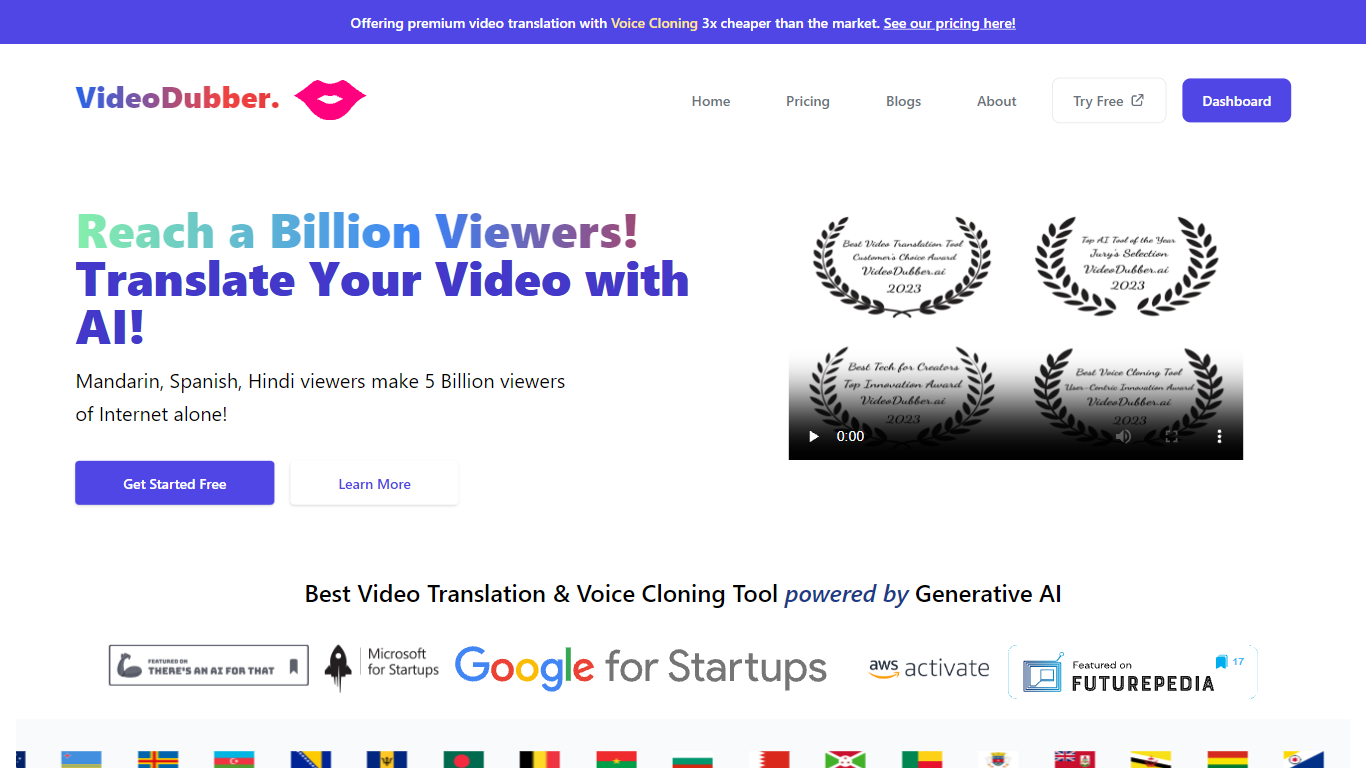

What is VideoDubber?
VideoDubber is a video translation and dubbing platform that turns uploaded footage into localized versions with cloned voices, lip sync, and subtitles. You upload a video, pick a target language, and get back a dubbed MP4 or subtitle files in SRT or VTT format. The service covers 150+ languages and handles multi-speaker projects with per-speaker voice selection.
Where most voice tools stop at audio-only dubbing, VideoDubber bundles frame-accurate lip sync (SyncPRO) and unlimited post-export edits in the same workflow. Its per-minute pricing undercuts ElevenLabs on the comparison table the site publishes, and editing scripts or re-exporting does not trigger metered revision fees on any plan.
YouTubers, e-learning teams, and marketing departments use VideoDubber to localize course libraries, YouTube channels, and promotional videos without reshooting. The platform also ships a REST API with translate, dub, and lipsync endpoints for teams embedding dubbing into a CMS or LMS pipeline.
Dubbah
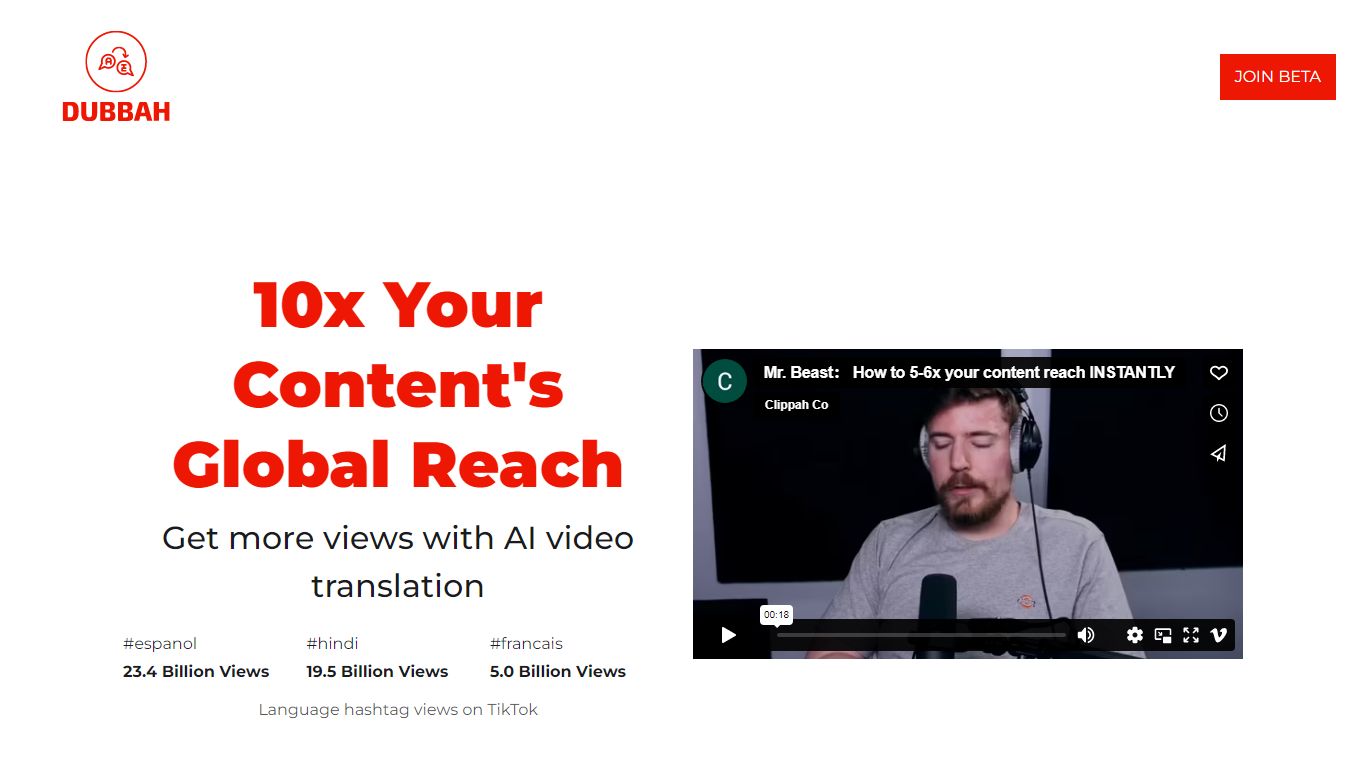
What is Dubbah?
Dubbah dubs videos into 14 languages locally on your Mac without shipping files to the cloud. Drop an MP4 or MOV, pick target languages, and the app translates dialogue, clones the speaker's voice tone, and lets you edit every line before export.
Cloud dubbing services charge per minute and keep copies on remote servers. Dubbah runs on macOS 13+ for Apple Silicon and Intel, works offline after setup, and stays free with no subscriptions or per-minute metering according to the product site.
Creators, educators, and indie filmmakers use Dubbah when they need multilingual cuts for social clips, training videos, or client deliverables while keeping sensitive footage on the machine. There is no account signup; download the app and start dubbing immediately.
VideoDubber Upvotes
Dubbah Upvotes
VideoDubber Top Features
150+ target languages with 180+ voice options listed on the about page
VoicePARROT voice cloning trained on 200K+ hours of real speech for natural dubbing
SyncPRO frame-accurate lip sync that tracks dubbed audio syllable by syllable
Export finished projects as SRT, VTT, or fully dubbed MP4 from one editor
REST API with POST /v1/translate, /v1/dub, and /v1/lipsync endpoints plus job polling
Glossary locking keeps product names and key terms consistent across languages
Unlimited script edits and re-exports with no metered revision fees on any plan
Dubbah Top Features
Dubs video into 14 languages including Spanish, Mandarin, Hindi, Arabic, and Japanese
Runs locally on macOS 13+ for Apple Silicon and Intel Macs
Voice cloning matches original speaker tone in the target language
Edit translated lines, timing, and re-generate individual segments before export
Works offline after initial setup with no internet required for dubbing
Completely free with no subscriptions or per-minute fees listed on site
VideoDubber Category
- Translation
Dubbah Category
- Translation
VideoDubber Pricing Type
- Freemium
Dubbah Pricing Type
- Free