VideoSage vs Clipchamp
In the contest of VideoSage vs Clipchamp, which AI Video Editing tool is the champion? We evaluate pricing, alternatives, upvotes, features, reviews, and more.
If you had to choose between VideoSage and Clipchamp, which one would you go for?
When we examine VideoSage and Clipchamp, both of which are AI-enabled video editing tools, what unique characteristics do we discover? There's no clear winner in terms of upvotes, as both tools have received the same number. Since other aitools.fyi users could decide the winner, the ball is in your court now to cast your vote and help us determine the winner.
Does the result make you go "hmm"? Cast your vote and turn that frown upside down!
VideoSage
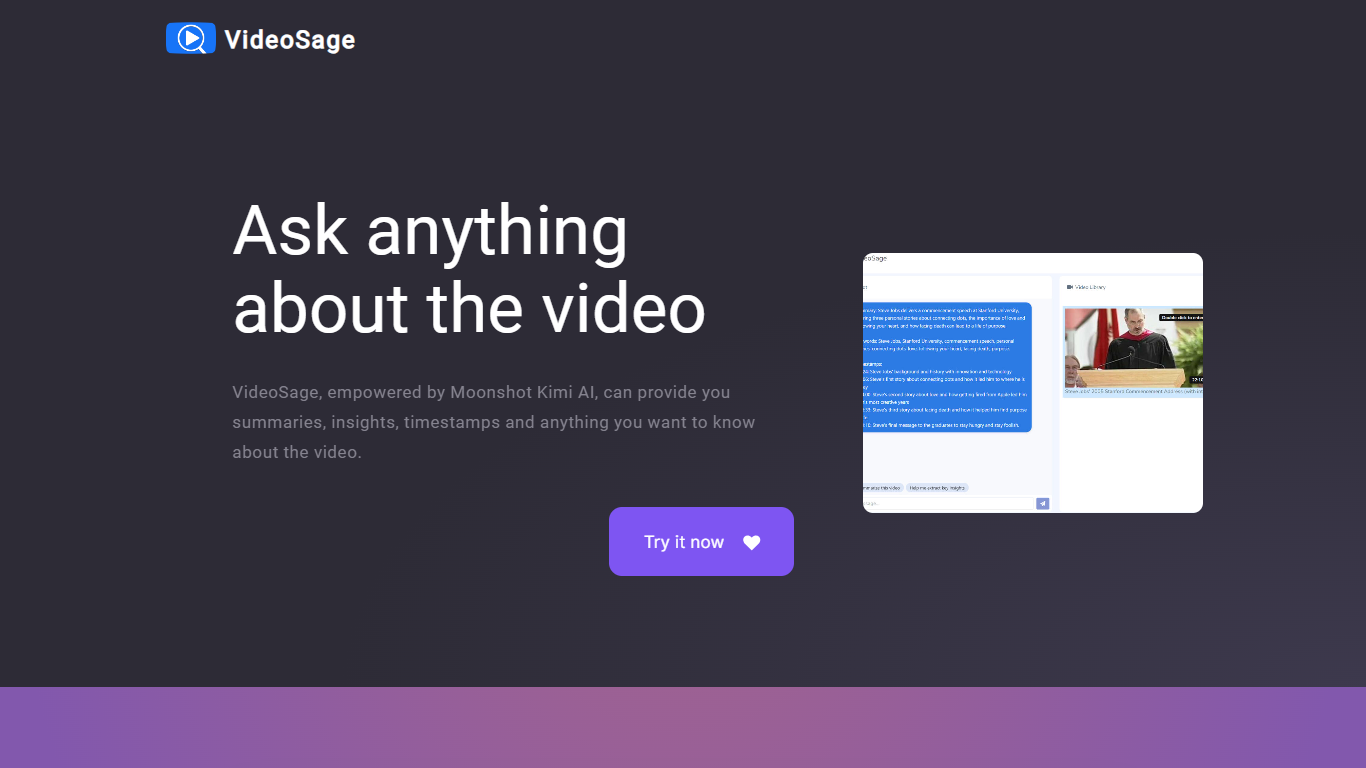

What is VideoSage ?
VideoSage is an AI-powered video companion designed to enhance how you watch and learn from videos. It uses the Moonshot Kimi AI model to generate detailed summaries, extract key insights, and provide precise timestamps, making long videos easier to navigate and understand. This tool is ideal for content creators, students, and anyone looking to get more from video content without wasting time.
The platform encourages interactive engagement by allowing users to ask questions about the video content and receive accurate, transparent answers. This conversational approach helps deepen understanding and supports note-taking directly within the video interface, fostering a more active learning experience.
VideoSage also offers customization options to tailor the viewing experience to individual preferences, helping users focus on the most relevant parts of a video. Its ability to break down complex or lengthy videos into manageable segments saves time and improves retention.
The AI model powering VideoSage is regularly updated to maintain high accuracy and relevance, ensuring that users get reliable information and insights. The platform's design emphasizes ease of use, making advanced video analysis accessible without technical expertise.
Overall, VideoSage transforms passive video watching into an interactive, efficient, and insightful process, helping users extract maximum value from video content across educational and entertainment contexts.
Clipchamp

What is Clipchamp?
Clipchamp enables users to record, edit, and share high-definition videos directly from their web browser or Windows app. It offers tools for creating videos with webcam, screen, and voice recordings, combined with AI-powered editing features like noise suppression and automatic subtitle generation.
What distinguishes Clipchamp from other video editors is its integration of advanced AI tools such as a natural voiceover generator with over 400 voices and an AI silence remover that automatically cuts long pauses. It also provides customizable color and gradient backgrounds and supports exporting videos up to 4K resolution without watermarks for premium users.
Clipchamp's content library includes royalty-free stock videos, images, music, and templates tailored for social media, education, and business use. Its privacy-first approach ensures all recordings remain on the user's device unless shared, making it a secure choice for video creation.
With features like multi-item editing, grouping, and a flexible video resizer supporting multiple aspect ratios, Clipchamp offers a comprehensive editing experience suitable for creators of all skill levels. It works seamlessly in Microsoft Edge and Google Chrome browsers, with an optional Windows app available for enhanced performance.
VideoSage Upvotes
Clipchamp Upvotes
VideoSage Top Features
📌 Detailed video summaries highlight key points for quick understanding
⏰ Precise timestamps let you jump to important moments instantly
💬 Interactive Q&A lets you ask questions and get clear answers about videos
📝 Built-in note-taking helps capture thoughts while watching
⚙️ Customizable viewing options tailor the experience to your needs
Clipchamp Top Features
🎤 Natural AI voiceover generator with 400+ voices and adjustable pitch and pace
📝 AI subtitle generator creating accurate captions in 80+ languages with editable styles
📹 Screen and webcam recorder with unlimited retakes and no watermarks
🔇 AI silence remover to automatically cut long pauses and silences from videos
🎨 Custom color and gradient video backgrounds with HSV and HEX color picker
📺 Video exports up to 4K resolution available with premium subscription
🎬 Multi-item editing and grouping tools for efficient workflow
VideoSage Category
- Video Editing
Clipchamp Category
- Video Editing
VideoSage Pricing Type
- Freemium
Clipchamp Pricing Type
- Freemium