VideoSage vs Timebolt
In the battle of VideoSage vs Timebolt, which AI Video Editing tool comes out on top? We compare reviews, pricing, alternatives, upvotes, features, and more.
Between VideoSage and Timebolt, which one is superior?
Upon comparing VideoSage with Timebolt, which are both AI-powered video editing tools, Timebolt stands out as the clear frontrunner in terms of upvotes. The number of upvotes for Timebolt stands at 18, and for VideoSage it's 6.
Not your cup of tea? Upvote your preferred tool and stir things up!
VideoSage
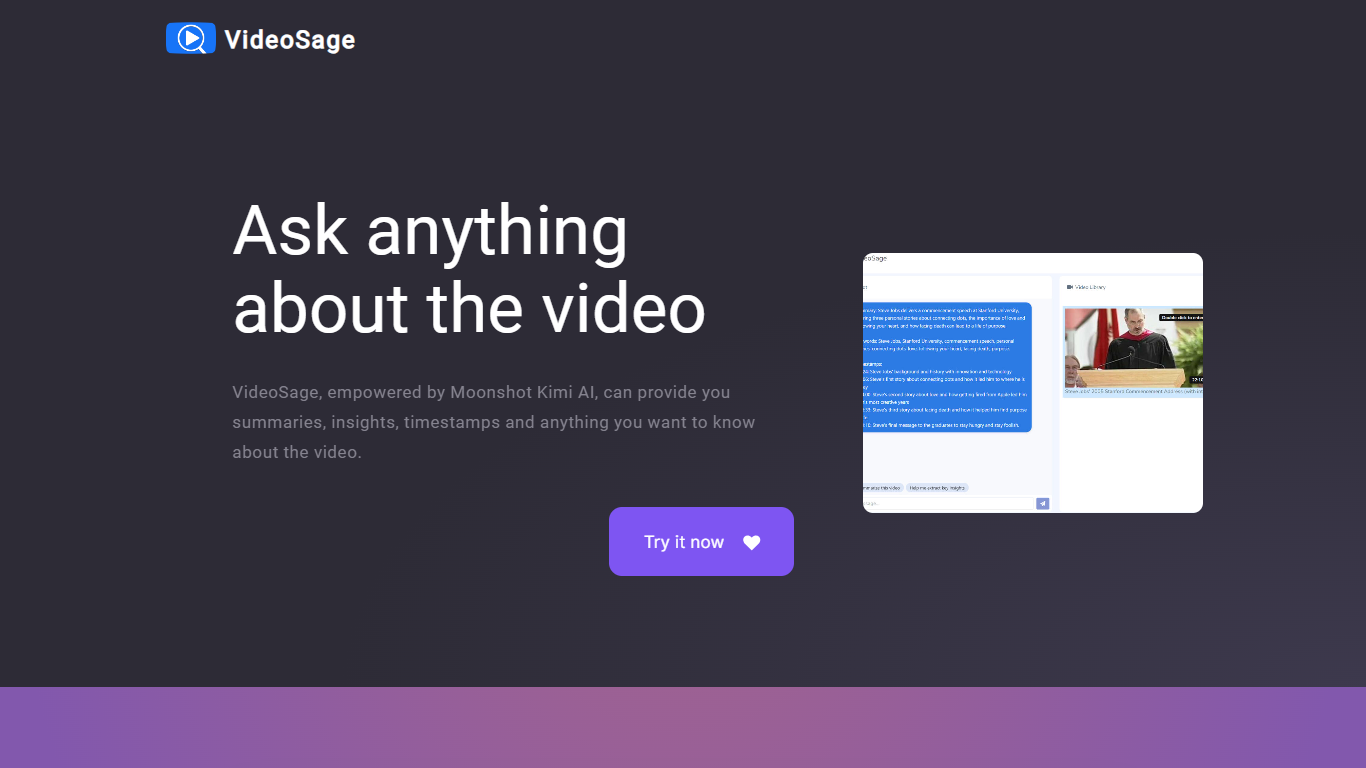

What is VideoSage ?
VideoSage is an AI-powered video companion designed to enhance how you watch and learn from videos. It uses the Moonshot Kimi AI model to generate detailed summaries, extract key insights, and provide precise timestamps, making long videos easier to navigate and understand. This tool is ideal for content creators, students, and anyone looking to get more from video content without wasting time.
The platform encourages interactive engagement by allowing users to ask questions about the video content and receive accurate, transparent answers. This conversational approach helps deepen understanding and supports note-taking directly within the video interface, fostering a more active learning experience.
VideoSage also offers customization options to tailor the viewing experience to individual preferences, helping users focus on the most relevant parts of a video. Its ability to break down complex or lengthy videos into manageable segments saves time and improves retention.
The AI model powering VideoSage is regularly updated to maintain high accuracy and relevance, ensuring that users get reliable information and insights. The platform's design emphasizes ease of use, making advanced video analysis accessible without technical expertise.
Overall, VideoSage transforms passive video watching into an interactive, efficient, and insightful process, helping users extract maximum value from video content across educational and entertainment contexts.
Timebolt

What is Timebolt?
Timebolt is a desktop video editor built around waveform-first jump cuts for podcasts, interviews, and screen recordings. It strips silence, filler words, and bad takes with 0.01 second cut control, then exports timelines to Premiere Pro, Final Cut Pro, DaVinci Resolve, or Camtasia without re-cutting by hand.
Most text-based AI editors guess where pauses live and leave hundreds of missed cuts per hour. Timebolt measures the audio waveform first, which is why its benchmark claims zero mistakes left per hour while rivals like Descript and Gling still need manual cleanup. That trade-off favors editors who want frame-tight cuts over a chat-style transcript workflow.
Podcasters, YouTubers, and course creators use Timebolt to shrink raw talking-head footage before publishing. Post-production teams also route Riverside multicam sessions through Timebolt XML exports so senior editors finish polish work in their preferred NLE.
VideoSage Upvotes
Timebolt Upvotes
VideoSage Top Features
📌 Detailed video summaries highlight key points for quick understanding
⏰ Precise timestamps let you jump to important moments instantly
💬 Interactive Q&A lets you ask questions and get clear answers about videos
📝 Built-in note-taking helps capture thoughts while watching
⚙️ Customizable viewing options tailor the experience to your needs
Timebolt Top Features
0.01 second cut control on waveform-based silence removal
Processes an hour of footage in about 13 seconds for jump cuts
Exports XML timelines to Premiere Pro, Final Cut Pro, and DaVinci Resolve
UMCHECK removes filler words automatically from recorded speech
Free 4K screen capture tool for Mac and Windows
Benchmark reports zero missed cuts per hour versus hundreds on rival AI editors
VideoSage Category
- Video Editing
Timebolt Category
- Video Editing
VideoSage Pricing Type
- Freemium
Timebolt Pricing Type
- Freemium